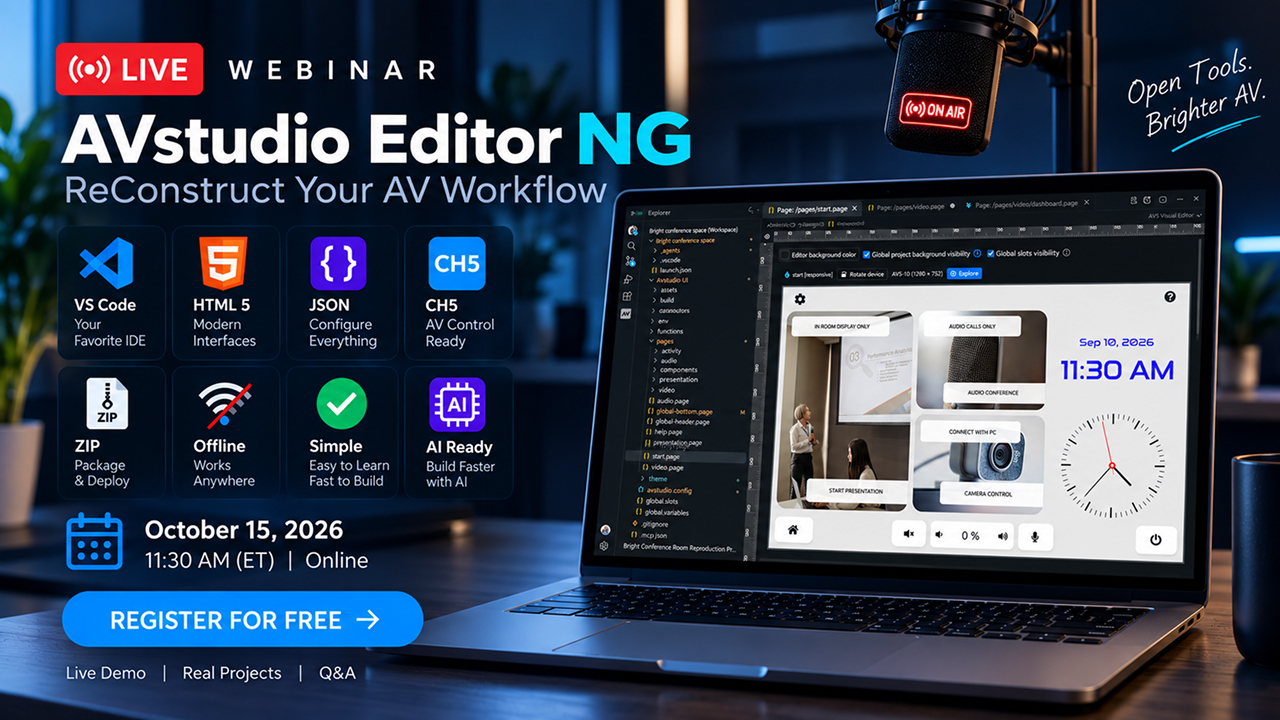
Join us on October 15, 2026, at 11:30 AM EDT for a free live webinar introducing AVstudio Editor NG. See the new editor in action, explore its key capabilities, and discover how visual design and AI can help you build modern control interfaces. A great AV interface starts with understanding how people use a system: launching a presentation, selecting a source, adjusting audio or lighting, or starting a video conference. AVstudio Editor NG helps turn these everyday workflows into intuitive interfaces, bringing design, logic, testing, and project packaging into one workspace. During the webinar, we’ll introduce you to the new editor and show you how to start creating something extraordinary.
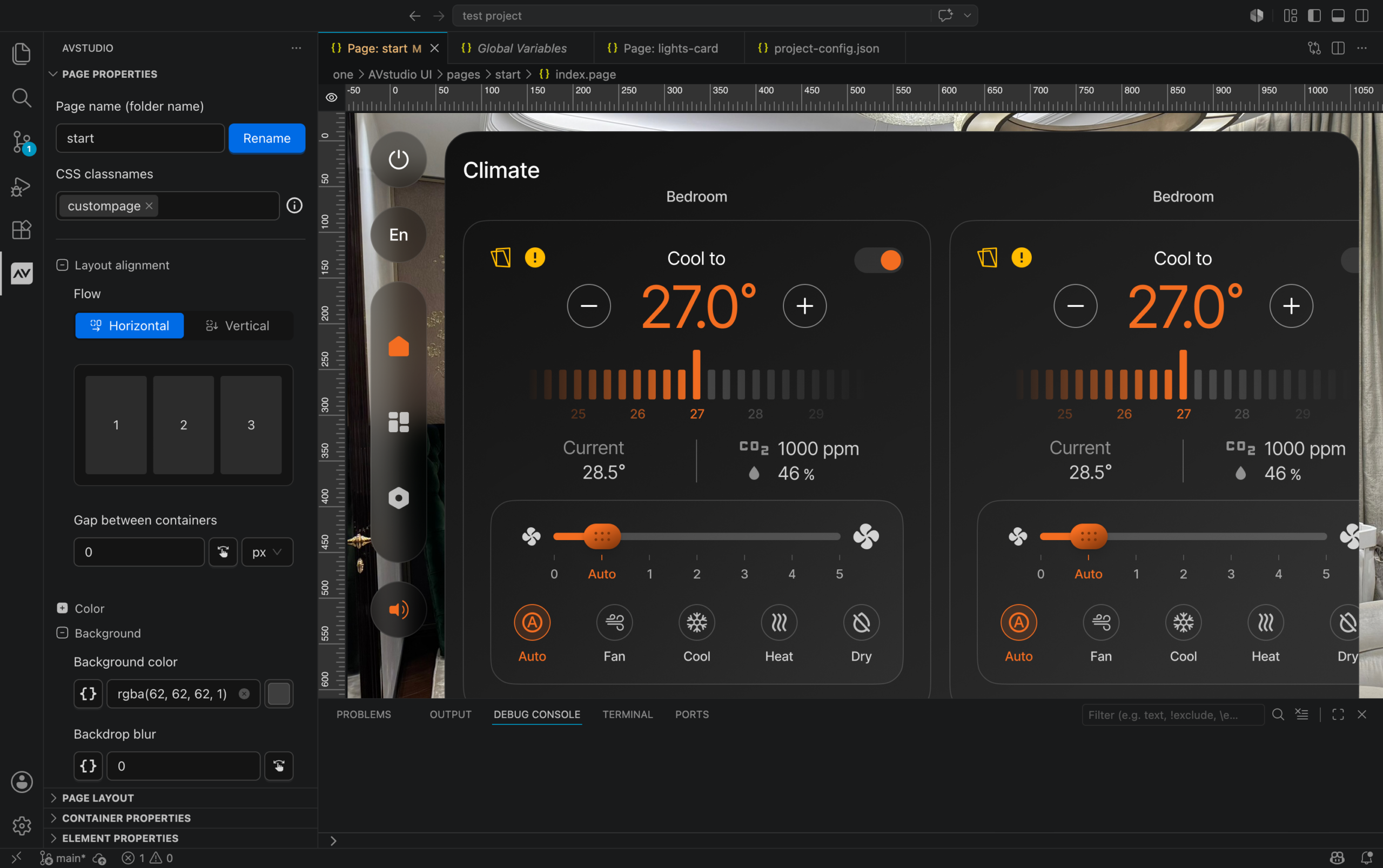
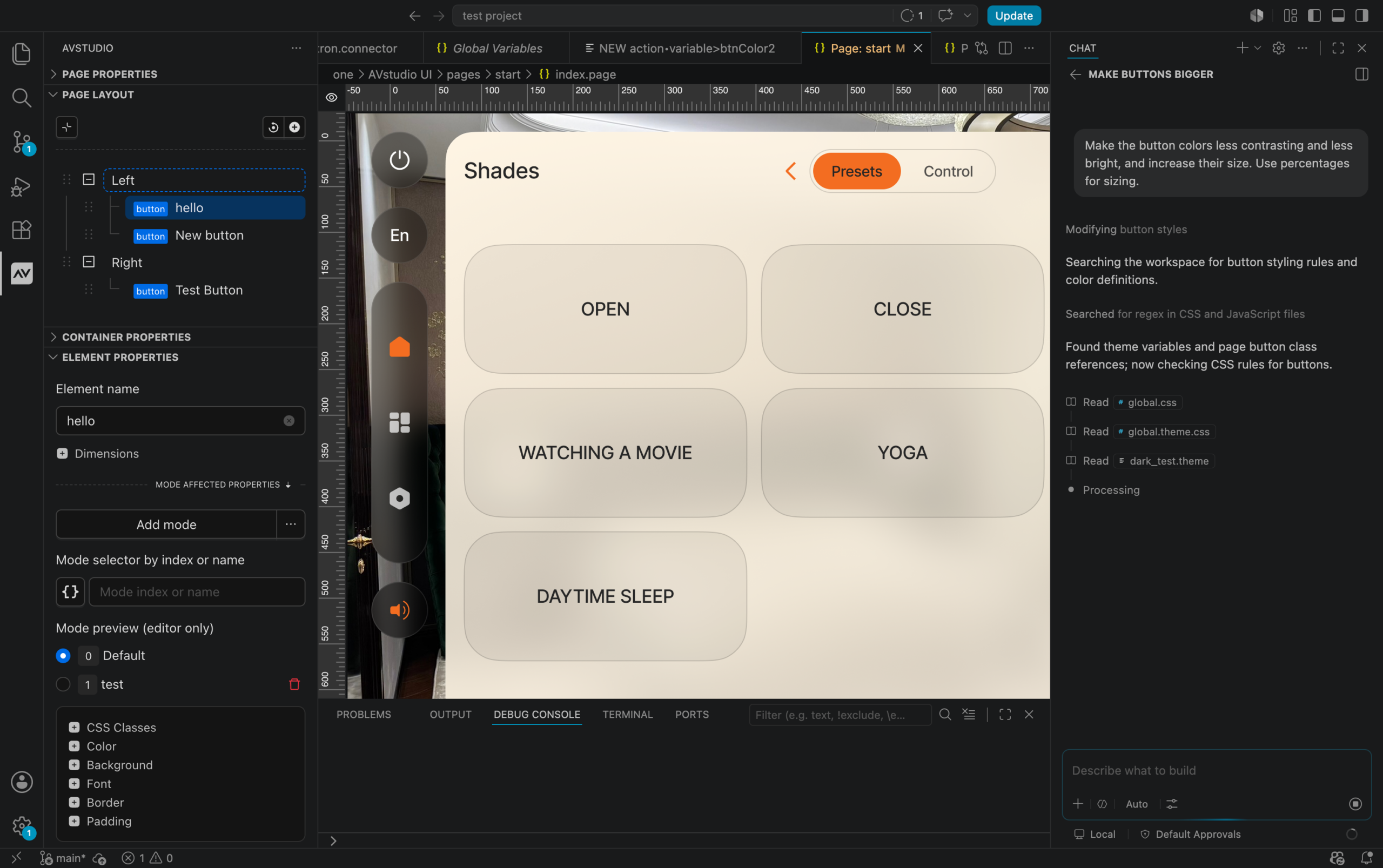
Build Visually AVstudio Editor NG runs inside Visual Studio Code. Add components to a page, customize their appearance, and organize screens in the visual editor. Buttons, sliders, navigation, and other controls help you build the foundation of an interface and adapt it to each project’s needs. In our live demonstration, we’ll explore the first elements and widgets and show how they can come together to form a multi-screen interface with control workflows.
Bring AI into Your Workflow The new editor is designed to work with compatible AI assistants. They can access project context and help you add components, update pages, and understand interface logic. This creates a practical workflow: describe a task, review the changes visually, and test the result. We’ll demonstrate how AI and visual editing work together while keeping you in control.
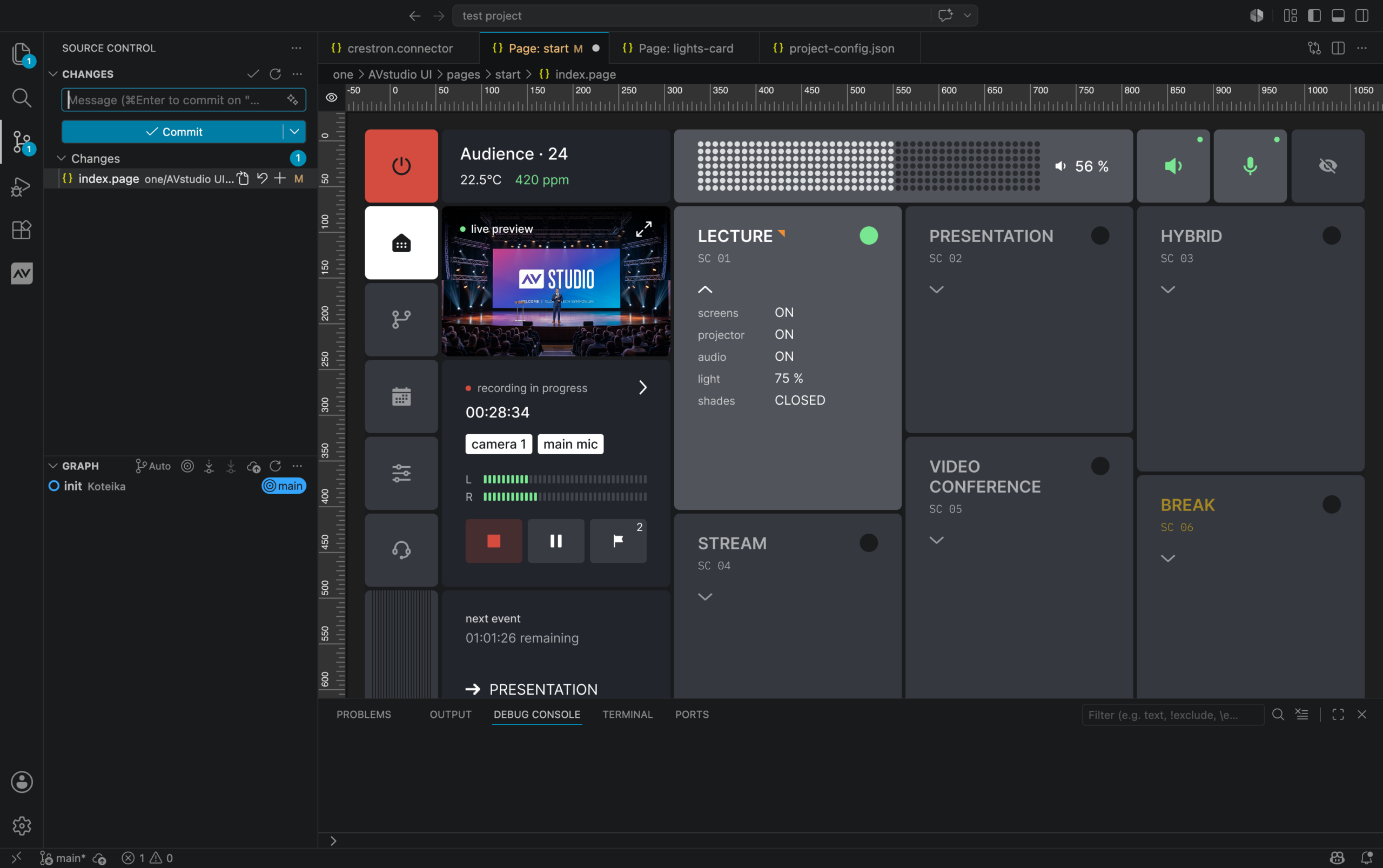
Test Ideas as You Build Live Preview runs your interface in a browser and displays updates as you work. Explore screens, try navigation, and check how controls behave before preparing the final build. This makes it easier to evaluate ideas, discuss them with your team, and show clients how their future interface will work.
Reuse Your Best Design Decisions Responsive layouts help you create interfaces for different screen sizes. Themes establish a consistent look, while reusable pages and components let you apply proven designs throughout a project. For systems with multiple rooms or similar control workflows, you can design shared elements once and reuse them where needed.
Keep Your Project Files in Your Hands Pages, settings, images, and logic are stored in local project files. This supports offline work, straightforward backups, and source handoff to colleagues. A familiar Git workflow lets you track changes, compare versions, and collaborate with your team. Visual editing and source editing work with the same project data.
Prepare Interfaces for Real AV Systems AVstudio Editor NG builds HTML5 interfaces and supports ZIP archives, along with CH5Z packages for compatible Crestron deployment workflows. Connections to equipment and external data help turn your interface design into a working control experience. We’ll show how design, behavior configuration, preview, and packaging come together in one development workflow. Expect a live demo, real projects, and Q&A. This webinar is for AV integrators, control system programmers, interface designers, and anyone who wants to explore the new editor. We’re also preparing a special surprise for live attendees: free access to something we haven’t announced yet. Join us live for the reveal.
October 15, 2026 · 11:30 AM EDT · Online · Free to Attend
CEDIA Expo 2026 has come to a close, marking an important milestone for AVstudio.
From September 2–4, we joined the professional AV community at the Colorado Convention Center in Denver to present AVstudio technology, demonstrate our AVS Touch Panels, meet integrators and industry professionals, and share our vision for the future of AV and automation.
Three days of conversations, demonstrations, feedback, and new connections gave us an opportunity not only to show what we have been building, but also to see how the professional integration community responds to it.
The result exceeded our expectations.
Together with KNX USA
We would like to extend a special thank you to the KNX USA National Group for the opportunity to participate together at CEDIA Expo 2026.
Being part of the KNX USA exhibit gave us the opportunity to demonstrate AVstudio alongside technologies from the broader KNX ecosystem and connect with professionals working across smart home, building automation, and professional AV.
Throughout the show, our AVS Touch Panels and AVstudio software demonstrated excellent compatibility with KNX-based products and solutions.
For visitors, this was an opportunity to see how AVstudio can fit into real-world automation environments where products and technologies from multiple manufacturers need to work together.
AVS Touch Panels in the Spotlight
CEDIA 2026 was an important opportunity to put the AVS Touch Panels directly in front of professional integrators and demonstrate how AVstudio hardware and software work together as a complete control solution.
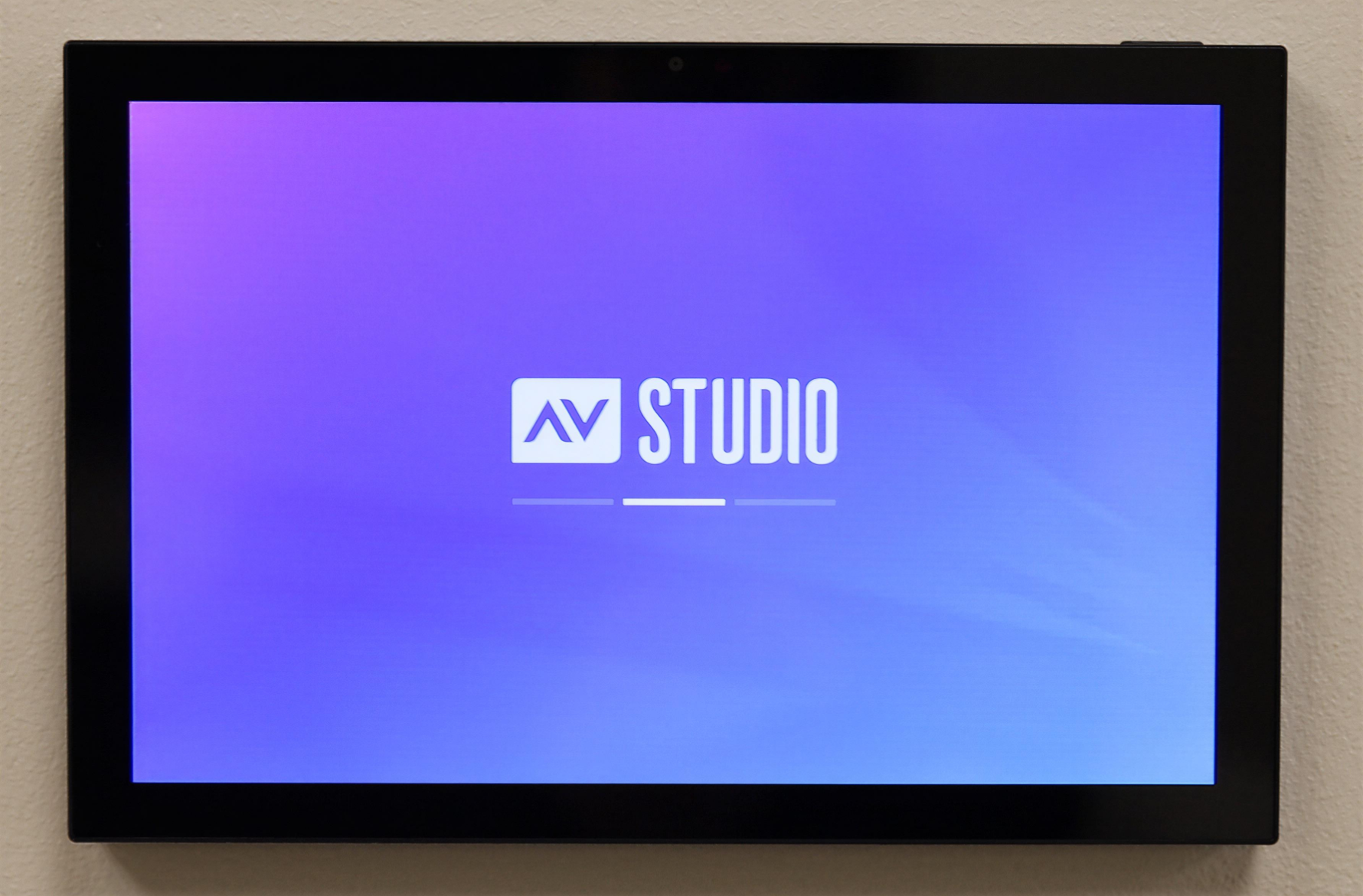
Visitors were able to see the AVS-10 in person, explore its interface, discuss connectivity and installation options, and learn how the panel can become part of residential and commercial AV and automation systems.
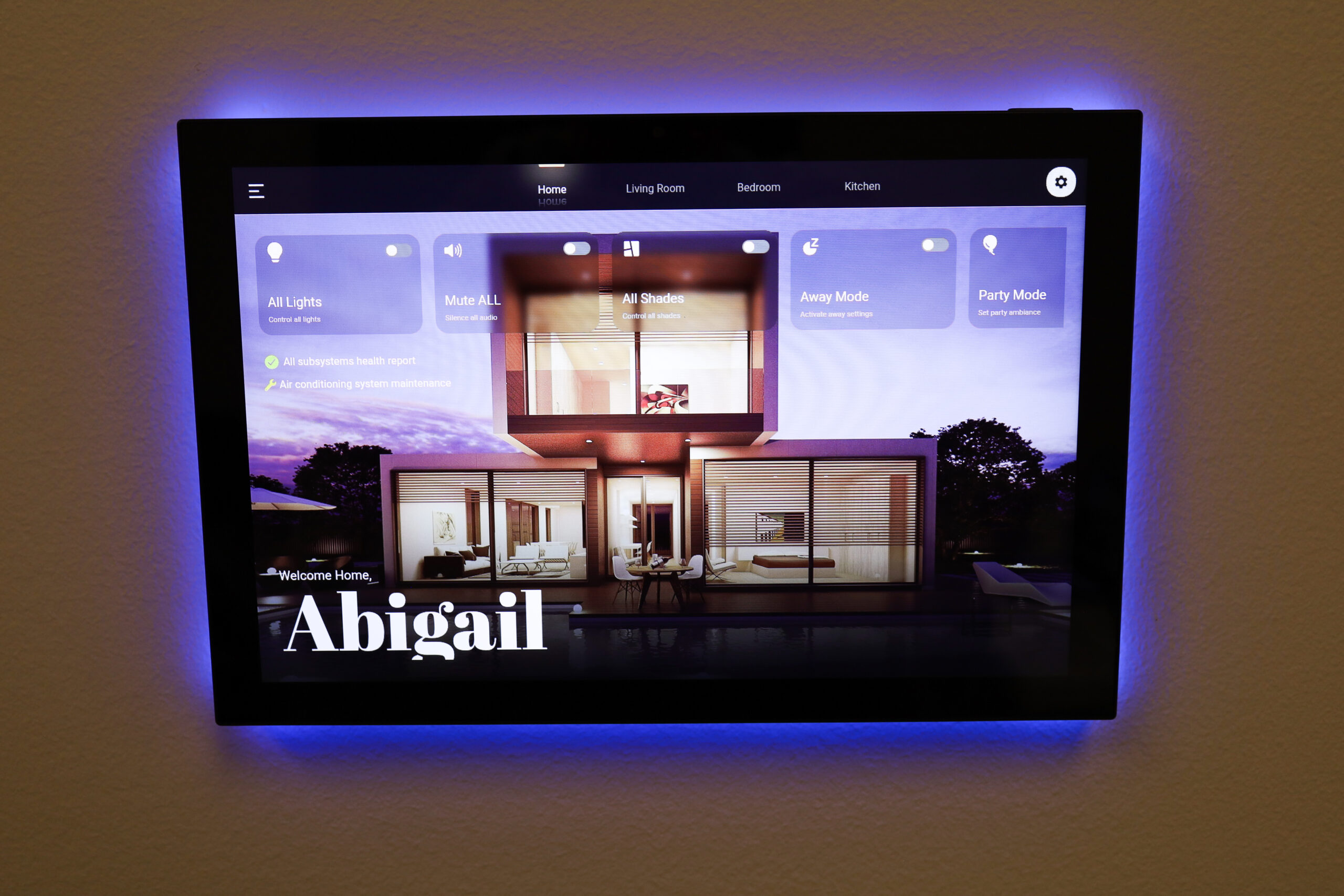
The interface demonstrated on the AVS-10 throughout the show was created using AVstudio Editor NG, giving visitors a first-hand look at how integrators and developers can build modern custom control interfaces and deploy them to AVS Touch Panels.
The conversations quickly went beyond product specifications. Integrators discussed real projects, existing systems, third-party equipment, installation requirements, interface development, and ways they could incorporate both AVS Touch Panels and AVstudio software into their own solutions.
That direct feedback was extremely valuable for our team and reinforced the importance of developing the AVstudio hardware and software ecosystem together.
And CEDIA brought an especially important milestone for the AVS product line:
we received our first AVS Touch Panel pre-orders.
For AVstudio, those first orders are more than a sales milestone. They are an early confirmation that integrators are looking for flexible alternatives in the professional touch-panel market and are ready to bring AVS products into real projects.
Built with AVstudio Editor NG
The control interface demonstrated on the AVS-10 at CEDIA Expo 2026 was created using AVstudio Editor NG, our next-generation environment for building modern AV and automation interfaces.
Projects created with AVstudio Editor NG are not limited to AVS Touch Panels. The same interfaces can be deployed across a wide range of compatible devices, giving integrators the flexibility to build an interface once and use it across different hardware platforms. This includes deployment on compatible Crestron touch panels, allowing integrators to bring AVstudio-designed interfaces into existing Crestron-based projects.
This cross-platform approach gives integrators greater freedom to choose the hardware that best fits each project while maintaining a consistent user experience.
New Partnerships Beyond CEDIA
Some of the most valuable results of an industry event happen through conversations.
During CEDIA Expo 2026, we met integrators and technology professionals from different markets, discussed upcoming projects, and explored opportunities to work together.
Those conversations resulted in new partnerships with integrators in America and Europe.
We are excited to continue these relationships beyond the show floor and see AVstudio technology become part of new AV and automation projects.
They also reinforce a principle that continues to guide the direction of our platform: AVstudio. True Open. Open to technologies, integrations, developers, integrators, and new possibilities.
Thank You to Everyone Who Visited Us
Most importantly, we want to thank everyone who took the time to visit us at CEDIA.
Thank you for stopping by the KNX USA exhibit, seeing the AVS Touch Panels in action, asking technical questions, sharing your experience, discussing your projects, and giving us feedback.
For a technology company, there is a major difference between developing a product internally and putting it in front of the professionals who may eventually specify, install, program, and support it.
CEDIA gave us that opportunity.
Every conversation helped us better understand what integrators expect from the next generation of AV control products and where AVstudio can continue improving.
CEDIA 2026 Was an Important Step Forward
We came to Denver ready to demonstrate what we have been building.
We left with much more:
our first AVS Touch Panel pre-orders, new integration partners in the United States and Europe, successful demonstrations alongside KNX technologies, valuable feedback from AV professionals, and many new connections across the industry.
CEDIA Expo 2026 may be over, but the conversations and relationships that started in Denver are just beginning.
Thank you to KNX USA National Group, everyone who visited us, and everyone who continues to follow and support the development of AVstudio.
Our AVstudio representative is traveling from Charlotte, North Carolina, to Denver, Colorado, as we get ready for CEDIA Expo 2026, taking place September 2–4 at the Colorado Convention Center.
Over the next few days, we’ll be sharing updates directly from Denver — from getting ready for the show to product demonstrations, conversations with AV professionals, and a behind-the-scenes look at what’s happening at CEDIA.
Meet AVstudio at CEDIA Expo 2026
This year, AVstudio will be participating as part of the KNX USA exhibit at Booth C1104.
Visitors will have an opportunity to learn more about the AVstudio ecosystem and see some of the technologies we’ve been working on, including our AVS Touch Panels and the next generation of AVstudio development tools.
CEDIA Expo 2026 September 2–4, 2026 Colorado Convention Center Denver, Colorado Booth C1104 — KNX USA Exhibit
Find AVstudio at the KNX USA exhibit, Booth C1104, at CEDIA Expo 2026.
Follow Our CEDIA Journey
This is just the beginning.
Throughout CEDIA Expo, we’ll be posting photos, videos, product demonstrations, and updates from the show floor here on the AVstudio website and across our social channels.
If you’re attending CEDIA Expo 2026, come visit us at Booth C1104 and meet the AVstudio team in Denver.
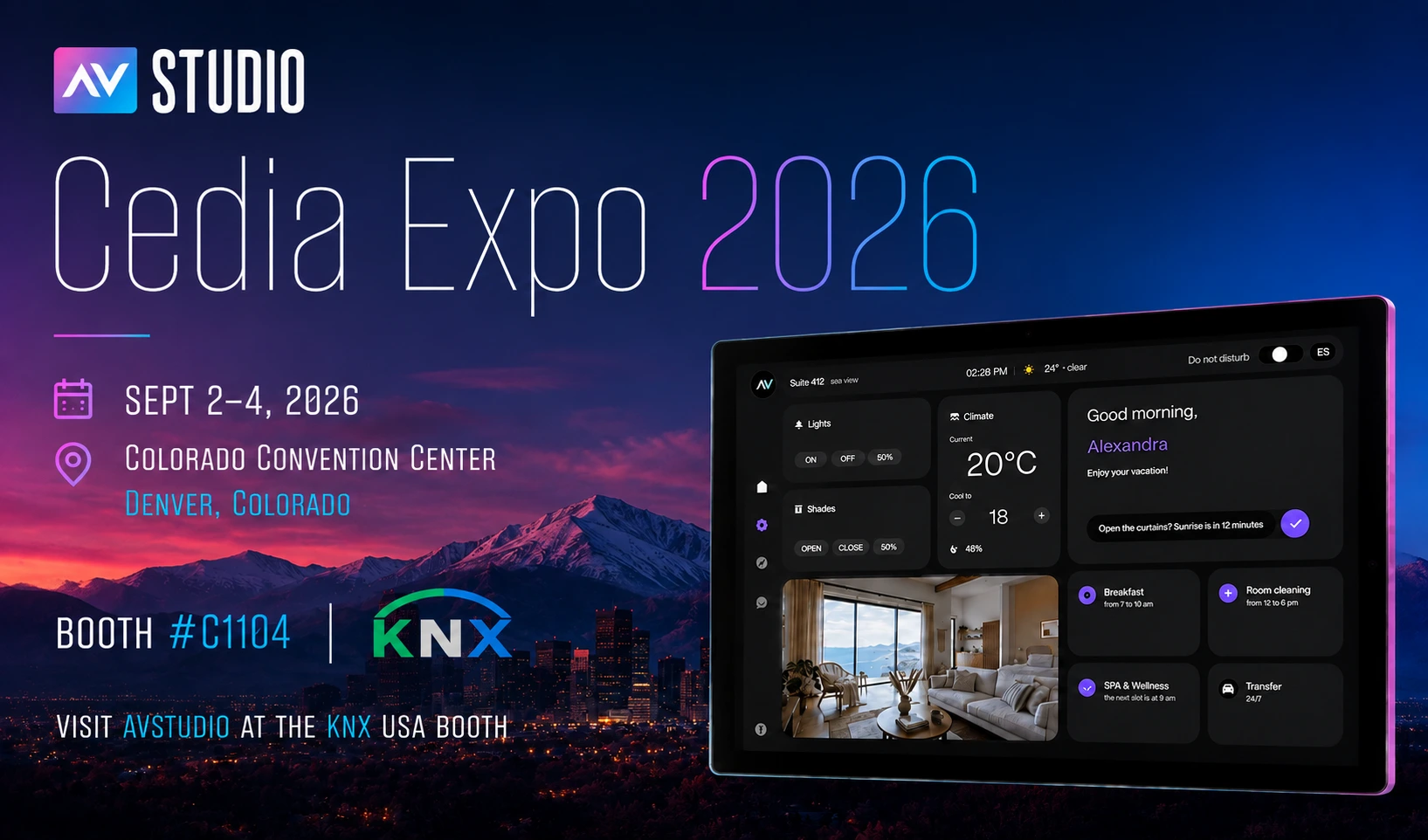
AVstudio is heading back to CEDIA Expo 2026, taking place September 2–4 at the Colorado Convention Center in Denver, Colorado.
As a regular CEDIA Expo participant, we always look forward to meeting the integrators, developers, manufacturers, and technology professionals who are shaping the future of the AV industry.
This year, however, we have even more to show.
At CEDIA Expo 2026, AVstudio will showcase the AVS-10 and AVS-15 professional touch panels alongside AVstudio NG — the next generation of the AVstudio development platform.
You can find us as part of the KNX USA exhibit at Booth #C1104.
Get a FREE CEDIA Expo 2026 Pass
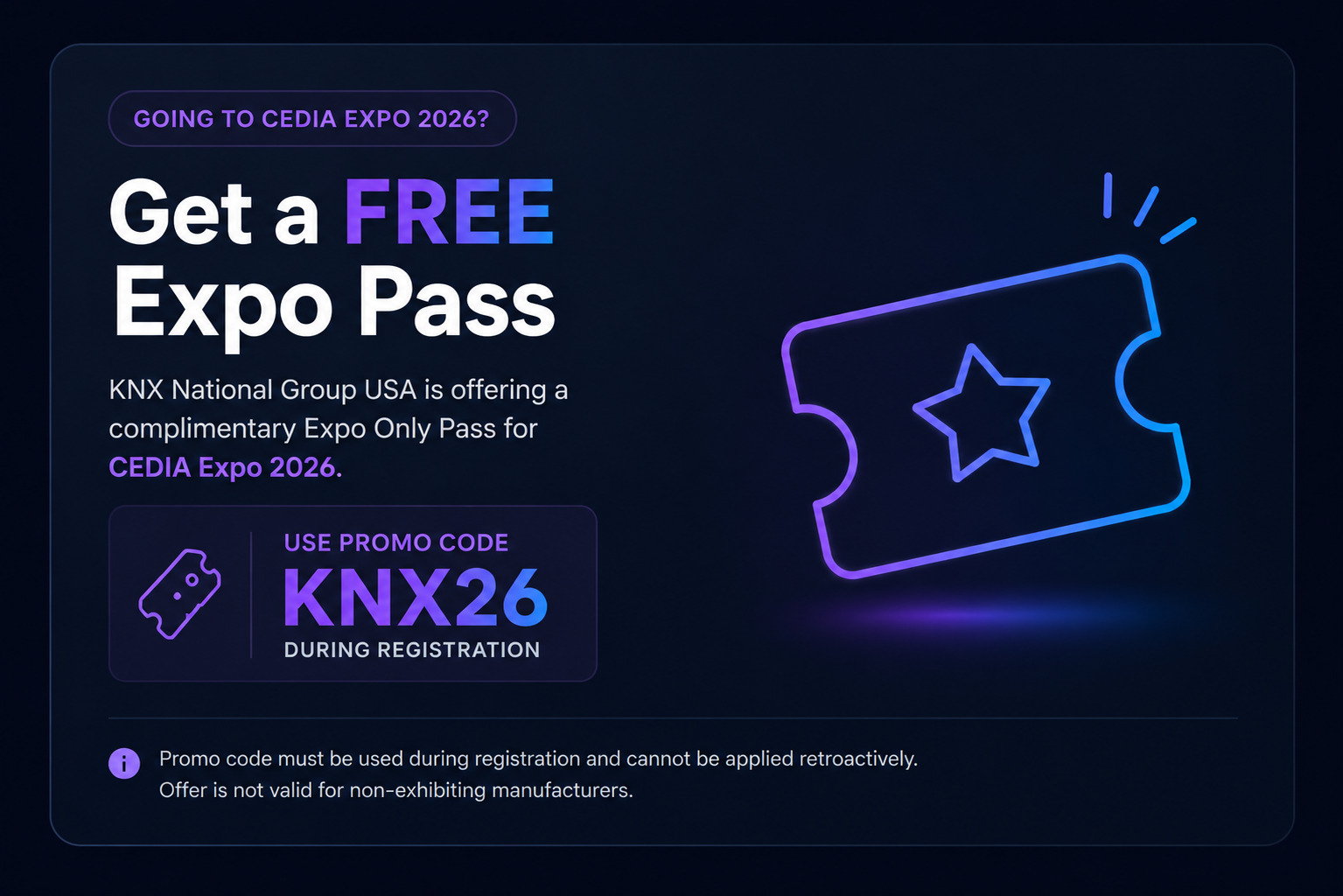
Planning to join us in Denver? KNX National Group USA is offering a FREE Expo Only Pass for CEDIA Expo 2026.
Use promo code KNX26 during registration to claim your complimentary Expo Only Pass.
Promo code must be used during registration and cannot be applied retroactively. Offer is not valid for non-exhibiting manufacturers.
Then come meet AVstudio at KNX USA Booth #C1104 to see the AVS-10 and AVS-15 in person and experience AVstudio NG.
See the AVS-10 and AVS-15 in Person
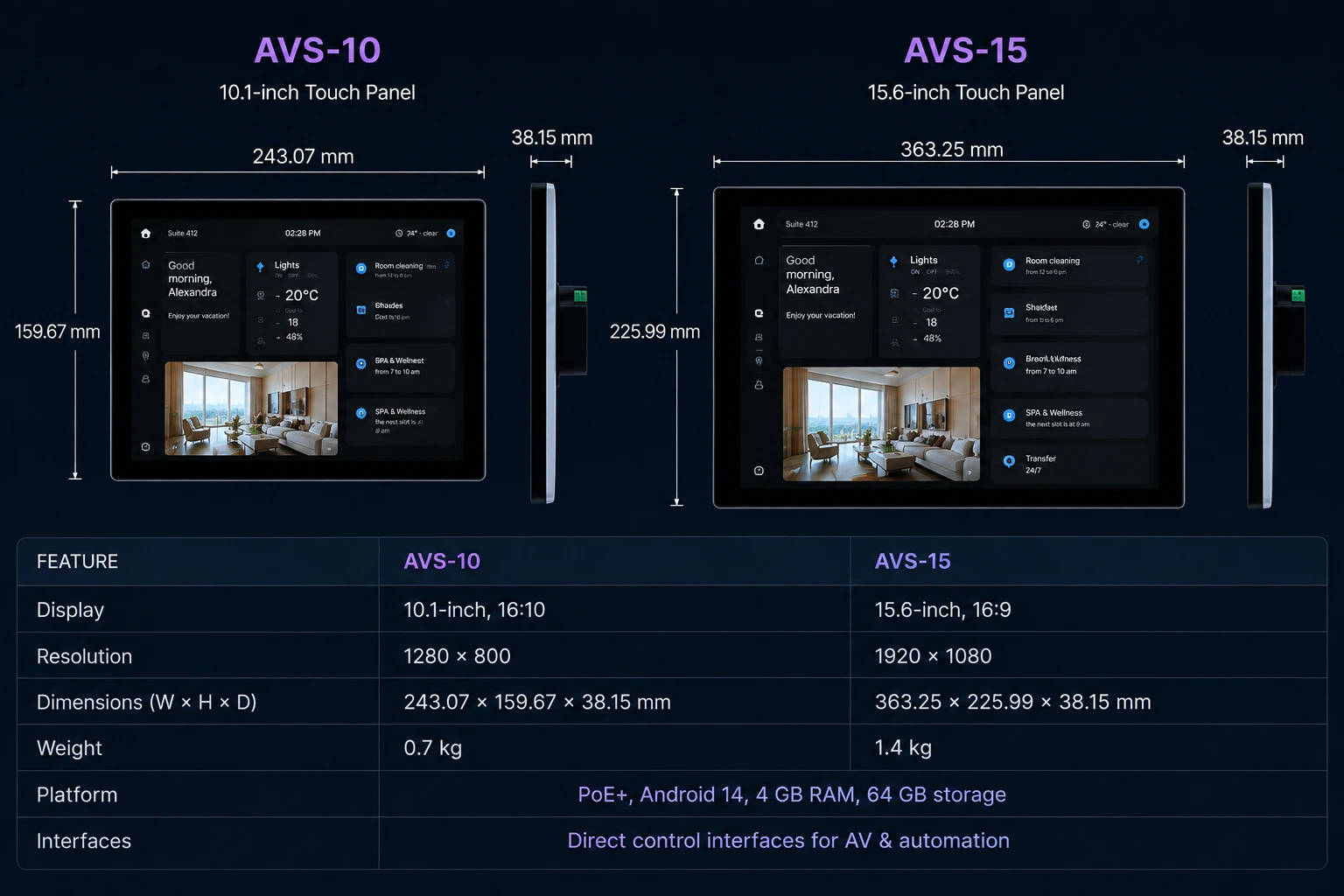
AVS-10 and AVS-15 professional touch panels compared by display size, resolution, dimensions, and hardware specifications.
We’re bringing both members of the new AVS touch panel family to Denver, giving integrators an opportunity to see and experience the hardware firsthand.
The AVS-10 features a 10.1-inch 1280 × 800 display, while the larger AVS-15 provides a 15.6-inch Full HD 1920 × 1080 display.
Both models are purpose-built for professional AV and automation installations and share the same core platform: Android 14, 4 GB RAM, 64 GB storage, PoE+, and direct control interfaces for connecting AV and automation hardware.
Combined with AVstudio Runtime, the panels provide a dedicated platform for deploying custom HTML-based control interfaces and connecting them with the physical systems they control.
At CEDIA Expo, you’ll be able to take a closer look at both sizes, compare their form factors, see the mounting concept, and discuss how the panels can fit into your next project.
Introducing AVstudio NG at CEDIA Expo
The new hardware is only part of what we’re bringing to Denver.
We’ll also be showcasing AVstudio NG, the next generation of our AV development platform.
AVstudio NG takes the visual development workflow AV professionals already know and brings it into a modern software development environment.
Instead of keeping your project inside a proprietary editor or requiring a constant connection to a cloud service, AVstudio NG works with real project files on your computer.
Projects use familiar technologies such as HTML, CSS, JavaScript, and JSON and can be developed directly inside Visual Studio Code and compatible VS Code-based environments.
That changes what is possible when developing professional AV systems.
Work Locally — Even Offline
Your AVstudio NG project lives locally on your computer.
That means you can continue developing without relying on a browser or a permanent internet connection — an important advantage when working on-site, commissioning systems, traveling, or developing in environments with limited connectivity.
Your project is also made up of open, human-readable files rather than being locked inside a proprietary project format.
Modern Development Tools Meet AV
Moving AVstudio into a modern development environment opens the door to the tools that software developers already use every day.
Developers can work with Git, extensions, custom JavaScript and CSS, source control, debugging tools, and modern code editors while continuing to use AVstudio’s visual approach to building control systems.
You don’t have to choose between visual AV development and traditional software development anymore.
Visual when you want it. Code when you need it.
And now, there’s another major part of that workflow.
AI Comes to AV Development
AI is rapidly changing the way software is created, but traditional closed AV development environments have made it difficult to take advantage of modern AI development tools.
AVstudio NG changes that.
Because projects are built from structured, human-readable files and standard web technologies, modern AI coding tools can understand the project they’re working with.
AI can assist with tasks such as creating pages and interface elements, generating variables and actions, writing JavaScript and CSS, applying styling, reviewing project structure, and identifying missing or inconsistent project data.
Instead of treating AI as a separate tool outside the AV development process, AVstudio NG makes it possible to bring AI directly into the development workflow.
Visual when you want it. Code when you need it. AI when it helps.
At CEDIA Expo 2026, we’ll be ready to demonstrate what this new workflow looks like and discuss how it can change the way integrators develop and maintain AV projects.
Hardware and Software Built to Work Together
The AVS touch panels and AVstudio NG represent two sides of the same direction for AVstudio.
With AVstudio NG, integrators have a modern environment for building their projects.
With AVstudio Runtime, those applications can communicate with AV and automation hardware.
And with the AVS-10 and AVS-15, AVstudio now provides dedicated professional hardware on which those interfaces can be deployed.
Together, they create a workflow that connects modern web development, AI-assisted development, professional AV control, and dedicated touchscreen hardware.
AVstudio + KNX
Our participation at CEDIA Expo 2026 will be part of the KNX USA exhibit at Booth #C1104, alongside other companies working within the KNX ecosystem.
It’s a natural environment for what we’re building.
AVstudio is focused on bridging modern software interfaces with professional AV, automation, and building control systems — while giving integrators the flexibility to create interfaces around the requirements of each project.
If you’re interested in KNX, professional touch panels, custom visualization, integrated control, modern AV development, or AI-assisted AV workflows, we’d be glad to show you what we’re working on.
Meet AVstudio at CEDIA Expo 2026
If you’re an AV integrator, automation professional, developer, dealer, distributor, manufacturer, or system designer attending CEDIA Expo this year, come meet us in Denver.
CEDIA Expo 2026 September 2–4, 2026 Colorado Convention Center Denver, Colorado KNX USA — Booth #C1104
Come see the AVS-10 and AVS-15 in person, get a first-hand look at AVstudio NG, and talk with the AVstudio team about what you’re building.
Whether you’ve been using AVstudio for years or you’re discovering the platform for the first time, we’d love to meet you.
See you in Denver.
Get Your FREE Expo Only Pass
Join us at CEDIA Expo 2026, September 2–4 in Denver, and visit AVstudio at KNX USA Booth #C1104.
Use promo code KNX26 when registering to receive your FREE Expo Only Pass.
There are moments that deserve more than an announcement.
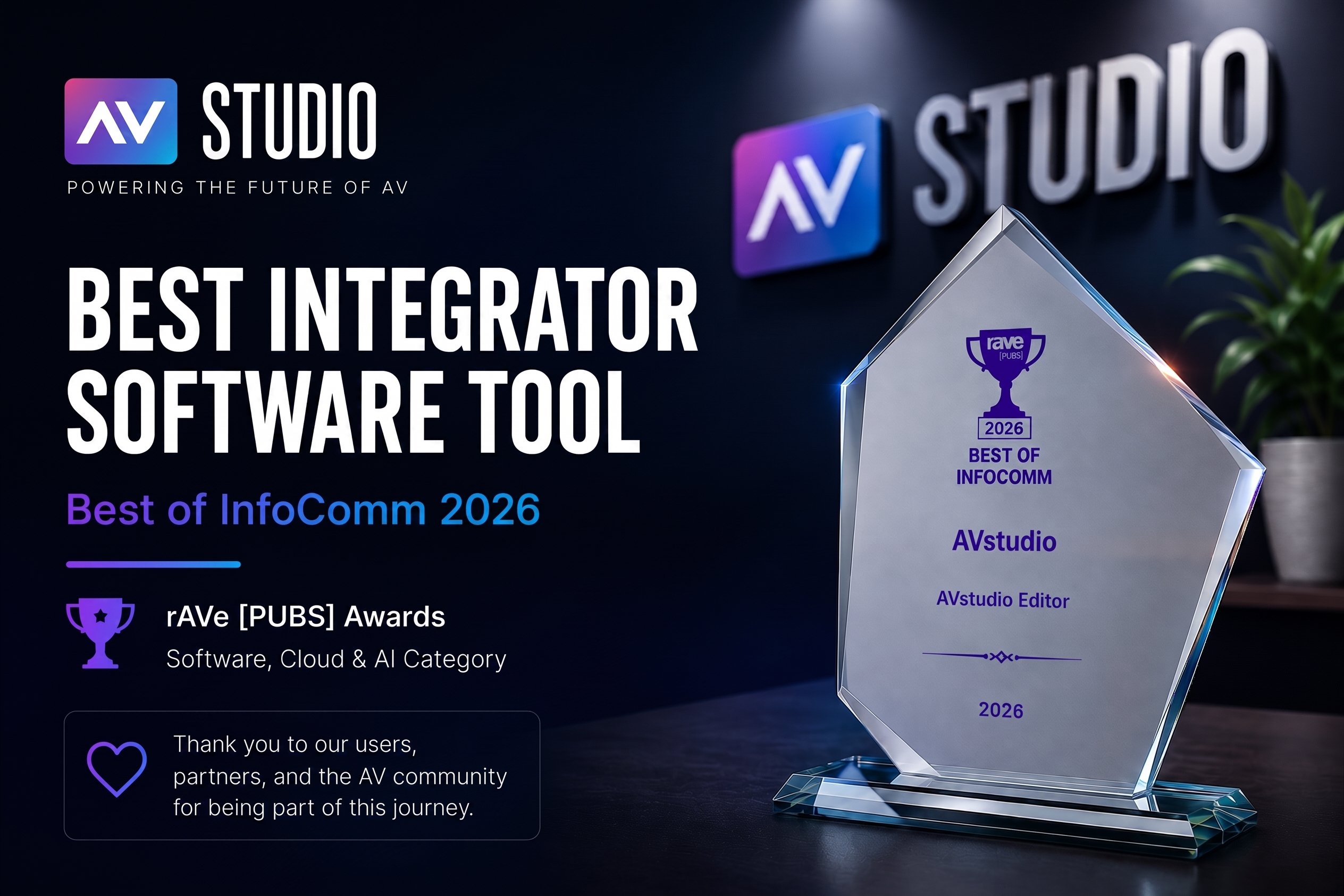
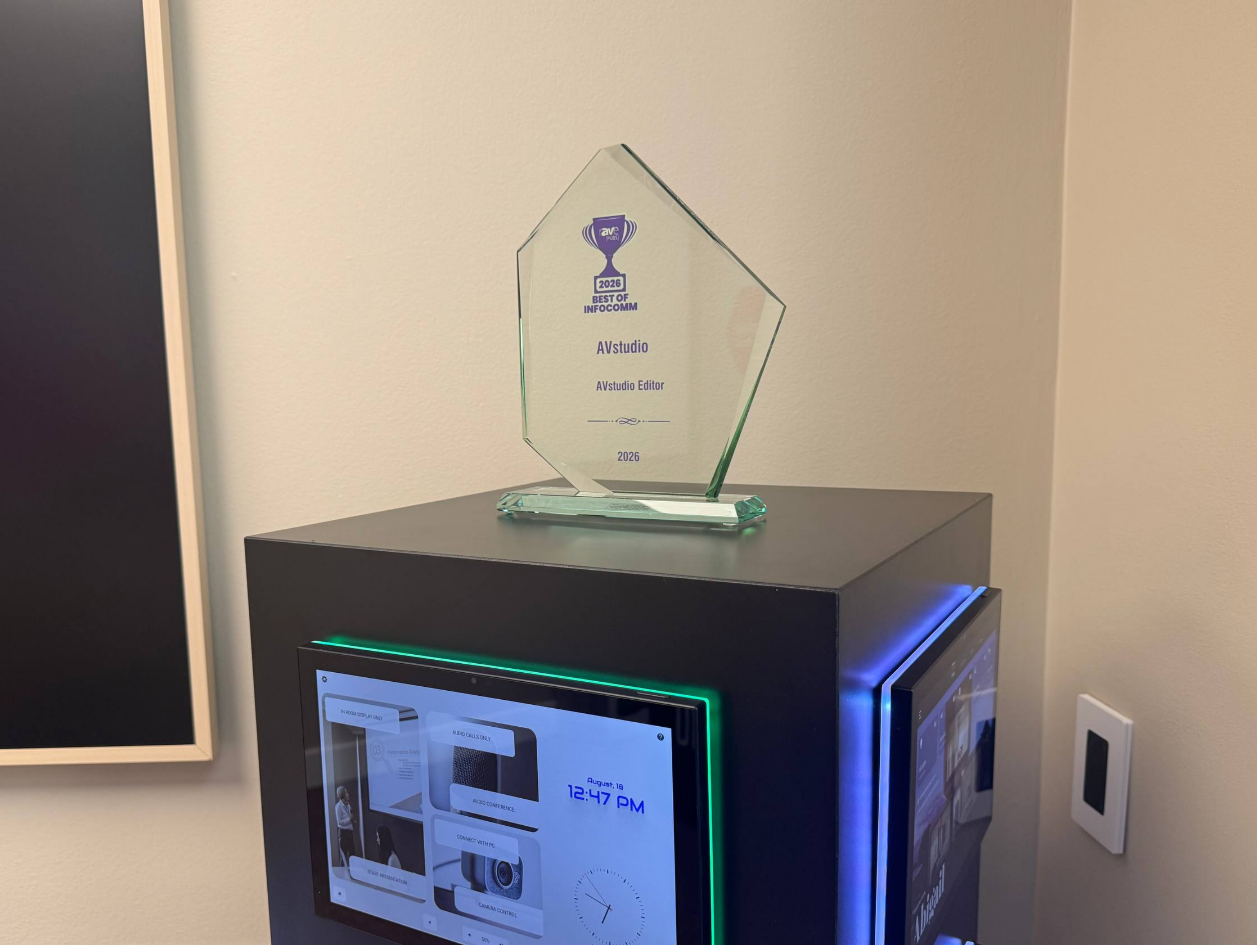
Earlier this summer at InfoComm 2026, AVstudio Editor was named Best Integrator Software Tool in the rAVe [PUBS] Best of InfoComm Awards. Now, the award has officially arrived at the AVstudio office — giving us another opportunity to celebrate an important milestone for our team and community.
Recognized at InfoComm 2026
InfoComm 2026 marked one of the most important events in AVstudio’s history.
During the show, we presented the expanding AVstudio software ecosystem and introduced the next generation of technologies we are building for professional AV developers and integrators.
At the same time, AVstudio Editor was selected by rAVe [PUBS] as the 2026 Best of InfoComm winner for Best Integrator Software Tool.
The recognition is especially meaningful because AVstudio Editor was built around a simple idea: professional AV developers should be able to create sophisticated control interfaces using modern web technologies without being locked into outdated development workflows.
Built for AV Integrators
AVstudio Editor gives integrators and developers a modern environment for building professional AV interfaces, dashboards, and control applications.
Instead of treating interface development as an isolated part of an AV system, AVstudio brings modern software development concepts into the professional AV workflow.
Projects can combine visual development with HTML5, CSS, JavaScript, integrations, reusable components, and custom application logic — giving developers the freedom to build interfaces around the actual requirements of a project.
That philosophy continues to guide the evolution of AVstudio.
A Bigger AVstudio Ecosystem
InfoComm 2026 was about more than AVstudio Editor.
At the show, we demonstrated how AVstudio is evolving into a broader ecosystem for developing and deploying modern AV applications.
That includes AVstudio NG, our next-generation Visual Studio Code-based development experience; AVstudio Runtime, the execution environment powering AVstudio applications; the AVS-10 Touch Panel, purpose-built hardware for modern HTML5 interfaces; and continued development of App Container for deploying applications across iOS and Android devices.
Together, these technologies represent our vision for a more open AV development environment — one built around modern tools, open standards, flexible deployment, and greater freedom for developers and integrators.
From InfoComm to the AVstudio Office
Seeing AVstudio Editor listed among the Best of InfoComm winners was already an exciting moment.
Having the physical award arrive at our office makes that recognition feel even more tangible.
It represents years of development, experimentation, feedback, and collaboration with the people who actually use AVstudio on real projects.
Most importantly, it belongs to more than just our development team.
It reflects the contributions of our users, integrators, partners, testers, and everyone who has shared feedback and helped us understand where professional AV development needs to go next.
Thank you to the AV community and to rAVe [PUBS] for this recognition.
The award now has a place in our office.
And we’re already working on what comes next.
See AVstudio at InfoComm 2026
Want to see more from the show?
Watch rAVe [PUBS]’ coverage of AVstudio at InfoComm 2026:
InfoComm 2026: AVstudio Features AVstudio Software Ecosystem
And explore our full InfoComm 2026 recap to learn more about AVstudio NG, AVstudio Runtime, AVS Touch Panels, App Container, and the future of the AVstudio ecosystem.
Thank you to everyone who joined our recent webinar.
We received a number of great questions throughout the session, and while we answered many of them live, we wanted to put everything together in one place for easy reference. Below you’ll find answers to the most common questions about the next generation of AVstudio.
If you have a question that isn’t covered here, feel free to reach out to our team. We’re always happy to help.
Q: Will there be any lower-priced option besides the Cloud subscription?
A: Yes. Partners who meet the annual sales requirement for Powered by AVstudio equipment will receive AVstudio Next Generation free of charge as part of the Partner Program.
Q: Does App Container support multiple projects/sites like Crestron GO?
A: Yes. App Container can store multiple projects, allowing users to switch between them without reinstalling the application.
Q: Are Push Notifications available on iOS?
A: Native push notifications require the AVstudio App Container.
Unfortunately, this is an Apple platform limitation. Standard web applications opened in Safari cannot provide the same push notification experience as native applications. Projects running inside App Container can receive push notifications through the AVstudio notification API.
Q: Can users simply scan a QR code without installing an app?
A: Yes. Users can simply scan a QR code and open the HTML5 interface remotely in their browser. The UI can be hosted directly on a touch panel, web server, or control system.
Connectivity depends on the network the user’s device is connected to.
Installing the AVstudio App Container is only required when native features such as push notifications, offline support, or other container-specific capabilities are needed.
Q: What problems does App Container solve?
A: App Container simplifies deployment and solves many common issues when running HTML5 applications, including:
Self-signed SSL certificates
Mixed HTTP/HTTPS environments
Faster application startup
Native push notifications
Offline support
Multiple projects on a single device
Simplified deployment and updates
Q: Why move to VS Code?
A: AVstudio Next Generation is built on top of the VS Code ecosystem while preserving the visual WYSIWYG experience.
Benefits include:
Local project files
Git integration
AI-assisted development (Cursor, Windsurf, GitHub Copilot, and other VS Code-compatible tools)
Offline development
Modern, extensible development environment
Q: Will AVstudio Next Generation provide the same development experience as the current Cloud Editor?
A: Yes. AVstudio Next Generation preserves the same visual WYSIWYG workflow while moving to a modern local architecture. You can continue building interfaces visually without manually editing HTML or JavaScript.
Q: When will AVstudio Next Generation be available?
A: Our current target is September 2026.
Projects created in the Cloud Editor will be exportable and can be opened in AVstudio Next Generation, allowing you to continue development locally without rebuilding your project.
We’ll continue to share updates as development progresses.
Q: Is there a free trial?
A: Yes. AVstudio includes a 2-week free trial, allowing you to evaluate the platform before subscribing.
Q: What are the dimensions of the AVS-10?
A: AVS-10 features a 10.1-inch display.
Dimensions: 243.07 × 159.67 × 13.6 mm (L × W × D)
Q: Will there be desktop and tabletop versions of AVS-10?
A: Yes. Both desktop and tabletop mounting options are planned and will be available soon.
Q: Will AVS-10 be available in white?
A: Yes. A white version is planned in addition to the black model.
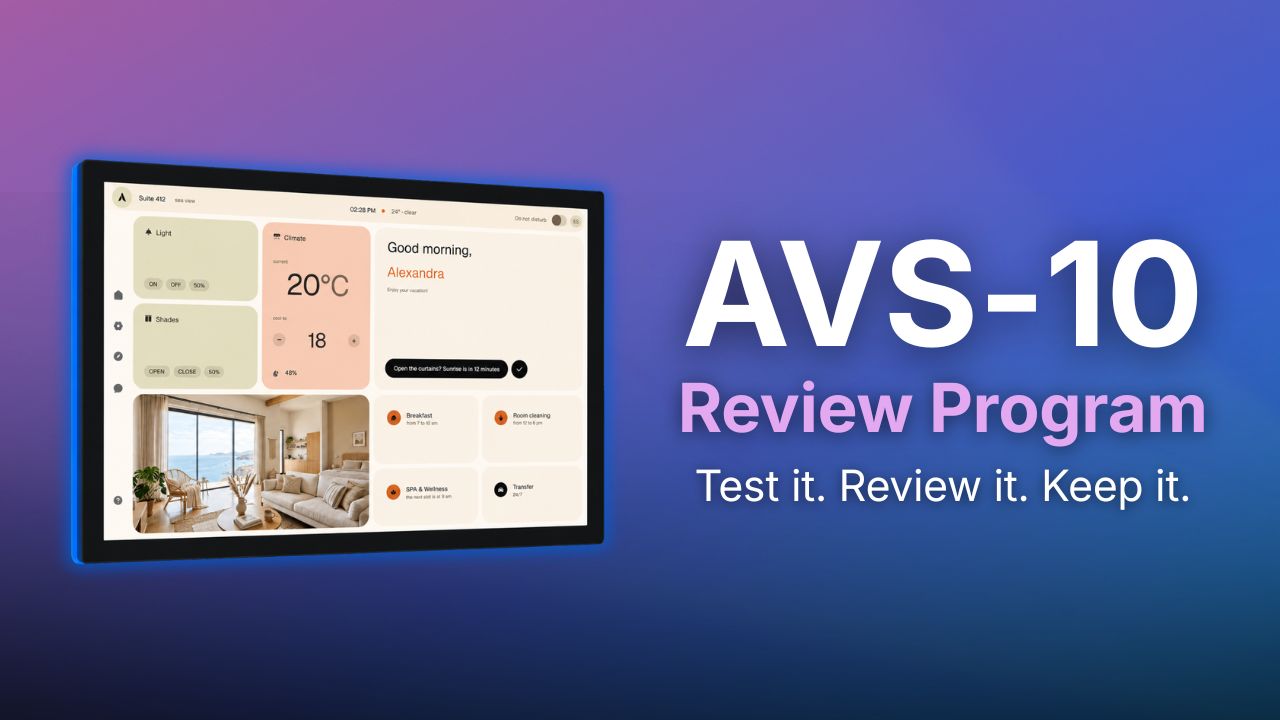
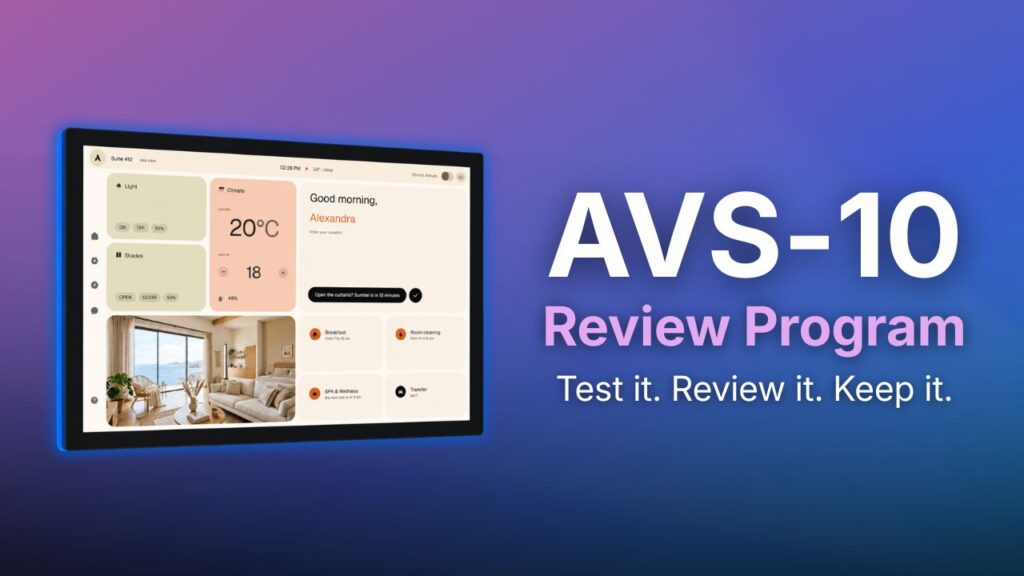
AVstudio is looking for 10 reviewers to put the new AVS-10 Touch Panel to work and share their honest experience with the AV community.
If selected, you’ll receive an AVS-10 Touch Panel to evaluate in your own environment. Use it the way you normally would, whether that’s integrating it into a project, comparing it to another touch panel, or simply exploring its capabilities. Once you’ve completed the review requirements, the AVS-10 is yours to keep at no cost.
Your review does not necessarily need to be polished or professionally produced content. Above all, we want to hear what you really think.
How to Participate
Applications are open until August 7, 2026. After the application period closes, the AVstudio team will review all submissions and select 10 participants.
If selected, you’ll have 30 days to evaluate the AVS-10 and publish an honest review on at least two of the following platforms: LinkedIn, Facebook, YouTube, or Instagram. Your review can be a written post with photos, a video, or an article—whatever best reflects your experience.
The program is open worldwide. Participants are responsible for shipping and any applicable customs costs. You may also choose to pick up your AVS-10 at our office in Charlotte, North Carolina, or at CEDIA 2026.
What We’d Love to See
There are no right or wrong answers. Honest feedback is the entire purpose of this program.
If you’re not sure where to start, consider talking about:
Your first impressions
Build quality and design
Performance and responsiveness
Ease of setup and day-to-day use
Features you enjoyed
Areas that could be improved
How the AVS-10 compares to other touch panels you’ve used
The types of projects or use cases you tested
What is the AVS-10?
The AVS-10 is AVstudio’s native 10-inch touch panel, designed to run modern HTML5 user interfaces through AVstudio Runtime.
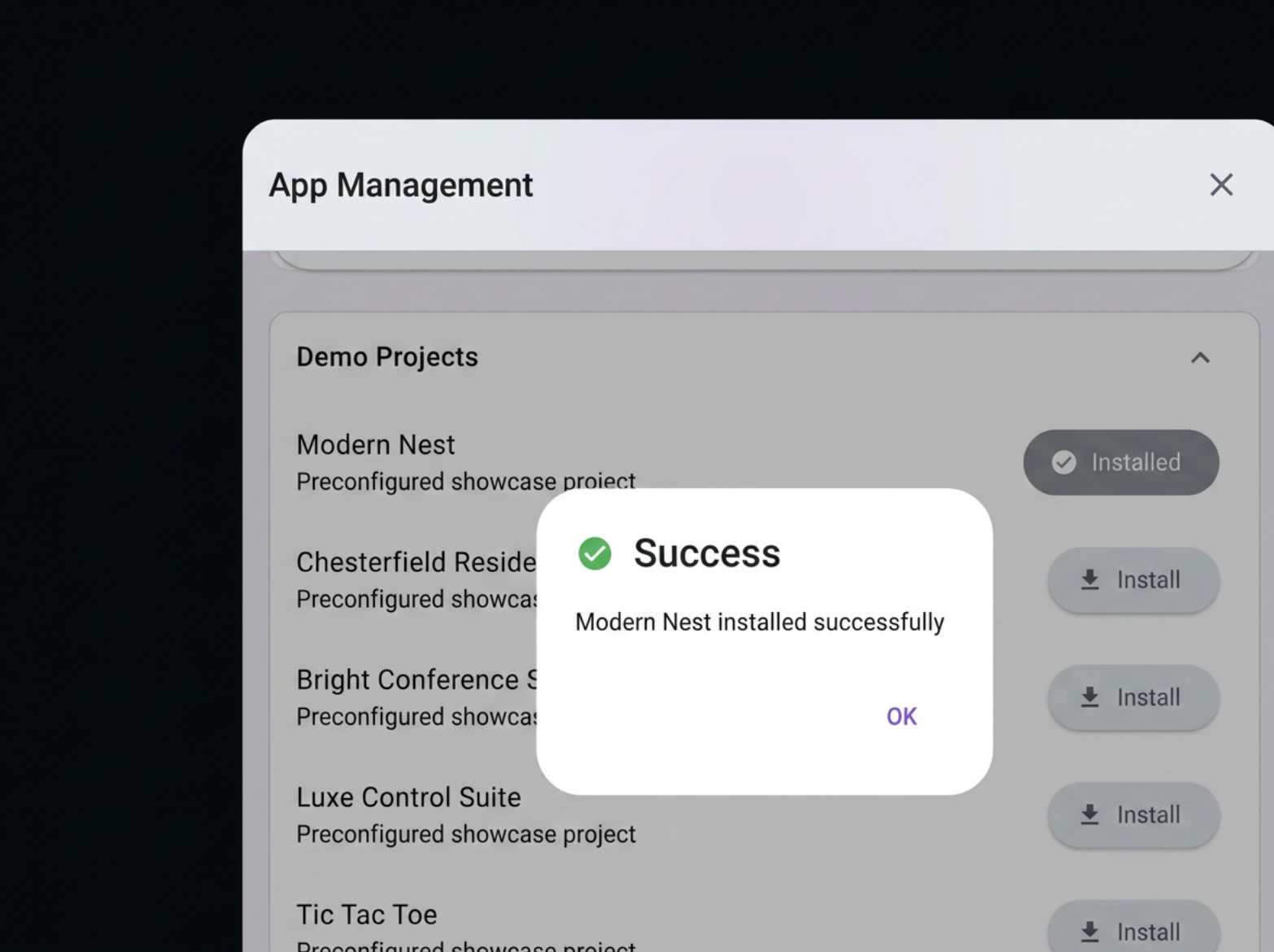
Every AVS-10 includes AVstudio Runtime for launching interfaces built with AVstudio, along with App Container, a built-in management interface that makes it easy to deploy, update, and manage HTML5 projects. You can upload projects directly from your computer or deploy them from a URL in just a few steps.
Because AVstudio is platform-agnostic, the AVS-10 isn’t limited to projects created with AVstudio. It can also run HTML5 interfaces built with other tools, giving developers the flexibility to deploy the projects that best fit their workflow.
A Few Final Details
The AVS-10 Touch Panel is provided at no cost as part of the Review Program. Once you’ve completed the review requirements, the touch panel is yours to keep.
If the review requirements are not completed, AVstudio reserves the right to request the return of the touch panel or invoice the participant for its retail value.
If you’re interested in being one of the first people to put the AVS-10 through real-world use and help shape its future through honest feedback, we’d love to hear from you.
Apply today and tell us why you’d like to be part of the AVS-10 Review Program: [LINK]
Over the course of the show, we unveiled AVstudio NG, AVstudio Runtime, the AVS-10 Touch Panel, and the latest advancements to App Container. We also had the honor of being recognized by rAVe [PUBS] with the Best Integrator Software Tool award.
While InfoComm gave attendees an early look at these technologies, there was only so much we could cover during the event. Since returning home, we’ve received questions from members of the AV community who want to learn more about what was announced and how these technologies fit into AVstudio’s future.
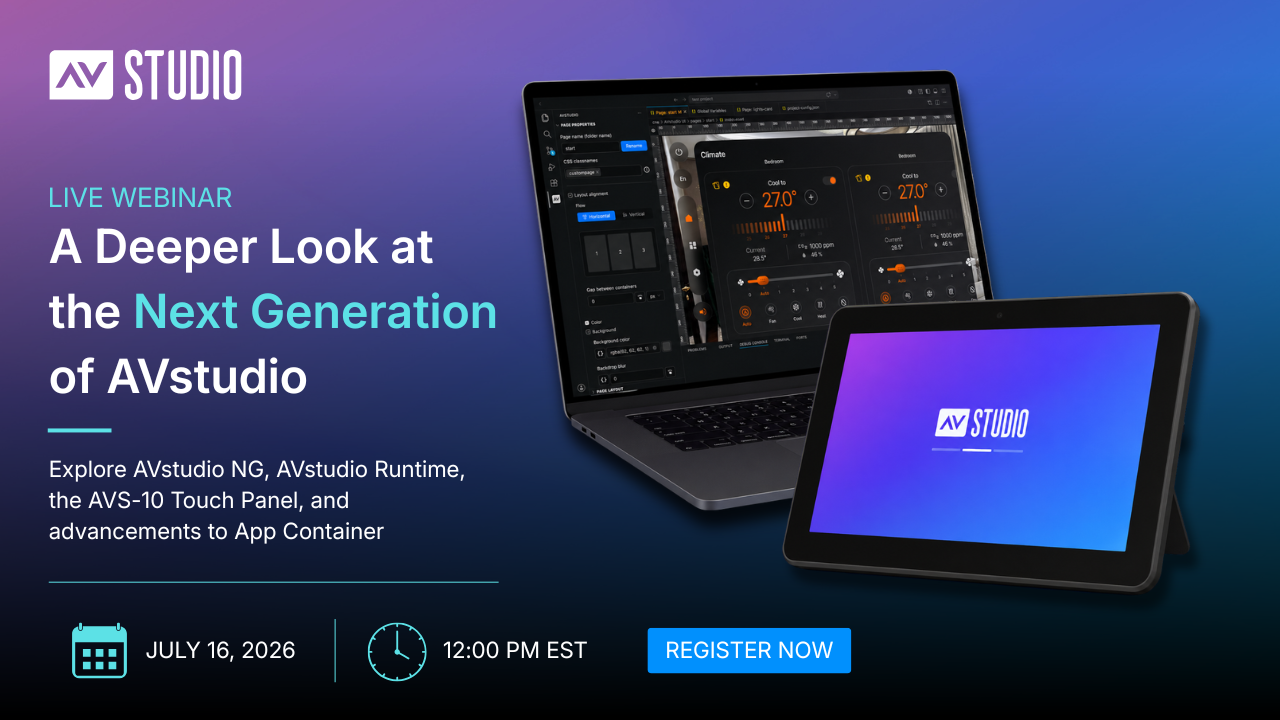
To continue the conversation, we’re hosting a special webinar on July 16th at 12:00 PM EST.
Take a deeper look at AVstudio’s new VS Code-based development experience, including AI-assisted workflows, Git integration, compatible VS Code-based platforms, project structure, and how to get started with the next generation of AVstudio development.
AVstudio Runtime
Learn what AVstudio Runtime is, how it works, and how it helps power a more open and flexible deployment experience for modern AV applications.
AVS-10 Touch Panel
Explore the role of the AVS-10 within the AVstudio ecosystem and how it combines modern web technologies, Runtime, and open standards to create a new approach to AV touch panel deployment.
App Container
Discover the latest App Container capabilities and deployment workflows, including how applications can be uploaded, managed, tested, and launched across supported devices.
Live Demonstrations
See real-world examples and workflows featuring AVstudio NG, Runtime, AVS-10, and App Container.
Live Q&A
Have questions about the technologies unveiled at InfoComm? Ask them directly to the AVstudio team during our live Q&A session.
Register Today
We’re excited to continue the conversation and share more about what we’ve been building.
If you visited us at InfoComm and want a closer look at the technologies we unveiled, or if you’re interested in learning more about AVstudio NG, Runtime, the AVS-10 Touch Panel, and App Container, we invite you to join us for this special webinar.
InfoComm 2026 has officially wrapped, marking a major milestone for AVstudio.
Over three incredible days, we connected with developers, integrators, manufacturers, and technology leaders from across the AV industry. The conversations, feedback, and enthusiasm we experienced throughout the show reinforced that the industry is ready for a new approach to AV interface development.
This year, we unveiled some of the most significant additions to the AVstudio ecosystem to date, including:
AVstudio NG (Next Generation) – A powerful new Visual Studio Code-based development experience that expands what’s possible for AVstudio developers while introducing an open, modern, and offline-first workflow.
AVstudio Runtime – A flexible deployment environment that allows AVstudio projects to run across a wide range of platforms and hardware.
AVS-10 Touch Panel – AVstudio’s new touch panel, designed to deliver modern HTML5 interfaces in a purpose-built hardware experience.
Continued advancements to App Container – Further expanding the ways users can deploy, manage, and run HTML5 projects across iOS, Android, and other supported devices.
InfoComm 2026 was also a proud moment for our team as AVstudio was recognized with the Best Integrator Software Tool awardfrom rAVe [PUBS]. We are incredibly grateful to our users, partners, and supporters who have helped make this achievement possible.
More importantly, this year’s show wasn’t just about introducing new products. It was about sharing our vision for the future of AV development. A future built around openness, modern technologies, developer freedom, and the ability to create exceptional user experiences without unnecessary limitations.
Here’s a closer look at what we unveiled during InfoComm 2026 and how these new advancements are shaping the next chapter of AVstudio.
AVstudio Recognized as Best Integrator Software Tool
One of the biggest highlights of InfoComm 2026 was AVstudio receiving the Best Integrator Software Tool award from rAVe [PUBS]. This award recognizes solutions that help integrators deliver better results by improving the way projects are designed, developed, and deployed.
For our team, this recognition is not taken lightly. We are incredibly proud of the progress we’ve made and the impact AVstudio continues to have across the industry. Since day one, our mission has been to give developers and integrators greater control over their projects through modern tools, open technologies, and workflows that remove unnecessary limitations. That philosophy has guided the development of AVstudio from the beginning and continues to shape everything we build today.
We are incredibly grateful to our users, partners, and supporters who continue to challenge us, provide feedback, and help shape the platform’s future. Your trust and enthusiasm have played a major role in AVstudio’s growth and success.
While we are honored by this recognition, we are even more excited about what comes next. InfoComm 2026 gave us the opportunity to unveil the next generation of the AVstudio ecosystem, including AVstudio NG, AVstudio Runtime, the AVS-10 Touch Panel, and continued advancements to App Container.
AVstudio NG (Next Generation)
InfoComm 2026 featured the public reveal of AVstudio NG (Next Generation), a new Visual Studio Code-based development experience that represents a major evolution of the AVstudio platform.
Delivered as a Visual Studio Code extension, AVstudio NG allows developers to work directly within one of the world’s most popular development environments while continuing to use the tools, plugins, and workflows they already know. Because it is built on the Visual Studio Code ecosystem, AVstudio NG can also leverage compatible platforms such as Cursor, Antigravity, Trae, and other AI-powered development environments.
Projects are stored locally, enabling a true offline development experience while giving users complete access to their project files and assets. Built around an open project structure, AVstudio NG works naturally with Git, GitHub, AI-assisted development tools, and other modern software development practices.
AVstudio NG also introduces new opportunities for AI-assisted development. AI tools can help create pages, elements, variables, styling, actions, and application logic, as well as assist with custom CSS, JavaScript, and other project components. Combined with support for multi-window workflows and industry-standard tooling, AVstudio NG gives developers greater flexibility in how they design, manage, and maintain projects.
AVstudio NG reflects AVstudio’s continued commitment to openness, developer freedom, and modern development practices while laying the foundation for the next generation of AV application development.
AVstudio Runtime
InfoComm 2026 also marked the introduction of AVstudio Runtime, a new execution environment designed to power the next generation of AVstudio applications.
Runtime provides the software environment that allows modern web applications to run on AVstudio touch panels while supporting hardware integrations, platform services, and AV-focused functionality.
Unlike traditional touch panel platforms that are often tied to a specific control ecosystem, AVstudio Runtime embraces modern web technologies and open standards. Applications can communicate with a wide range of systems and devices using technologies such as MQTT, WebSockets, HTTP, and other modern protocols.
As AV projects continue to evolve, AVstudio Runtime provides a foundation for deploying modern applications across a growing ecosystem of devices while remaining independent of any single control platform or hardware manufacturer.
AVS-10 Touch Panel
Introducing the AVS-10 Touch Panel, AVstudio’s new hardware platform designed to deliver modern HTML5 applications through a purpose-built user experience.
Powered by AVstudio Runtime, the AVS-10 combines modern web technologies with dedicated AV hardware to create a platform designed for today’s interfaces and workflows. Built around open standards, the AVS-10 allows developers and integrators to deploy applications without being restricted to a single control ecosystem.
The AVS-10 represents an important step forward for AVstudio’s hardware offerings, providing a powerful foundation for modern AV applications while maintaining the openness and deployment flexibility that define the AVstudio ecosystem.
App Container Continues to Evolve
Continued advancements to App Container were also highlighted during InfoComm 2026.
App Container allows users to run HTML5 applications across iOS and Android devices, creating a flexible deployment option for AV interfaces, dashboards, control systems, and other web-based applications. Throughout the past year, App Container has continued to evolve with new features, usability improvements, and expanded deployment capabilities.
Recent enhancements have focused on making deployment and day-to-day use even simpler. From improved project management and device controls to greater flexibility in how applications are launched and displayed, App Container continues to make it easier to access, manage, test, and switch between projects on the devices users already have. Projects can be loaded and launched in seconds, making it easy to validate changes, test new interfaces, and move between deployments without the friction often associated with traditional deployment workflows. This allows developers and integrators to validate changes and test interfaces almost immediately.
As organizations look for more practical and cost-effective ways to deploy modern interfaces, App Container offers a straightforward solution that delivers powerful HTML5 applications to mobile devices without unnecessary complexity.
Join Us on July 16th for a Deeper Look
While InfoComm 2026 gave attendees an early look at the future of AVstudio, there is much more to explore.
On July 16th at 12:00 pm EST, we’ll be hosting a special webinar dedicated to the technologies unveiled at InfoComm, including AVstudio NG, AVstudio Runtime, the AVS-10 Touch Panel, and the latest advancements to App Container.
During the webinar, we’ll take a deeper look at AVstudio NG, Runtime, the AVS-10 Touch Panel, and App Container, including live demonstrations, workflows, and real-world deployment scenarios. Attendees will also have the opportunity to participate in a live Q&A session with the AVstudio team and get answers directly from the people building the platform.
InfoComm 2026 was an exciting milestone for AVstudio, but more importantly, it marked the beginning of a new chapter for the platform. Each announcement reflects our commitment to building modern tools that give developers and integrators greater freedom, flexibility, and control.
We are always eager to hear feedback from our users, partners, and the broader AV community. The conversations we had with our community over the years helped shape many of the ideas behind these announcements, and that feedback will continue to play an important role as the platform evolves.
Thank you to everyone who visited our booth, shared feedback, and helped make this year’s show such a success. We’re excited for what comes next and look forward to sharing more in the weeks ahead.
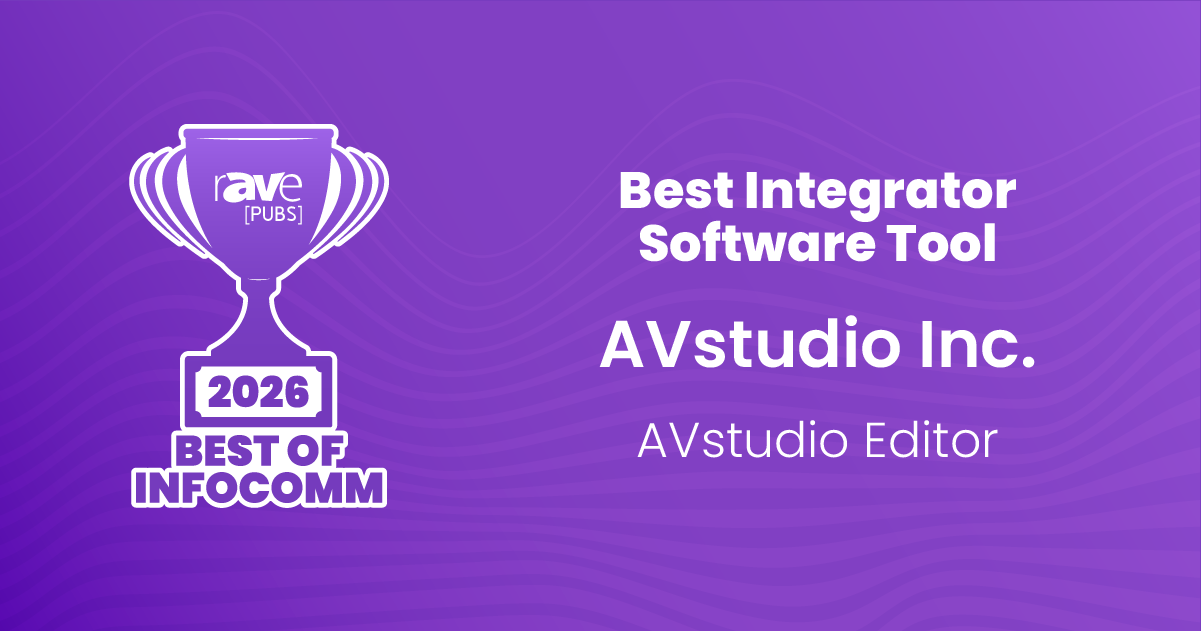
Today we are proud to announce that AVstudio Editor has been recognized with the 2026 Best of InfoComm Award in the category:
Best Integrator Software Tool
Best Integrator Software Tool at InfoComm 2026
Presented by rAVe [PUBS], the award recognizes products that deliver meaningful innovation and value to the professional AV industry.
AVstudio Editor was created with a simple goal:
Give AV developers modern tools without forcing them to abandon the workflows, standards, and technologies they already know.
Unlike traditional proprietary environments, AVstudio Editor is built on top of Visual Studio Code and modern web technologies, allowing developers to:
Work completely offline
AI compatible
Store projects locally
Use Git and existing development workflows
Build responsive HTML5 user interfaces
Remain independent of any specific control system manufacturer
Over the past several years, AVstudio has evolved from a cloud-based GUI editor into a complete development ecosystem that includes:
AVstudio Editor Desktop
AVstudio Cloud Services
iOS Runtime
Android Runtime
Touch Panel Runtime
This award reflects the support and feedback of more than 1,000 AV developers worldwide who continue to push us to improve the platform.
We would like to thank rAVe [PUBS], our partners, customers, and the AV community for their continued support.
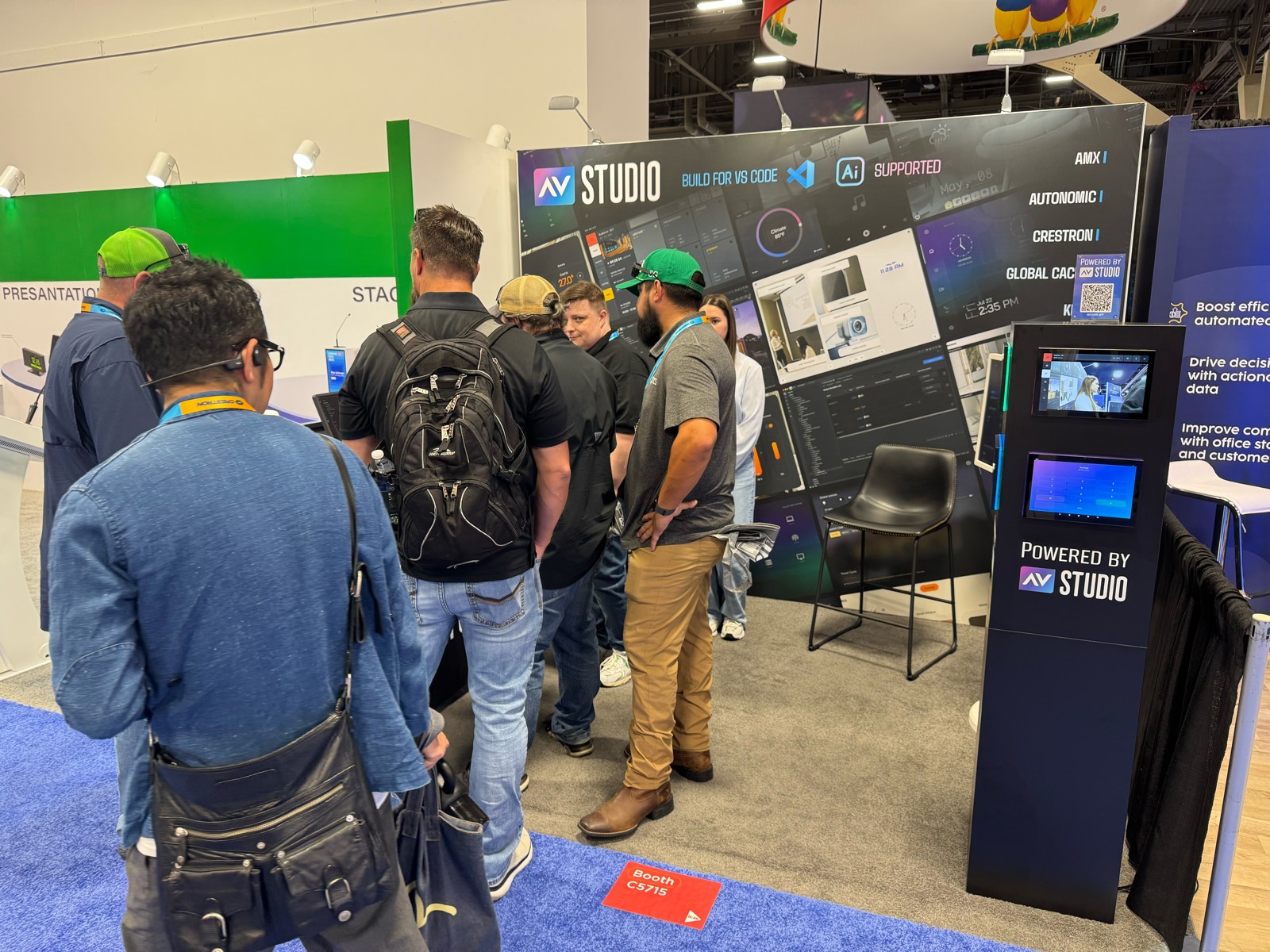
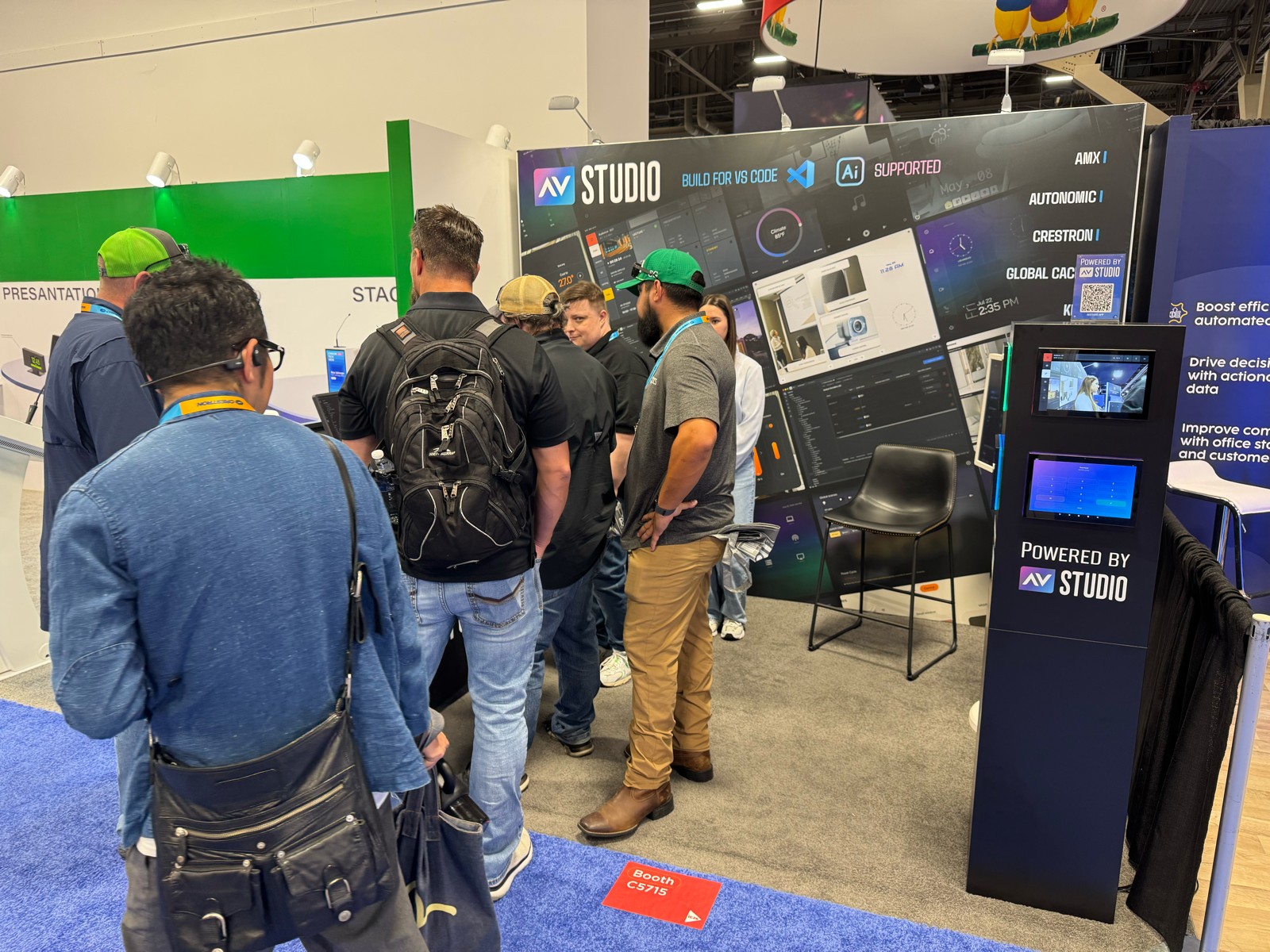
If you’re attending InfoComm 2026, visit us at Booth #5715 to see what’s next for AVstudio.