There are moments that deserve more than an announcement.
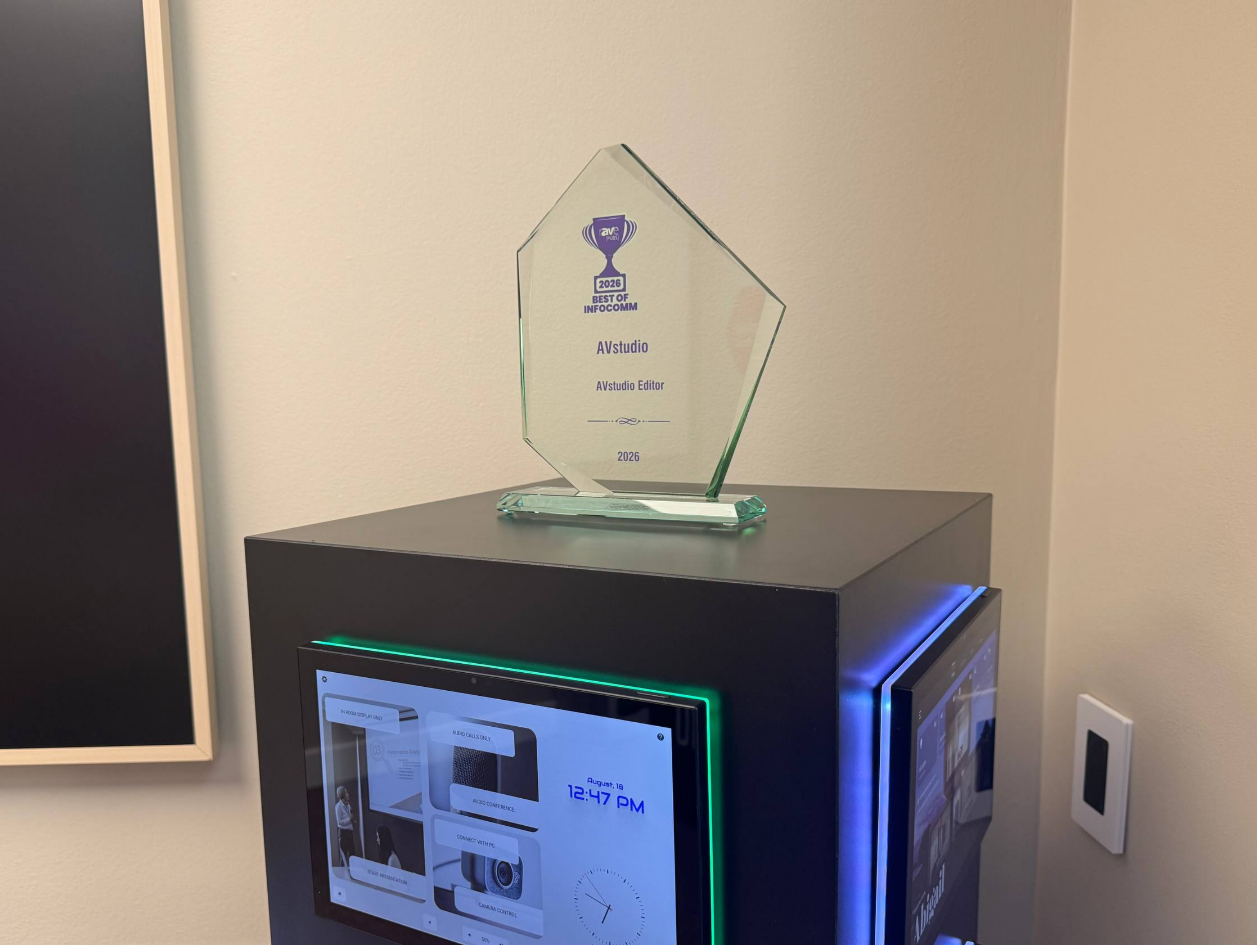
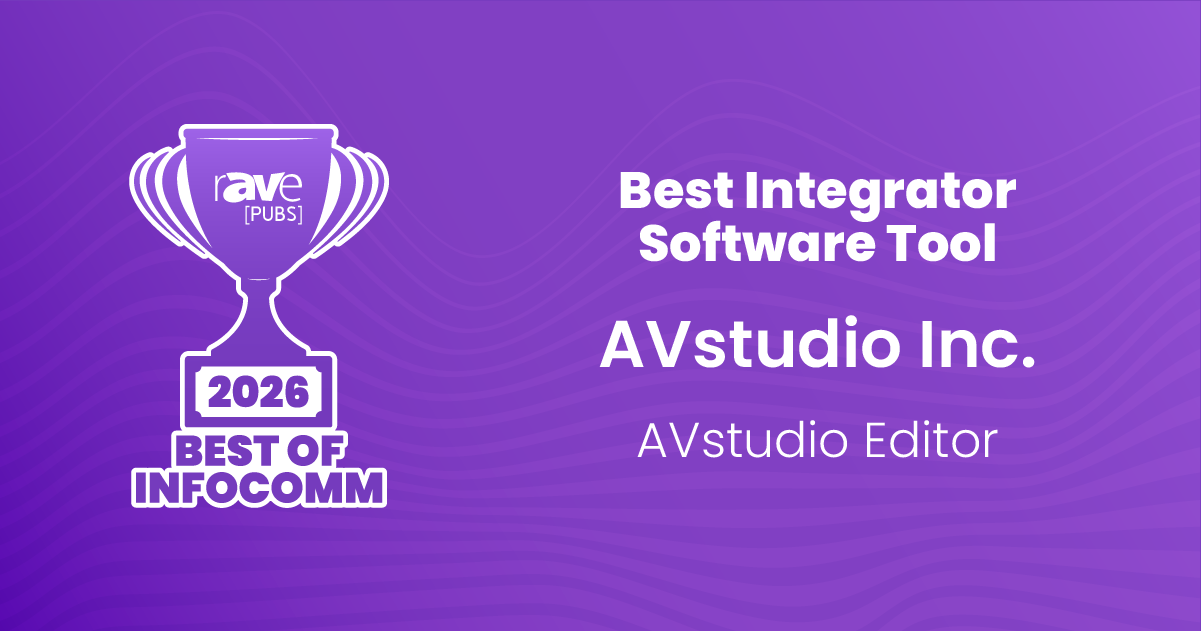
Earlier this summer at InfoComm 2026, AVstudio Editor was named Best Integrator Software Tool in the rAVe [PUBS] Best of InfoComm Awards. Now, the award has officially arrived at the AVstudio office — giving us another opportunity to celebrate an important milestone for our team and community.
Recognized at InfoComm 2026
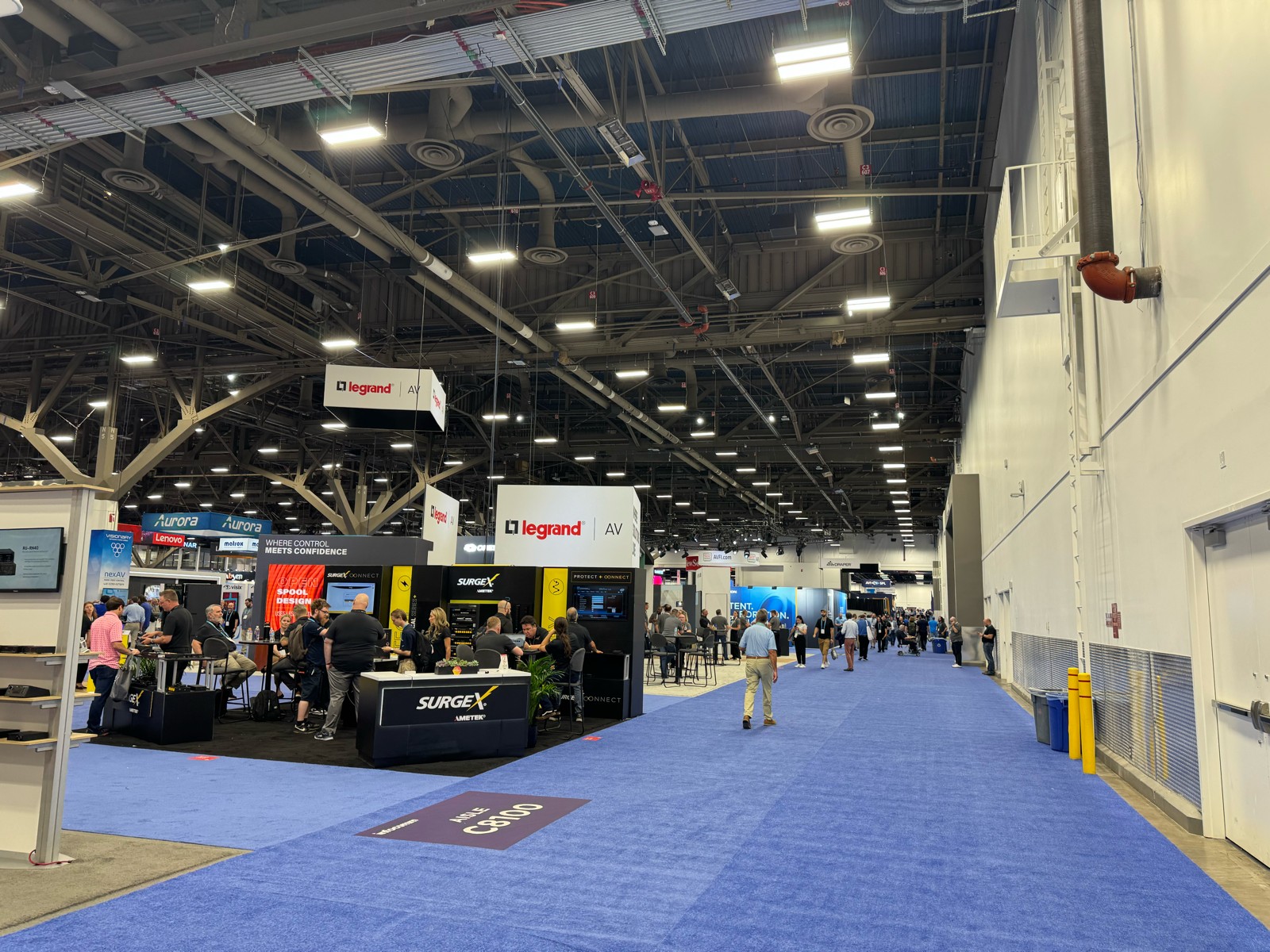
InfoComm 2026 marked one of the most important events in AVstudio’s history.
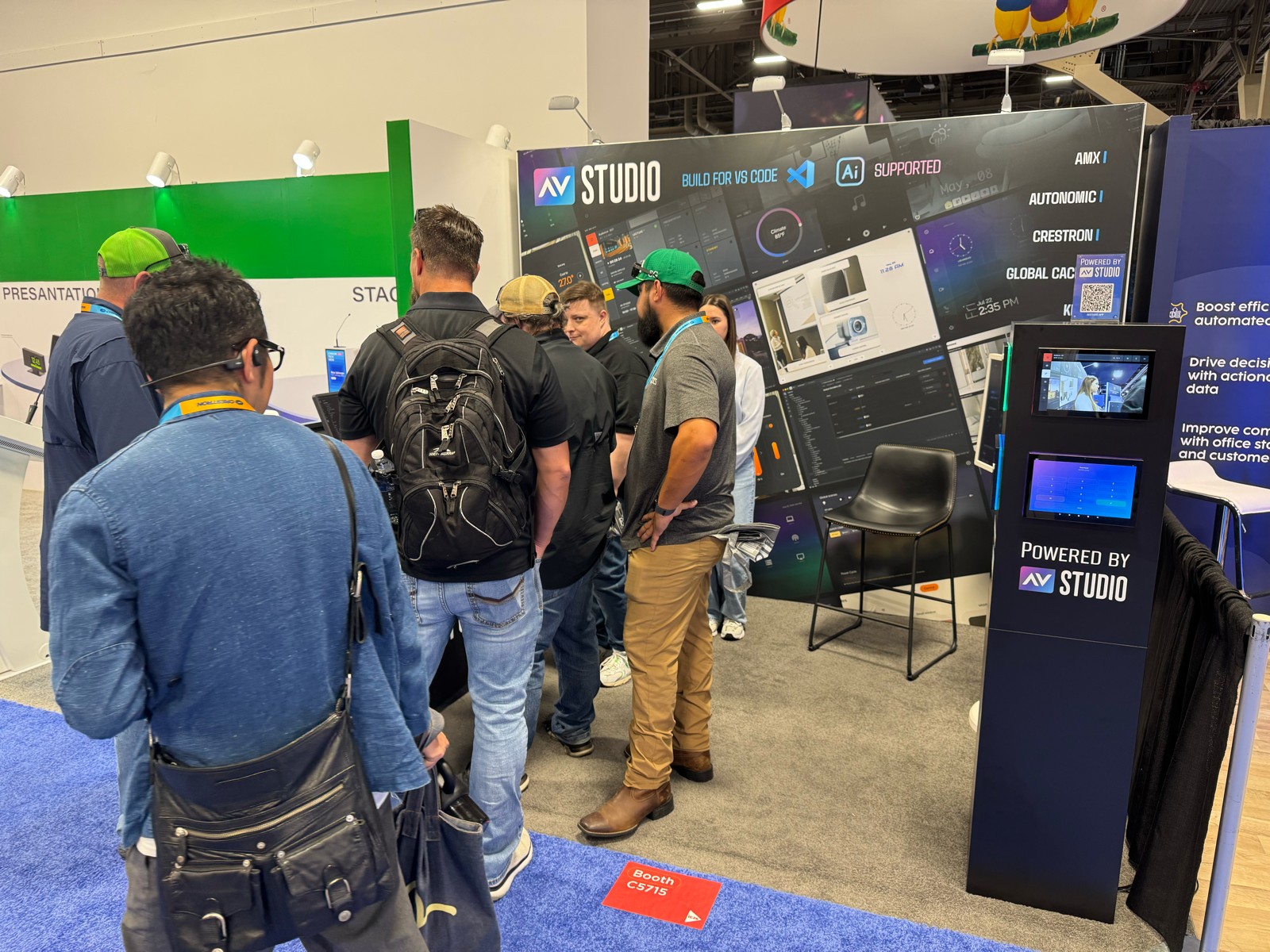
During the show, we presented the expanding AVstudio software ecosystem and introduced the next generation of technologies we are building for professional AV developers and integrators.
At the same time, AVstudio Editor was selected by rAVe [PUBS] as the 2026 Best of InfoComm winner for Best Integrator Software Tool.
The recognition is especially meaningful because AVstudio Editor was built around a simple idea: professional AV developers should be able to create sophisticated control interfaces using modern web technologies without being locked into outdated development workflows.
Built for AV Integrators
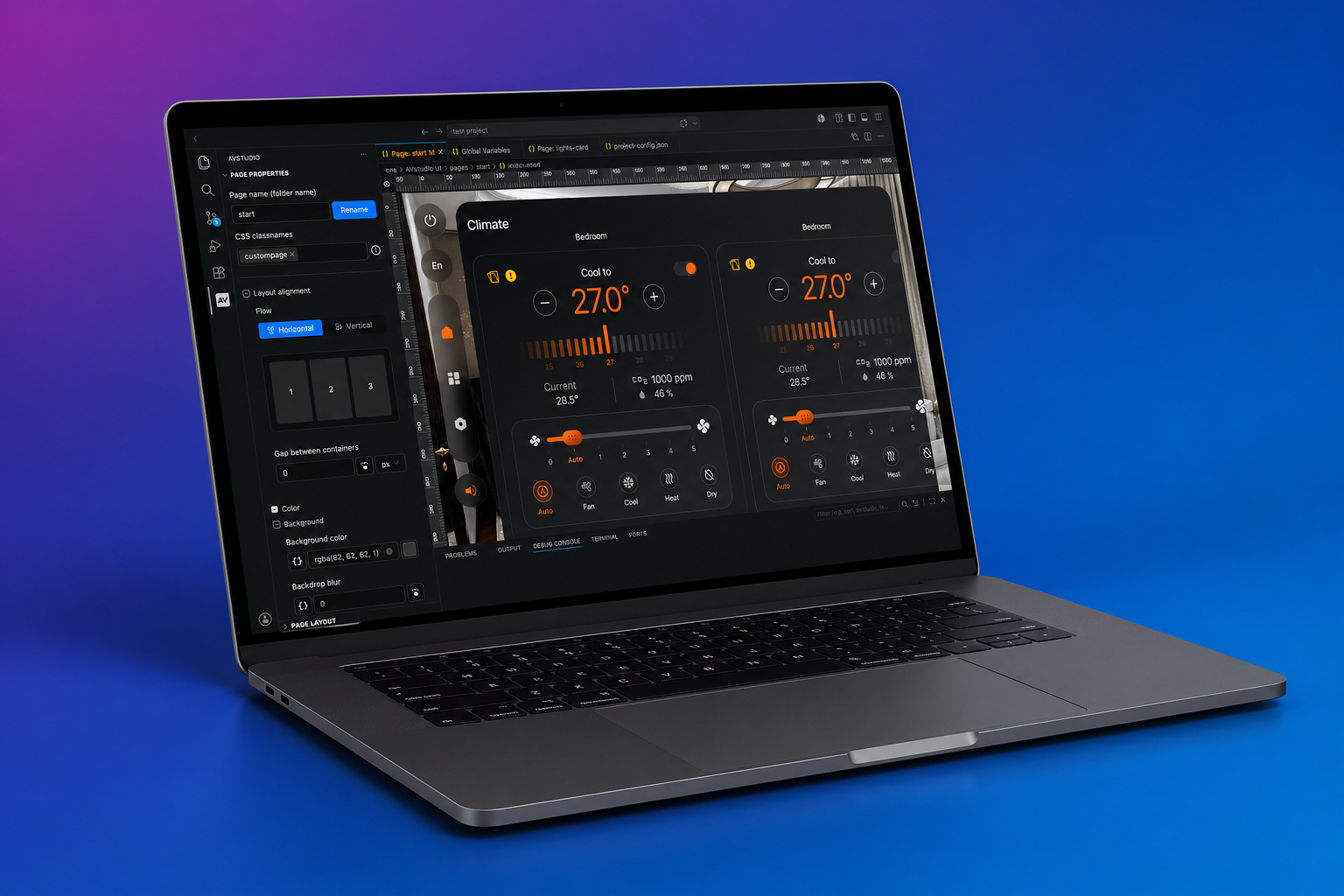
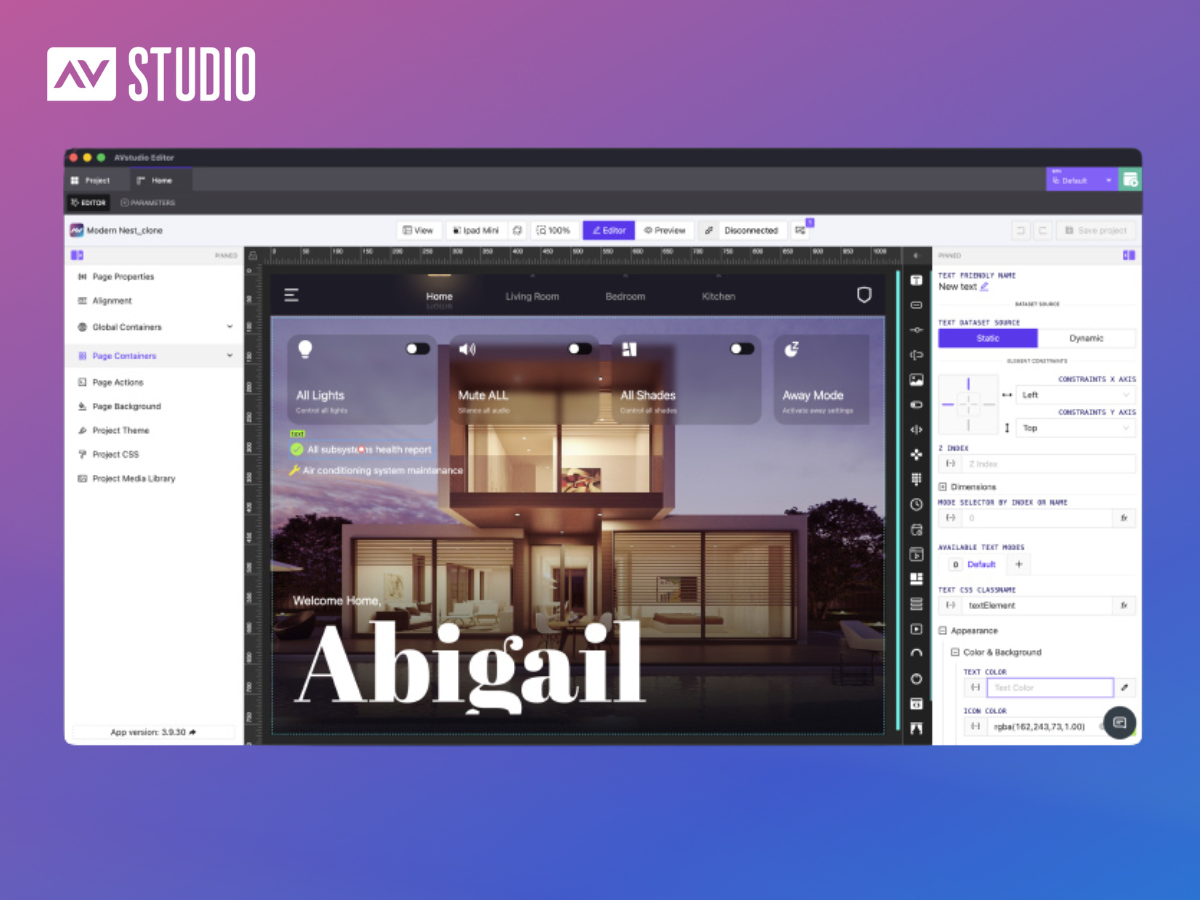
AVstudio Editor gives integrators and developers a modern environment for building professional AV interfaces, dashboards, and control applications.
Instead of treating interface development as an isolated part of an AV system, AVstudio brings modern software development concepts into the professional AV workflow.
Projects can combine visual development with HTML5, CSS, JavaScript, integrations, reusable components, and custom application logic — giving developers the freedom to build interfaces around the actual requirements of a project.
That philosophy continues to guide the evolution of AVstudio.
A Bigger AVstudio Ecosystem
InfoComm 2026 was about more than AVstudio Editor.
At the show, we demonstrated how AVstudio is evolving into a broader ecosystem for developing and deploying modern AV applications.
That includes AVstudio NG, our next-generation Visual Studio Code-based development experience; AVstudio Runtime, the execution environment powering AVstudio applications; the AVS-10 Touch Panel, purpose-built hardware for modern HTML5 interfaces; and continued development of App Container for deploying applications across iOS and Android devices.
Together, these technologies represent our vision for a more open AV development environment — one built around modern tools, open standards, flexible deployment, and greater freedom for developers and integrators.
From InfoComm to the AVstudio Office
Seeing AVstudio Editor listed among the Best of InfoComm winners was already an exciting moment.
Having the physical award arrive at our office makes that recognition feel even more tangible.
It represents years of development, experimentation, feedback, and collaboration with the people who actually use AVstudio on real projects.
Most importantly, it belongs to more than just our development team.
It reflects the contributions of our users, integrators, partners, testers, and everyone who has shared feedback and helped us understand where professional AV development needs to go next.
Thank you to the AV community and to rAVe [PUBS] for this recognition.
The award now has a place in our office.
And we’re already working on what comes next.
See AVstudio at InfoComm 2026
Want to see more from the show?
Watch rAVe [PUBS]’ coverage of AVstudio at InfoComm 2026:
InfoComm 2026: AVstudio Features AVstudio Software Ecosystem
And explore our full InfoComm 2026 recap to learn more about AVstudio NG, AVstudio Runtime, AVS Touch Panels, App Container, and the future of the AVstudio ecosystem.
As AV systems continue to adopt modern software development practices, tools like Git are becoming increasingly valuable. While many programmers are familiar with version control, it’s still relatively uncommon in the AV industry despite the benefits it provides.
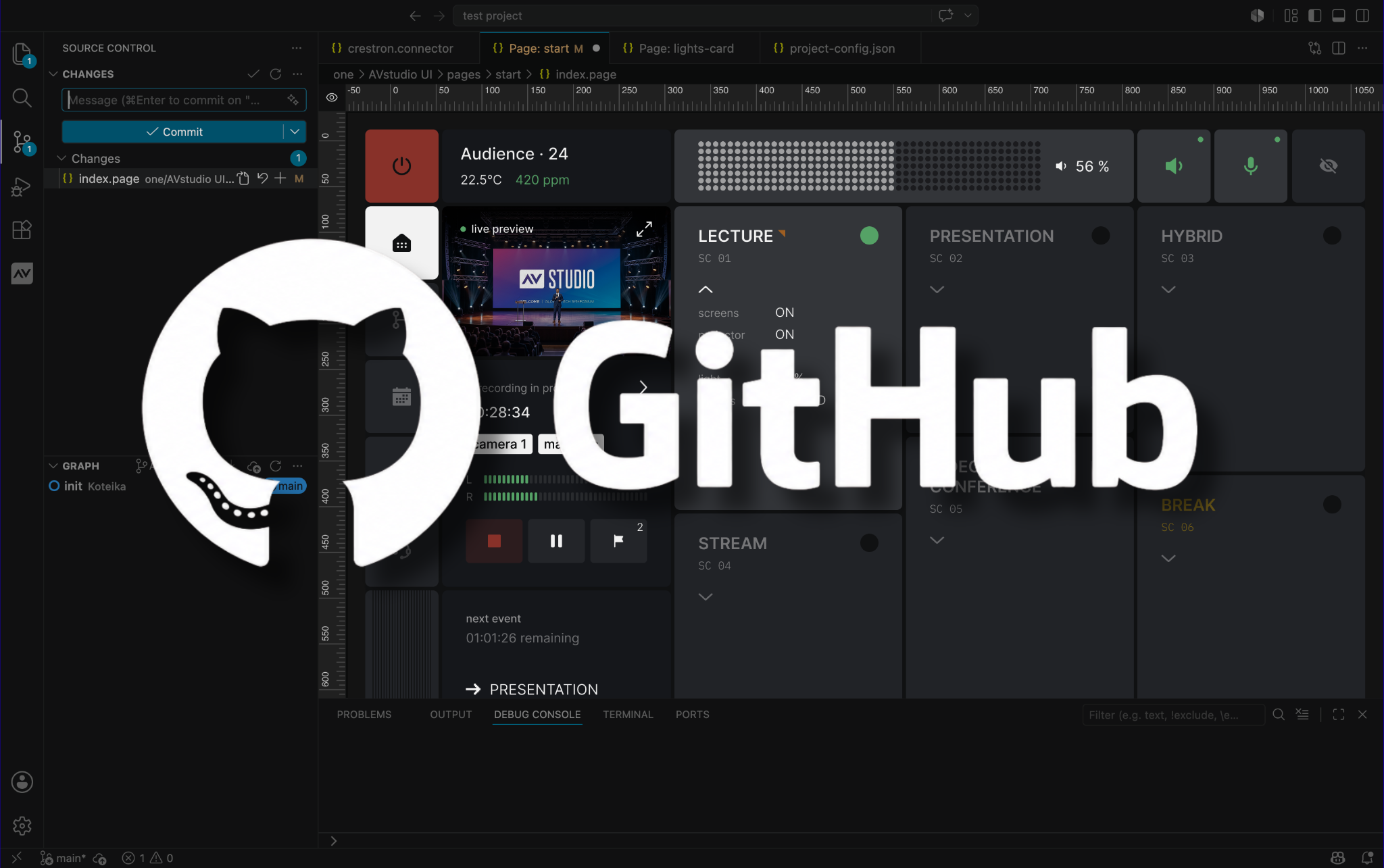
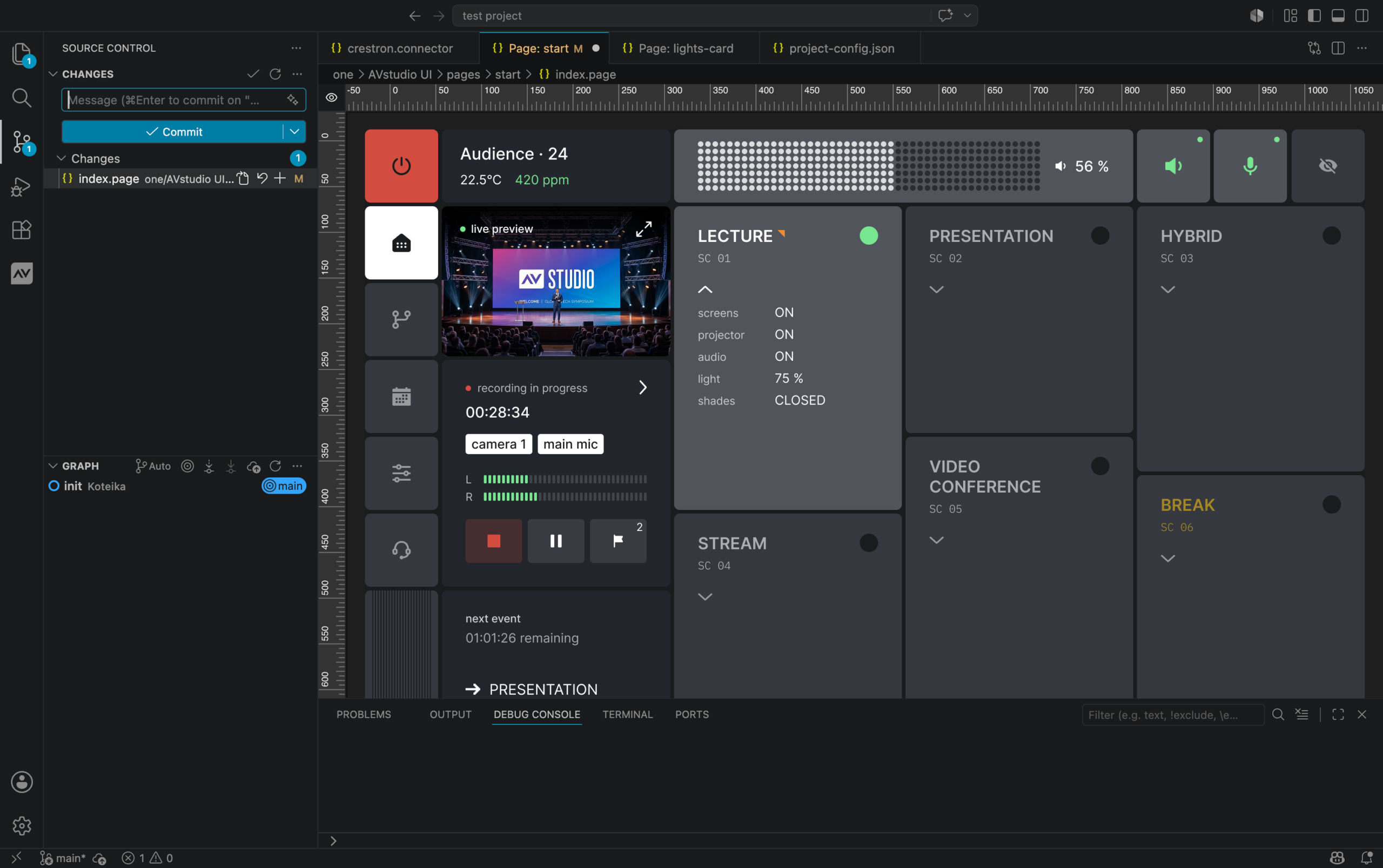
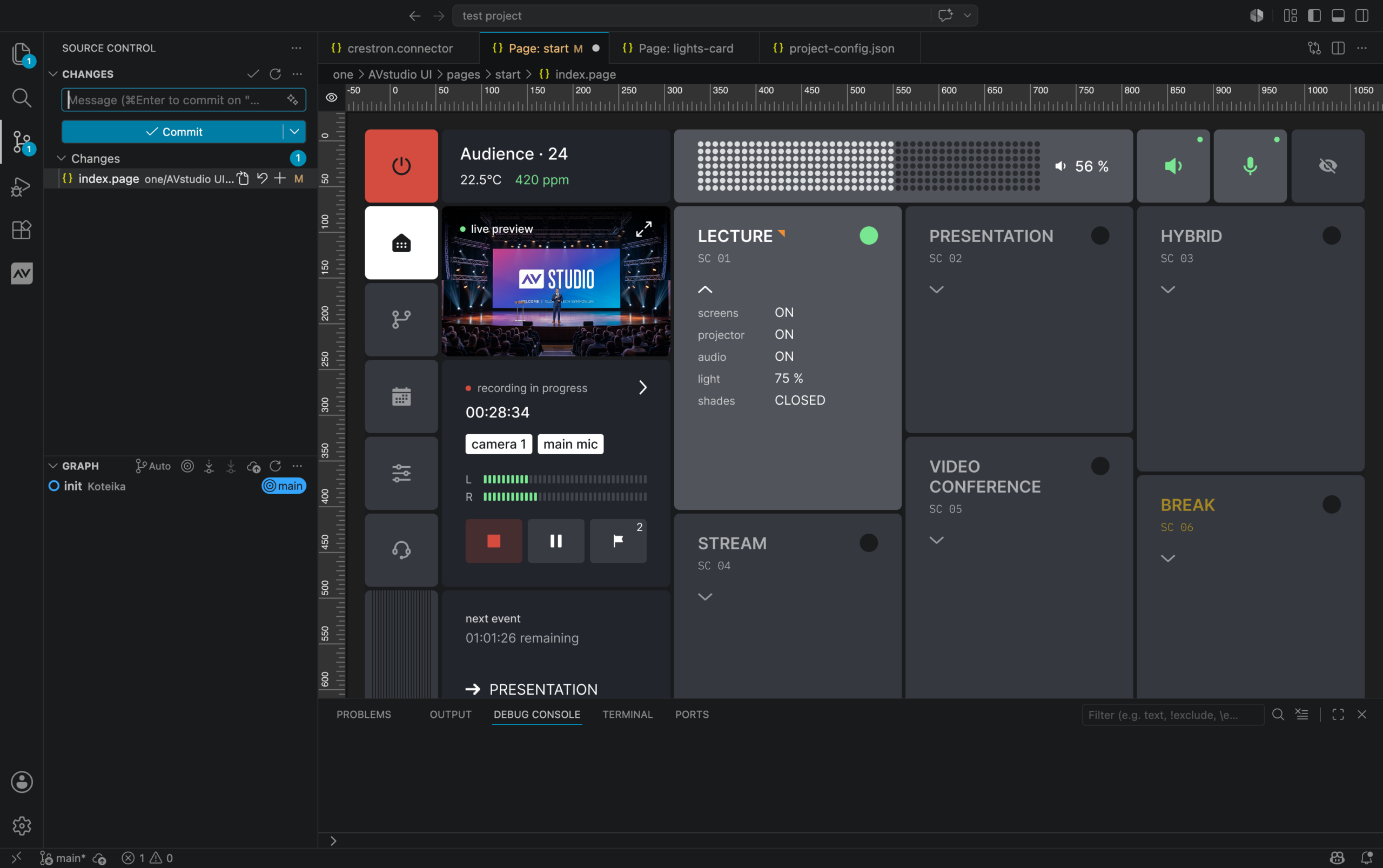
Native Git integration is one of the biggest workflow improvements we’ve introduced in AVstudio NG. Git allows you to track every change made to a project over time. Instead of manually saving backup copies, every revision is stored in a structured history that you can review, restore, or share with other developers.
What Exactly Is Git?
At its core, Git is a version control system.
Every time you reach a milestone, you can create a commit that records exactly what changed. If a bug is introduced later, you can compare revisions, restore previous versions, or identify precisely when the problem occurred.
Git also makes collaboration much easier. Multiple developers can work on the same project simultaneously, merge their changes, and maintain a complete history of the project’s development. This workflow has become the standard across nearly every area of software development.
How Does It Benefit AVstudio NG?
AVstudio NG is built as a Visual Studio Code extension, giving you direct access to Git without leaving your development environment.
Because AVstudio projects use open, text-based project files, Git can track meaningful changes throughout your interface. You can see exactly what was modified, maintain a complete revision history, experiment with new ideas without risking your production project, and collaborate more effectively with other developers. Git provides confidence that every change is documented, reversible, and easy to share.
Git is just one example of how AVstudio NG combines the visual intuitiveness of AVstudio Editor with the familiar workflows of industry-standard development tools. By building on a platform that many developers already know, onboarding is smoother, and the learning curve is significantly reduced. The result is a development environment that feels familiar, efficient, and flexible, allowing developers to focus more on building great user interfaces and less on managing their workflow.
Want To Learn More?
If you have any questions or would like to schedule a meeting to discuss AVstudio NG in depth, email us at sales@avstudio.app.
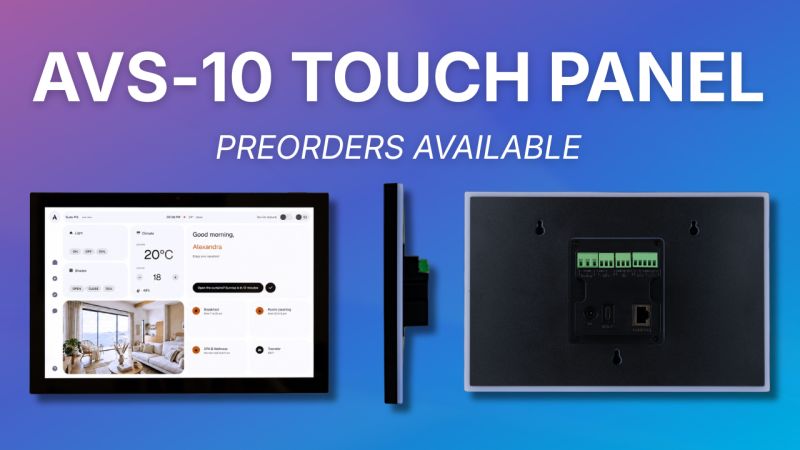
Preorders for the AVS-10 Touch Panel are now open.
If you’re interested in adding the AVS-10 to an upcoming project or would like more information, we’d love to hear from you.
Just contact our team at sales@avstudio.app to learn more.
About the AVS-10
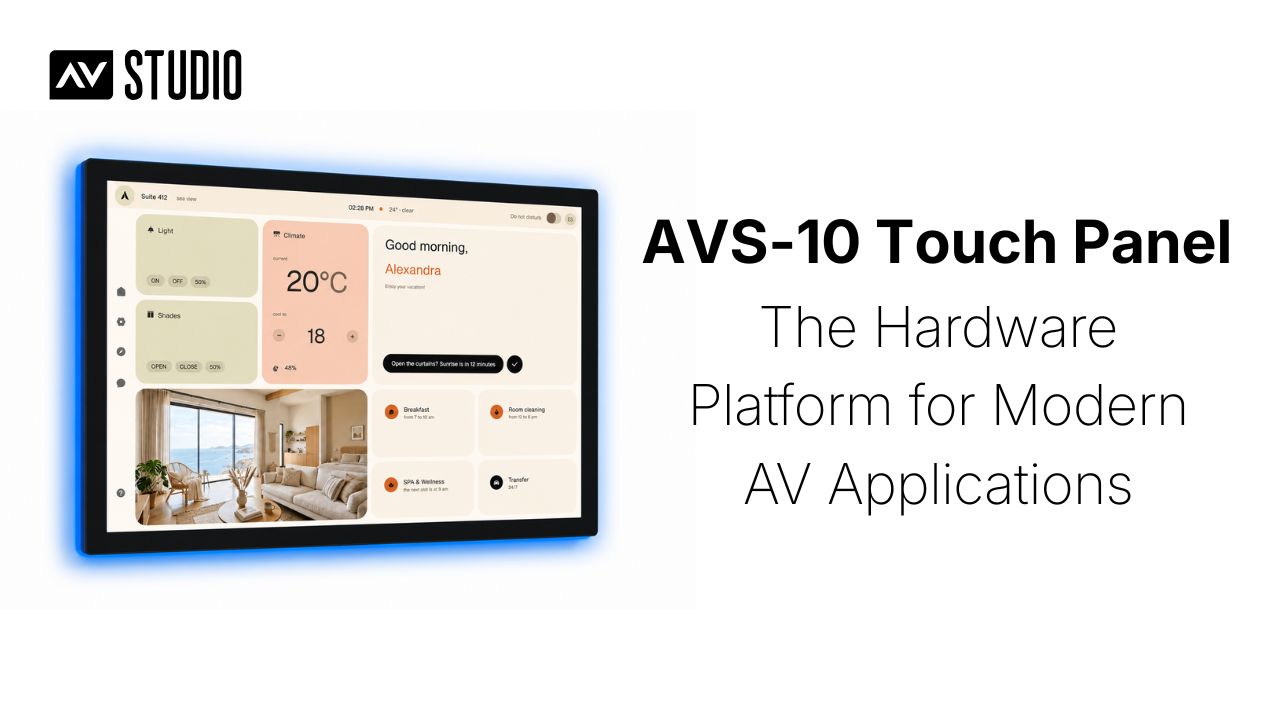
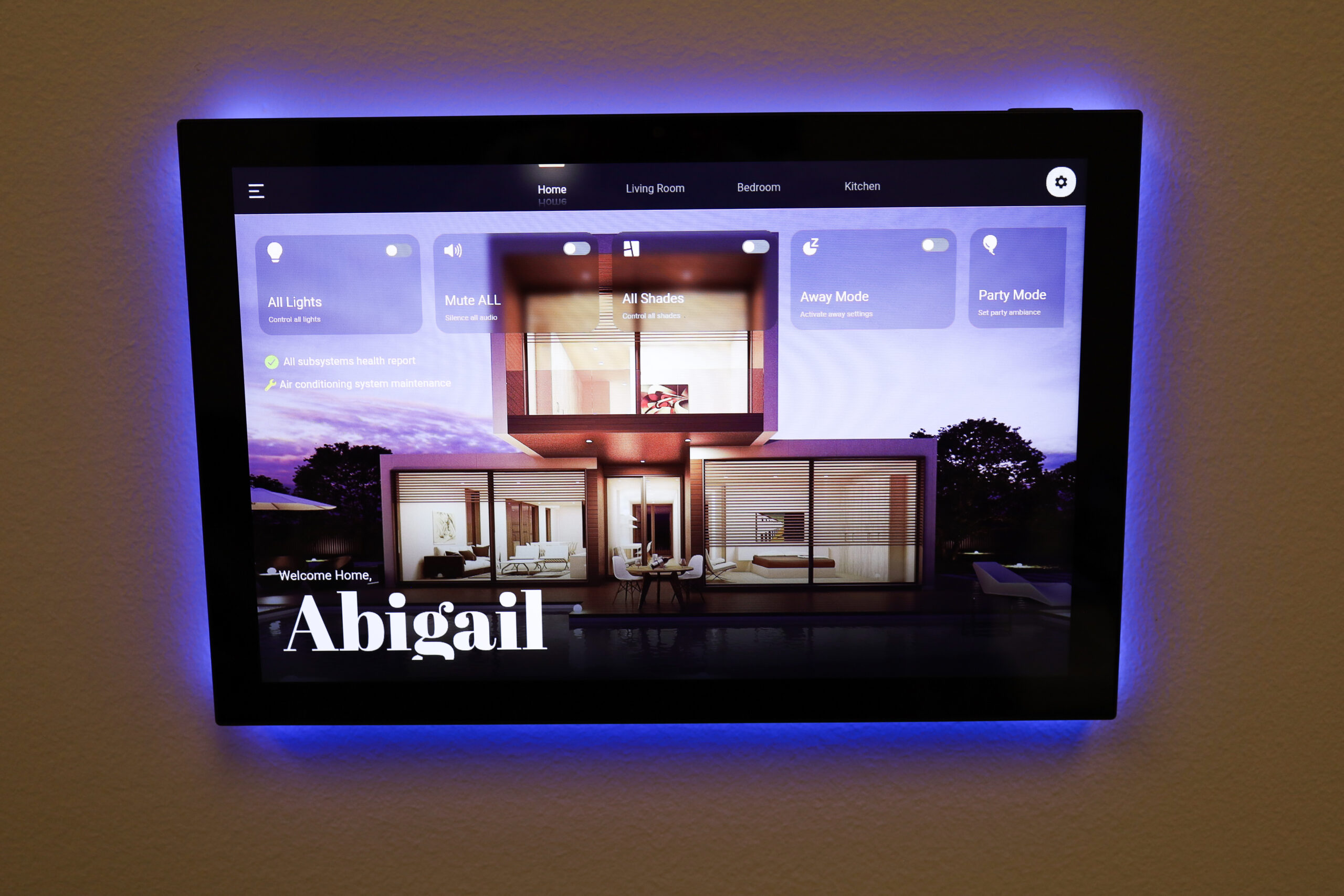
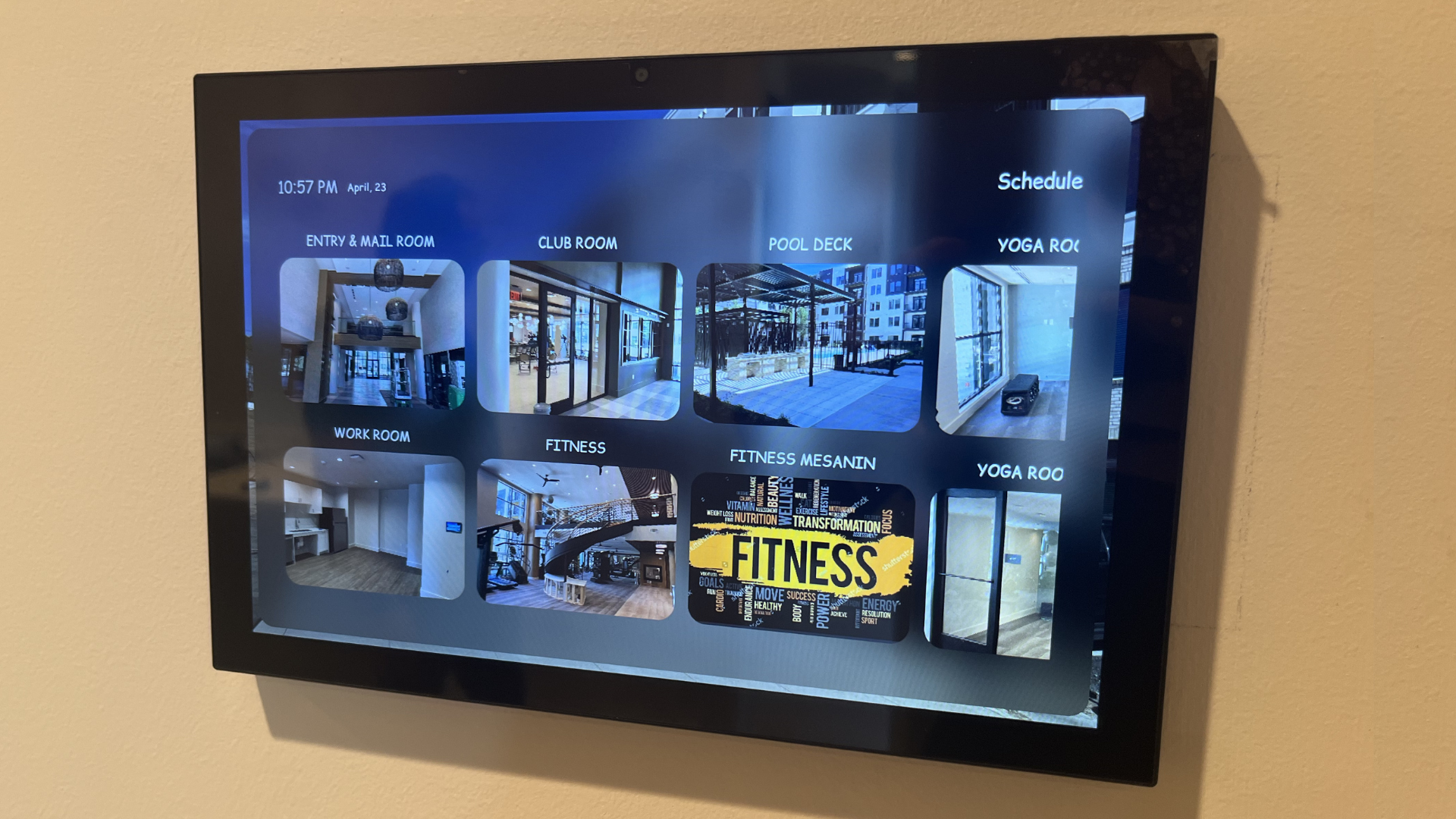
The AVS-10 is a dedicated 10-inch touch panel built for commercial AV and powered by AVstudio Runtime.
Unlike traditional touch panels that require their own proprietary development environment, the AVS-10 runs the same HTML5 application used across the AVstudio ecosystem. Build your interface once with HTML, CSS, and JavaScript, then deploy it to the AVS-10, the AVstudio App Container on iOS and Android, and other supported platforms without maintaining separate projects.
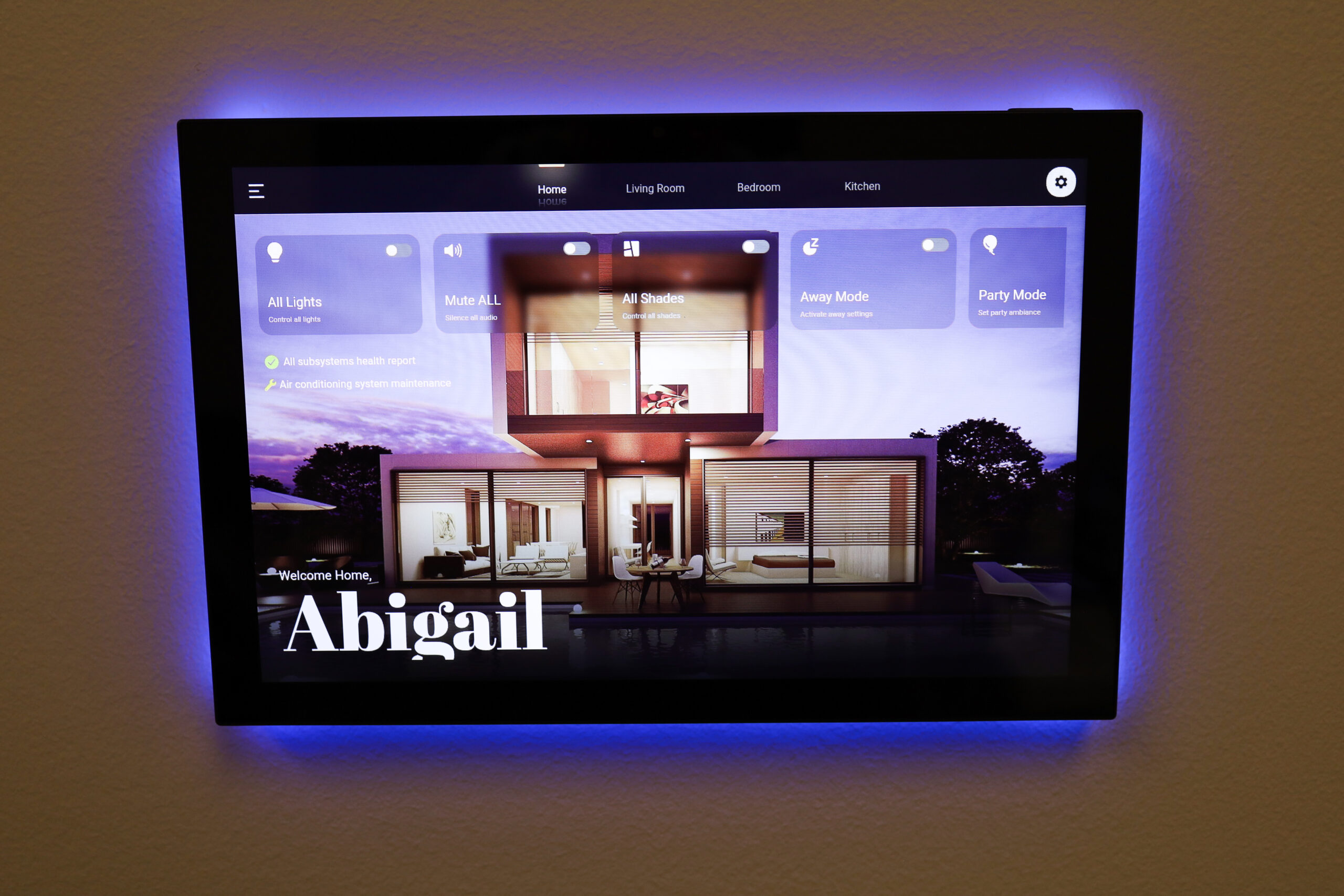
When a project calls for dedicated hardware, the AVS-10 provides the features expected in commercial installations while keeping the same development workflow. It includes Power over Ethernet (PoE), RS-232, GPIO, MQTT, Zigbee, proximity sensing, a programmable RGB LED strip, and optional Google Services support.
The AVS-10 also includes a built-in web management interface that simplifies deployment and support. Installers can monitor device status, view logs, and access hardware diagnostics directly from a browser, making commissioning and troubleshooting faster and more convenient.
AVS-10 Review Program
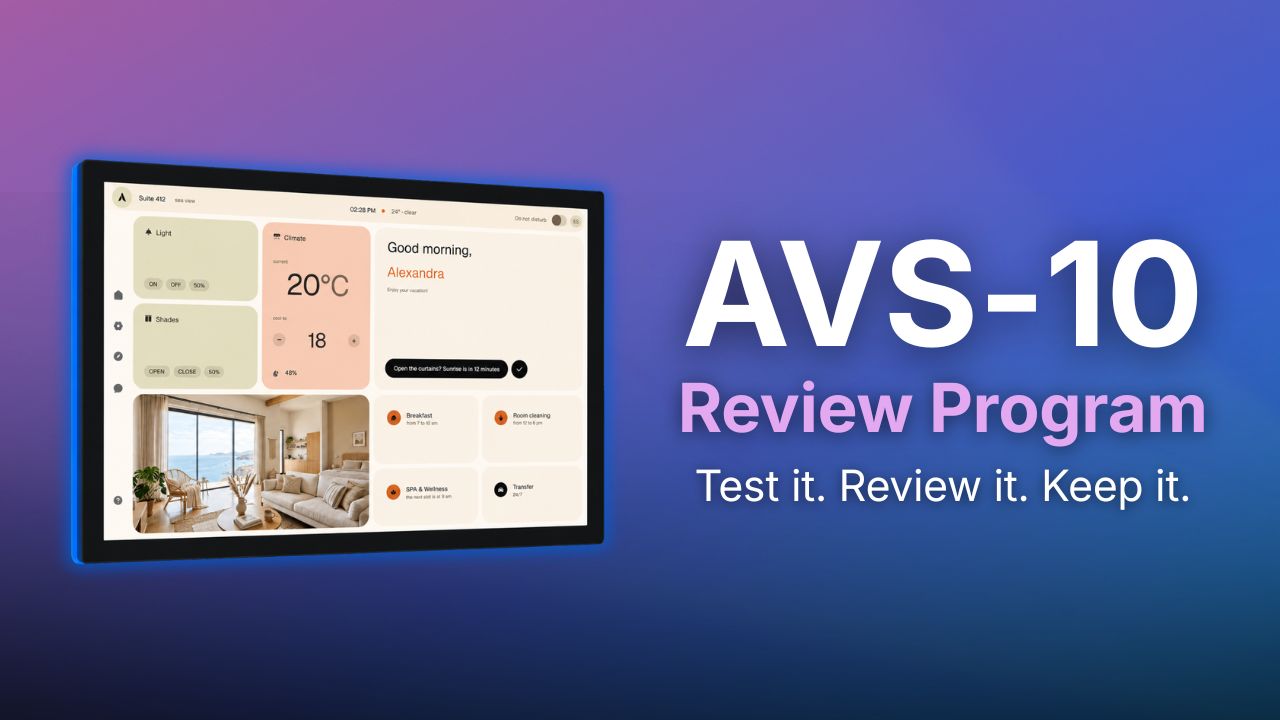
We’re also continuing to accept applications for the AVS-10 Review Program.
Selected participants will receive an AVS-10 touch panel in exchange for honest feedback. The program gives you early access to the hardware while helping us improve the platform.
If you’re interested in applying for the Review Program, you can register here: [LINK]
Thank you to everyone who joined our recent webinar.
We received a number of great questions throughout the session, and while we answered many of them live, we wanted to put everything together in one place for easy reference. Below you’ll find answers to the most common questions about the next generation of AVstudio.
If you have a question that isn’t covered here, feel free to reach out to our team. We’re always happy to help.
Q: Will there be any lower-priced option besides the Cloud subscription?
A: Yes. Partners who meet the annual sales requirement for Powered by AVstudio equipment will receive AVstudio Next Generation free of charge as part of the Partner Program.
Q: Does App Container support multiple projects/sites like Crestron GO?
A: Yes. App Container can store multiple projects, allowing users to switch between them without reinstalling the application.
Q: Are Push Notifications available on iOS?
A: Native push notifications require the AVstudio App Container.
Unfortunately, this is an Apple platform limitation. Standard web applications opened in Safari cannot provide the same push notification experience as native applications. Projects running inside App Container can receive push notifications through the AVstudio notification API.
Q: Can users simply scan a QR code without installing an app?
A: Yes. Users can simply scan a QR code and open the HTML5 interface remotely in their browser. The UI can be hosted directly on a touch panel, web server, or control system.
Connectivity depends on the network the user’s device is connected to.
Installing the AVstudio App Container is only required when native features such as push notifications, offline support, or other container-specific capabilities are needed.
Q: What problems does App Container solve?
A: App Container simplifies deployment and solves many common issues when running HTML5 applications, including:
Self-signed SSL certificates
Mixed HTTP/HTTPS environments
Faster application startup
Native push notifications
Offline support
Multiple projects on a single device
Simplified deployment and updates
Q: Why move to VS Code?
A: AVstudio Next Generation is built on top of the VS Code ecosystem while preserving the visual WYSIWYG experience.
Benefits include:
Local project files
Git integration
AI-assisted development (Cursor, Windsurf, GitHub Copilot, and other VS Code-compatible tools)
Offline development
Modern, extensible development environment
Q: Will AVstudio Next Generation provide the same development experience as the current Cloud Editor?
A: Yes. AVstudio Next Generation preserves the same visual WYSIWYG workflow while moving to a modern local architecture. You can continue building interfaces visually without manually editing HTML or JavaScript.
Q: When will AVstudio Next Generation be available?
A: Our current target is September 2026.
Projects created in the Cloud Editor will be exportable and can be opened in AVstudio Next Generation, allowing you to continue development locally without rebuilding your project.
We’ll continue to share updates as development progresses.
Q: Is there a free trial?
A: Yes. AVstudio includes a 2-week free trial, allowing you to evaluate the platform before subscribing.
Q: What are the dimensions of the AVS-10?
A: AVS-10 features a 10.1-inch display.
Dimensions: 243.07 × 159.67 × 13.6 mm (L × W × D)
Q: Will there be desktop and tabletop versions of AVS-10?
A: Yes. Both desktop and tabletop mounting options are planned and will be available soon.
Q: Will AVS-10 be available in white?
A: Yes. A white version is planned in addition to the black model.
AVstudio is looking for 10 reviewers to put the new AVS-10 Touch Panel to work and share their honest experience with the AV community.
If selected, you’ll receive an AVS-10 Touch Panel to evaluate in your own environment. Use it the way you normally would, whether that’s integrating it into a project, comparing it to another touch panel, or simply exploring its capabilities. Once you’ve completed the review requirements, the AVS-10 is yours to keep at no cost.
Your review does not necessarily need to be polished or professionally produced content. Above all, we want to hear what you really think.
How to Participate
Applications are open until August 7, 2026. After the application period closes, the AVstudio team will review all submissions and select 10 participants.
If selected, you’ll have 30 days to evaluate the AVS-10 and publish an honest review on at least two of the following platforms: LinkedIn, Facebook, YouTube, or Instagram. Your review can be a written post with photos, a video, or an article—whatever best reflects your experience.
The program is open worldwide. Participants are responsible for shipping and any applicable customs costs. You may also choose to pick up your AVS-10 at our office in Charlotte, North Carolina, or at CEDIA 2026.
What We’d Love to See
There are no right or wrong answers. Honest feedback is the entire purpose of this program.
If you’re not sure where to start, consider talking about:
Your first impressions
Build quality and design
Performance and responsiveness
Ease of setup and day-to-day use
Features you enjoyed
Areas that could be improved
How the AVS-10 compares to other touch panels you’ve used
The types of projects or use cases you tested
What is the AVS-10?
The AVS-10 is AVstudio’s native 10-inch touch panel, designed to run modern HTML5 user interfaces through AVstudio Runtime.
Every AVS-10 includes AVstudio Runtime for launching interfaces built with AVstudio, along with App Container, a built-in management interface that makes it easy to deploy, update, and manage HTML5 projects. You can upload projects directly from your computer or deploy them from a URL in just a few steps.
Because AVstudio is platform-agnostic, the AVS-10 isn’t limited to projects created with AVstudio. It can also run HTML5 interfaces built with other tools, giving developers the flexibility to deploy the projects that best fit their workflow.
A Few Final Details
The AVS-10 Touch Panel is provided at no cost as part of the Review Program. Once you’ve completed the review requirements, the touch panel is yours to keep.
If the review requirements are not completed, AVstudio reserves the right to request the return of the touch panel or invoice the participant for its retail value.
If you’re interested in being one of the first people to put the AVS-10 through real-world use and help shape its future through honest feedback, we’d love to hear from you.
Apply today and tell us why you’d like to be part of the AVS-10 Review Program: [LINK]
The way AV applications are built has changed. Modern development workflows, web technologies, and open standards have created new possibilities for AV interfaces, but those applications still need hardware designed to support them.
AVS-10 was created as a core part of the AVstudio ecosystem, bringing together modern hardware, AVstudio Runtime, and an open software foundation in a single touch panel. Rather than focusing on a single control platform, AVS-10 is designed to support modern AV deployments through standards-based technologies, flexible integrations, and a development experience that extends across the AVstudio ecosystem.
AVS-10 serves as a platform for AV control, automation, and application deployment while remaining tightly connected with the broader AVstudio ecosystem.
Part of the AVstudio Ecosystem
AVS-10 is a native part of the AVstudio ecosystem, designed to bring together modern hardware, AVstudio Runtime, and open web technologies in a single platform.
Applications built in AVstudio NG are deployed to AVS-10 through AVstudio Runtime, the execution environment that powers Powered by AVstudio touch panels. Runtime provides applications with access to the device’s hardware features, platform services, local storage, and communication capabilities, allowing modern HTML5 applications to function as complete AV control interfaces.
At its core, Runtime is built on a customized fork of Android. This provides a robust, flexible, and widely supported foundation while allowing AVstudio to optimize the platform specifically for professional AV deployments. Together, this creates a touch panel engineered for responsive operation, reliable performance, and the demanding requirements of modern AV environments. Optional Google Services integration also provides access to the Google Play Store, allowing third-party Android applications to be installed when needed.
Rather than being built around a single proprietary control platform, AVS-10 is designed around Runtime, modern web technologies, and open integration. It supports multiple control systems and deployment scenarios while remaining a natural extension of the AVstudio ecosystem.
Built for Real-World AV Deployments
AVS-10 was designed for professional AV installations that demand more than an interface. It integrates with existing systems, responds reliably, and adapts to the environments where it’s deployed.
The platform combines traditional AV connectivity with modern IoT technologies, making it equally comfortable to control legacy equipment or communicate with today’s connected devices. Native support for GPIO, RS-232, MQTT, and Zigbee allows AVS-10 to connect with displays, DSPs, lighting systems, HVAC, occupancy sensors, motorized blinds, and countless other devices without requiring separate gateways or specialized hardware.
Deployment is equally practical. Power over Ethernet (PoE) simplifies installation by delivering power and network connectivity over a single cable, while built-in features such as the proximity sensor and programmable LED strip improve the user experience through wake-on-approach, visual status indicators, notifications, and room feedback.
Together, these capabilities make AVS-10 more than a touch panel. It’s a central point of interaction for professional AV, building automation, and smart environments while remaining flexible enough to support new technologies as projects continue to evolve.
Looking Ahead
AVS-10 brings together the technologies and principles that define the AVstudio ecosystem into a single piece of hardware.
Combined with AVstudio NG and AVstudio Runtime, AVS-10 provides a complete platform for building, deploying, and running modern AV applications. Developers can continue working with familiar web technologies while integrators gain a touch panel designed around open modern connectivity and professional AV deployment.
Want to see AVS-10 in action?
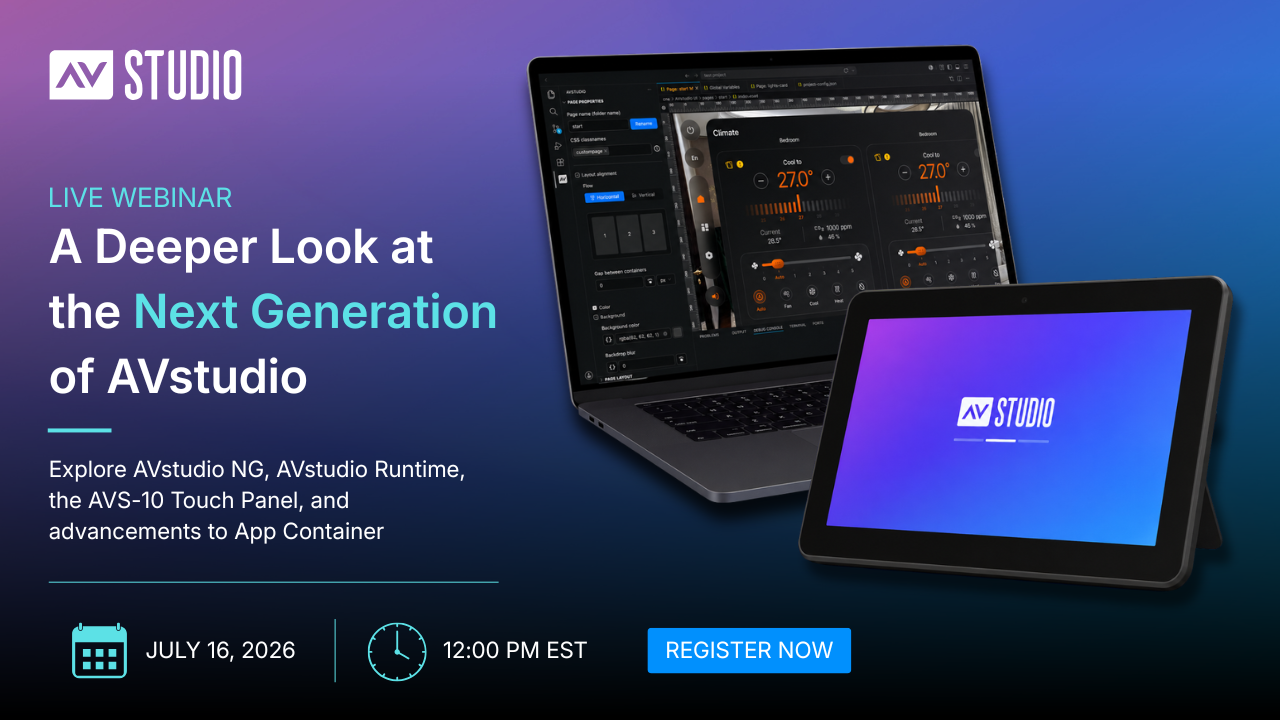
Join us on July 16 at 12:00 PM EST for a live technical walkthrough covering AVstudio NG, Runtime, the AVS-10 Touch Panel, and App Container. We’ll demonstrate real-world workflows, explore how each product fits into the AVstudio ecosystem, and answer your questions live.
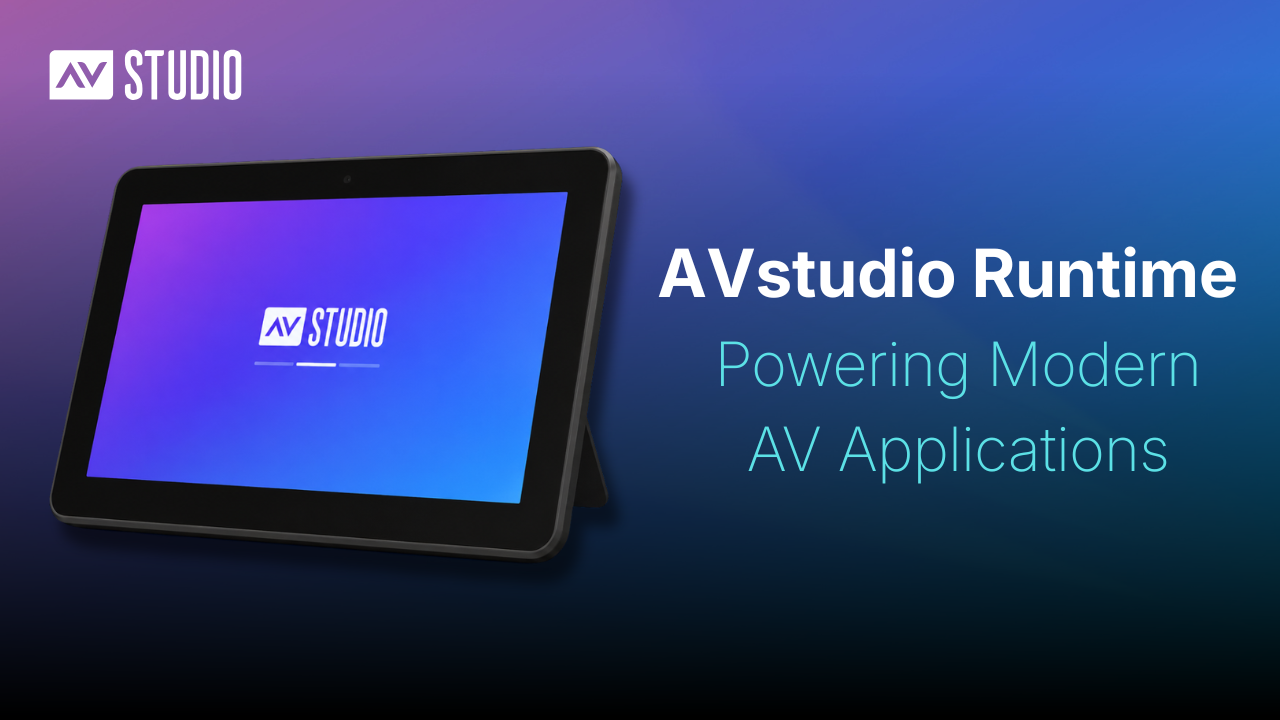
AVstudio Runtime is the software environment that powers AVstudio touch panels, enabling modern web applications to communicate with hardware, access platform services, and leverage capabilities not available in a standard web browser.
Rather than limiting applications to a single control ecosystem, Runtime is built around modern web technologies and open standards. It provides the foundation for deploying HTML5 applications while enabling seamless communication with AV devices, hardware interfaces, and control systems.
What is AVstudio Runtime?
AVstudio Runtime is a core part of the AVstudio ecosystem.
Applications are created in AVstudio NG and then deployed to the appropriate execution environment based on the target device. For Powered by AVstudio touch panels, that environment is AVstudio Runtime.
Runtime executes an application while providing access to the device’s hardware features, platform services, local storage, and communication capabilities. It allows modern HTML5 applications to function as complete AV control interfaces without changing how they’re developed.
For iPhones, iPads, Android phones, and Android tablets, App Container provides a similar execution environment tailored to those platforms. Together, AVstudio Runtime and App Container extend the AVstudio ecosystem beyond a single device, allowing applications built in AVstudio Editor to be deployed across multiple supported platforms, with each environment providing the capabilities required by its underlying hardware.
Built for Open Integration
Professional AV environments bring together a wide range of devices, services, and control platforms. Displays, DSPs, lighting systems, occupancy sensors, media servers, and automation platforms all need to exchange information reliably. AVstudio Runtime supports that level of integration.
Applications running on Runtime can communicate using technologies such as MQTT, WebSockets, HTTP, and HTTPS, and access platform services and hardware capabilities provided by the underlying device. Runtime also extends HTML5 applications with native communication methods and advanced media capabilities essential to many professional AV deployments.
This allows developers to continue building with modern web technologies while creating applications that integrate naturally into today’s AV environments.
A Foundation for the AVstudio Ecosystem
AVstudio Runtime wasn’t designed as a standalone product. It was designed as a one part of the AVstudio ecosystem. Each product has a different role, but they work together as a unified platform.
This architecture allows each part of the ecosystem to focus on what it does best. Developers build applications in AVstudio NG using familiar web technologies, while the Runtime is optimized to execute them on dedicated AV hardware. By handling platform services, hardware integration, native communication, and media capabilities at runtime, applications can remain clean, portable, and focused on their intended functionality.
As the AVstudio ecosystem continues to grow, Runtime provides a consistent foundation for deploying applications across supported hardware without changing the way those applications are developed. That separation between development and execution is one of the principles that defines the AVstudio ecosystem.
Looking Ahead
AVstudio Runtime provides the foundation that allows modern HTML5 applications to move beyond development and into real-world deployment.
As the AVstudio ecosystem continues to expand, Runtime will continue to power Powered by AVstudio touch panels while providing the platform capabilities required for modern AV applications.
Want to see AVstudio Runtime in action?
Join us on July 16 at 12:00 PM EST for a live technical walkthrough covering AVstudio NG, Runtime, the AVS-10 Touch Panel, and App Container. We’ll demonstrate real workflows, explore the technologies behind the AVstudio ecosystem, and answer your questions live.
Software development has changed dramatically over the past decade. Developers have embraced AI, Git, local-first workflows, and powerful development environments that adapt to the way they work. Those tools have fundamentally changed how modern applications are built.
But AV development hasn’t always kept pace. Too often, developers have had to work within proprietary environments that limit collaboration, restrict project ownership, and force workflows around the tool instead of the project.
AVstudio NG was built as a direct response to these challenges. Rather than asking developers to adopt another isolated platform, AVstudio NG brings modern software development practices into the AV world while preserving the speed and simplicity of AVstudio Editor’s visual workflow.
It starts with something surprisingly simple: owning your project files.
Your Files. Your Rules.
One of the biggest changes in AVstudio NG isn’t immediately visible. It’s how projects are organized behind the scenes.
Rather than storing everything inside a proprietary project file, AVstudio NG uses a familiar folder structure built around open, human-readable formats such as JSON, HTML, CSS, and JavaScript. Configuration files, pages, subpages, media assets, and project resources are organized in a logical, easy-to-understand structure from the moment you open the project.
This approach changes much more than where files are stored. It gives developers complete ownership of their projects.
Teams can reuse components across projects, maintain shared libraries, archive completed work, version projects with Git, and keep local backups without relying on proprietary export formats. Projects remain accessible long after they’re finished because they’re built from technologies developers already understand.
Using open, human-readable file formats also allows modern development tools to work more effectively. AI can understand project structure more naturally, Git can track changes without special handling, and developers always have access to their projects, even when working offline.
AVstudio NG puts project ownership back in the developer’s hands.
Built Around the Way You Work
Every developer has a preferred way of working. They’ve invested time customizing their editor, installing extensions, learning keyboard shortcuts, and building workflows that make them more productive. AVstudio NG was designed to fit into that environment rather than replace it.
Delivered as a Visual Studio Code extension, AVstudio NG works directly within one of the world’s most widely used development environments while also supporting compatible VS Code-based platforms such as Cursor, Windsurf, Antigravity, and others.
That means developers can continue using the tools they already rely on, including their preferred themes, extensions, AI assistants, Git workflows, and editor configurations. Instead of introducing another standalone application, AVstudio NG integrates into an existing development environment.
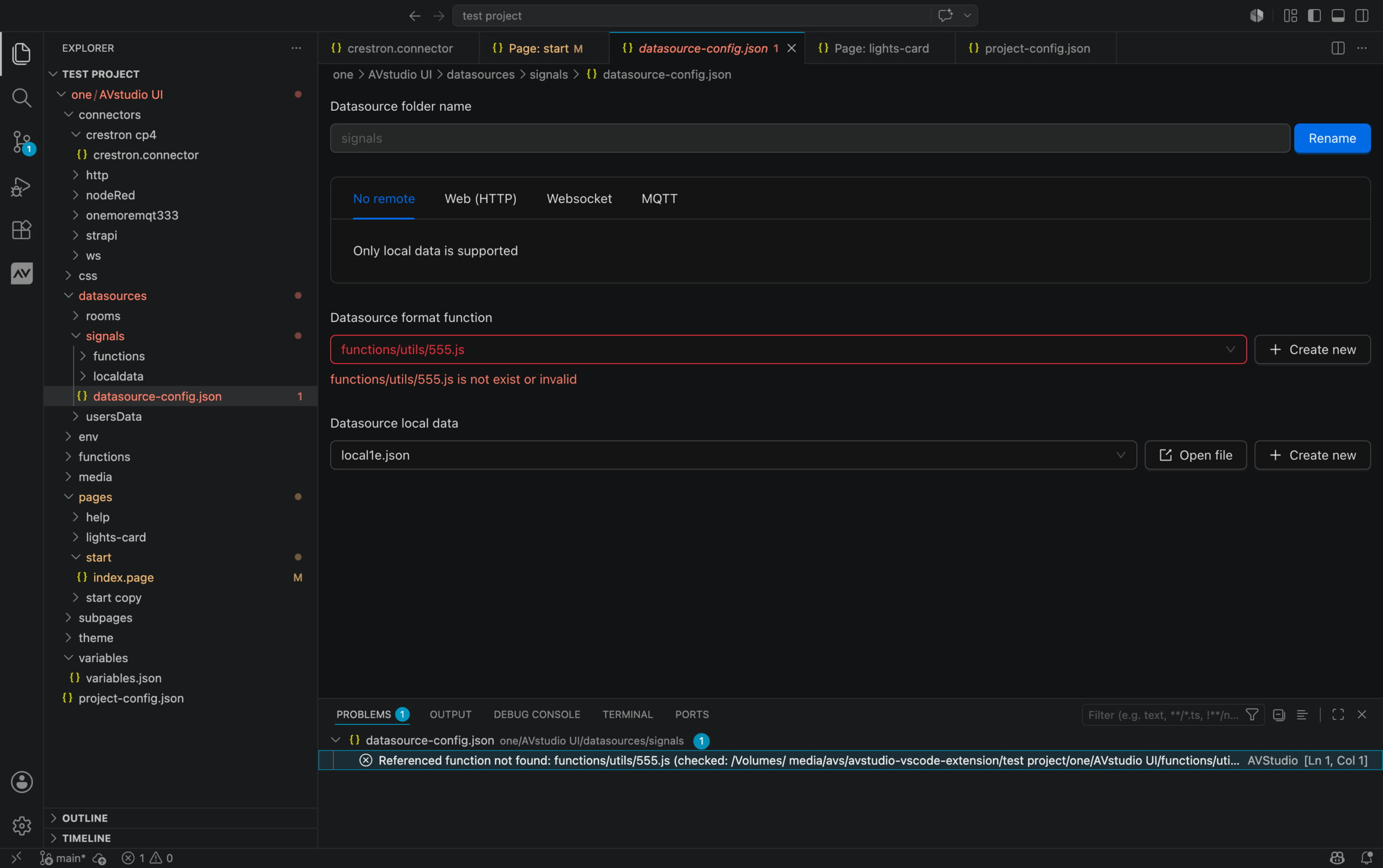
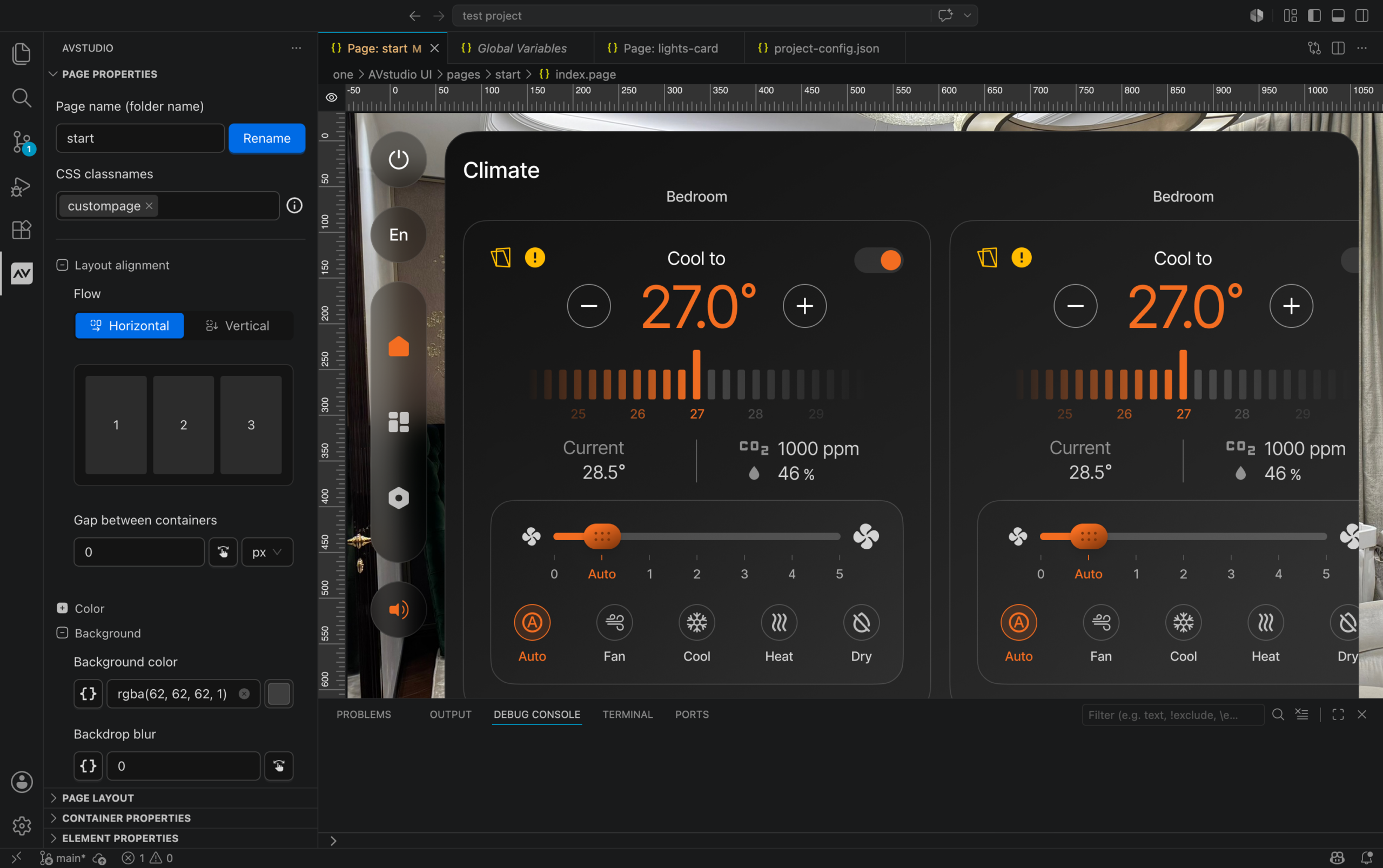
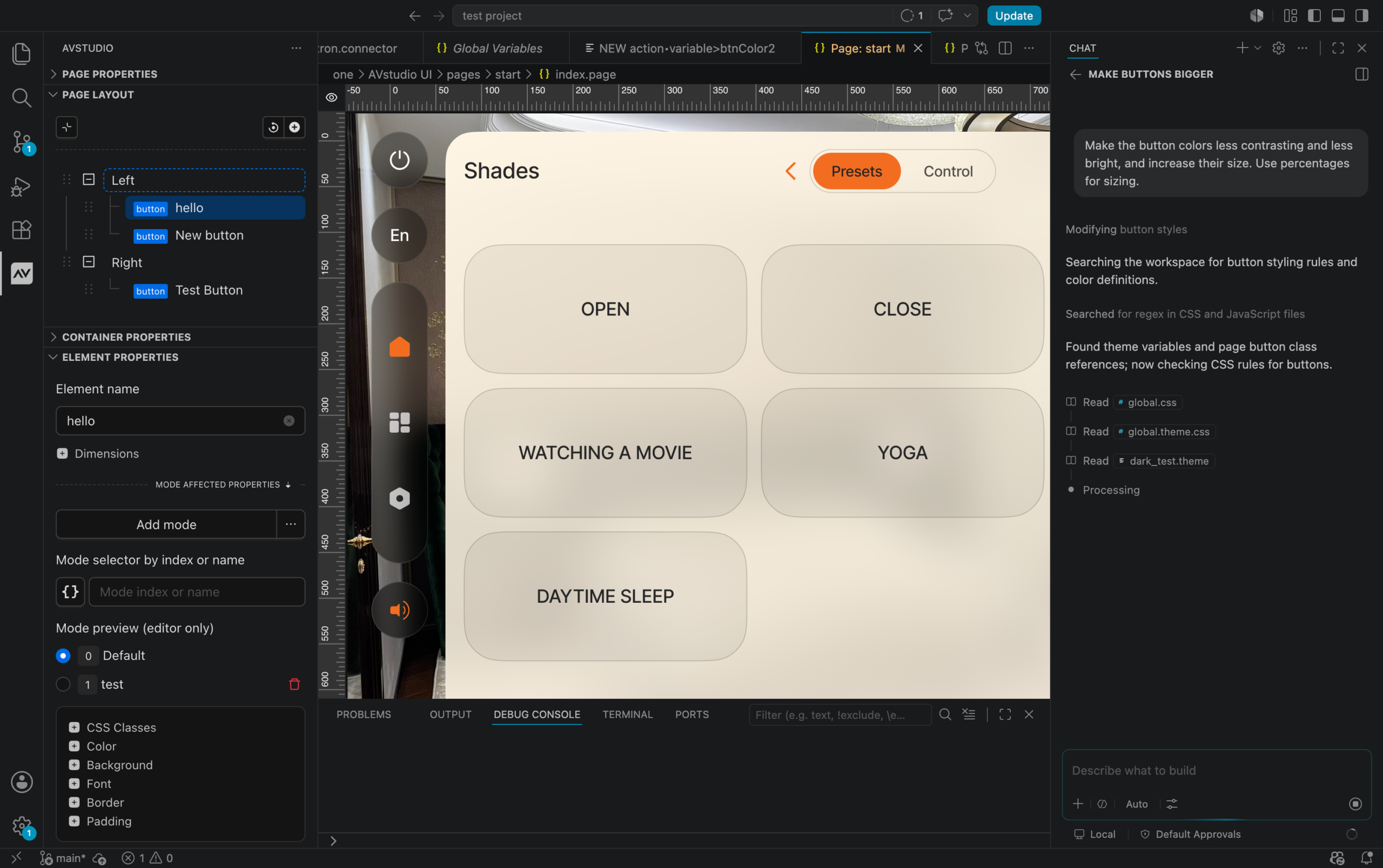
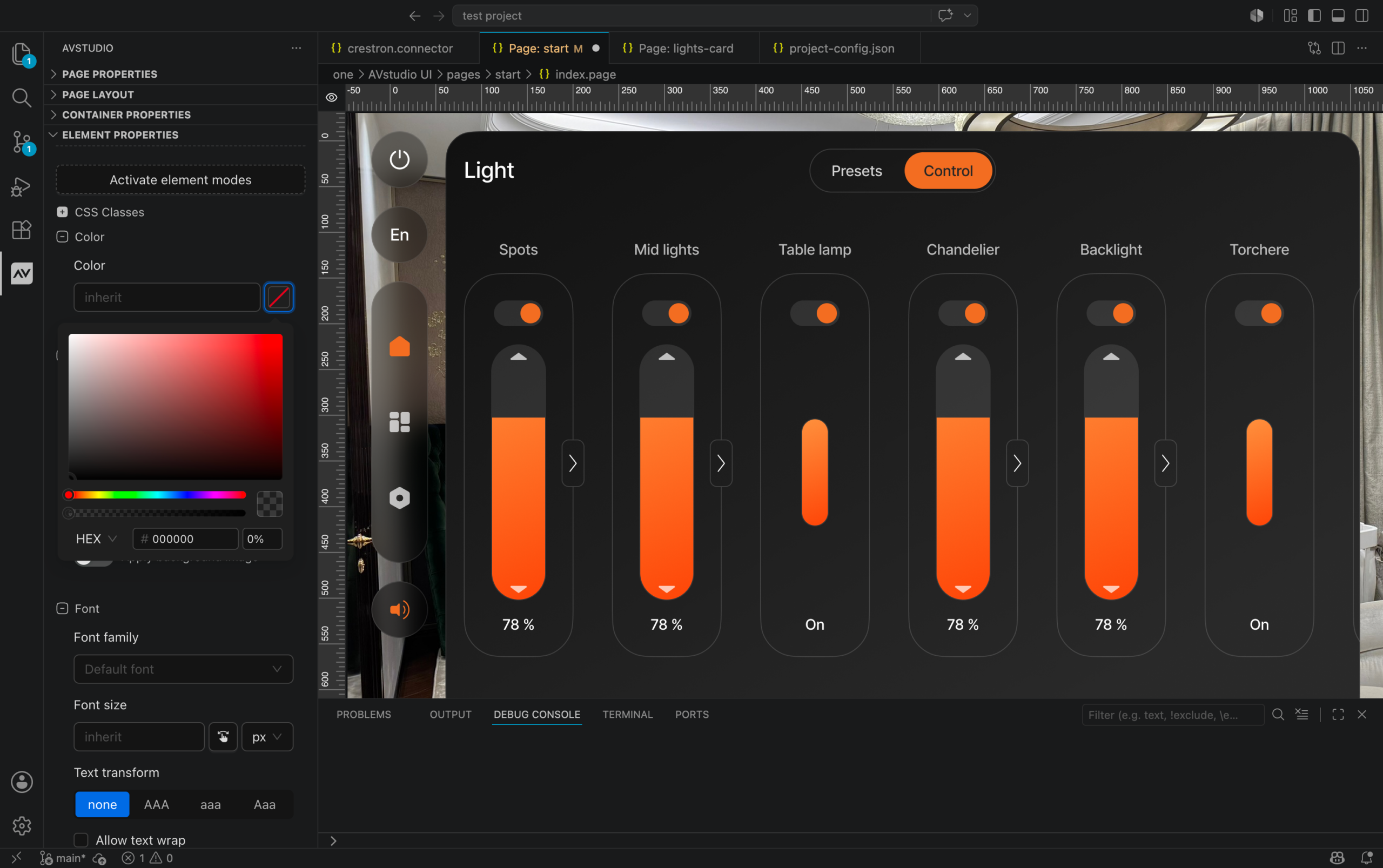
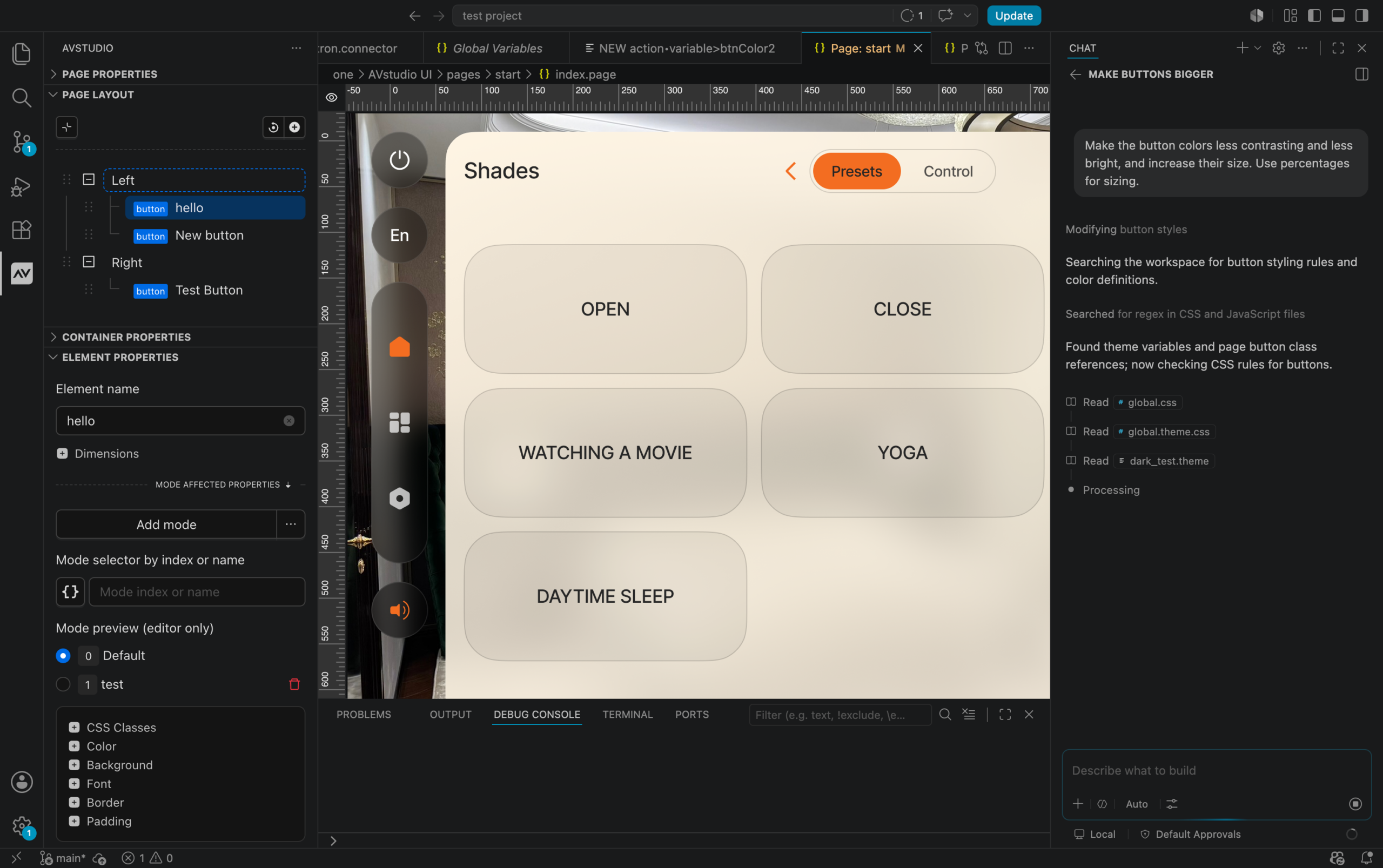
At the same time, developers continue to benefit from AVstudio Editor’s visual workflow. Visual interface design and modern code editing work side by side, combining drag-and-drop development with syntax highlighting, project validation, AI-assisted development, and the flexibility of a professional code editor.
The result is a development experience that feels familiar on day one while offering significantly more flexibility as projects grow in size and complexity.
AI That Understands Your Projects
AI is becoming a natural part of modern software development, helping developers write code, automate repetitive tasks, and solve problems faster than ever before. The real challenge isn’t adding AI to a platform. It’s giving AI enough context to produce useful results.
That’s where AVstudio NG takes a different approach.
Because every project is built using open, human-readable technologies such as JSON, HTML, CSS, and JavaScript, AI can understand the structure of an AVstudio project without relying on proprietary formats or custom tooling. Instead of working around a closed system, AI can interact directly with the same files developers use every day.
That creates opportunities well beyond generating code. AI can help build pages, create interface elements, generate variables, configure actions, apply styling, assist with custom JavaScript and CSS, and even review projects by identifying missing data or validating project structure before deployment.
As AI capabilities continue to evolve, AVstudio NG is ready to evolve alongside them. By building projects on technologies that both developers and AI already understand, AVstudio creates an environment where AI becomes a practical part of the development workflow rather than just another feature.
Built for Collaboration
AV projects rarely stay in the hands of a single developer. As projects grow, responsibilities shift, new team members join, and completed systems often require updates long after the original deployment. We created AVstudio NG with that in mind.
Because projects use an open, standards-based file structure, they work naturally with Git, GitHub, and other version control systems. Project history, branching, code reviews, and merge workflows become part of the development process instead of requiring separate tools or proprietary workflows.
That same project structure also makes long-term maintenance much simpler. Projects can be archived, restored, transferred to another developer, or delivered directly to a customer without depending on a specific development environment to access them.
The result is a workflow that’s easier to maintain over time, whether a project changes hands next month or five years from now.
Visual When You Want It. Code When You Need It.
Visual development has always been at the core of AVstudio, and that hasn’t changed with AVstudio NG.
Interface layouts, components, and interactions can still be built visually using the workflow developers already know. When a project calls for something more advanced, the underlying project files are immediately available within the same development environment.
That means visual design, custom JavaScript, CSS, project configuration, and debugging all coexist. Developers aren’t forced into a visual workflow for every task, nor are they expected to abandon it when more advanced customization is required.
Each part of the project can be approached using the tool that makes the most sense. Routine interface work remains fast and visual, while more complex functionality benefits from the flexibility of a modern code editor.
AVstudio NG expands what developers can do without changing the workflow that made AVstudio Editor approachable in the first place.
Looking Ahead
By bringing together visual development, open project structures, AI-ready workflows, and the flexibility of the Visual Studio Code ecosystem, AVstudio NG builds on the strengths of AVstudio Editor while expanding what’s possible for developers and development teams.
This is only the beginning. As development tools, AI, and web technologies continue to evolve, AVstudio NG is designed to keep pace, giving developers a platform built around open technologies rather than closed workflows.
Want to see AVstudio NG in action?
Join us on July 16 at 12:00 PM EST for a live technical walkthrough covering AVstudio NG, Runtime, the AVS-10 Touch Panel, and App Container. We’ll demonstrate real workflows and answer your questions live.
InfoComm 2026 has officially wrapped, marking a major milestone for AVstudio.
Over three incredible days, we connected with developers, integrators, manufacturers, and technology leaders from across the AV industry. The conversations, feedback, and enthusiasm we experienced throughout the show reinforced that the industry is ready for a new approach to AV interface development.
This year, we unveiled some of the most significant additions to the AVstudio ecosystem to date, including:
AVstudio NG (Next Generation) – A powerful new Visual Studio Code-based development experience that expands what’s possible for AVstudio developers while introducing an open, modern, and offline-first workflow.
AVstudio Runtime – A flexible deployment environment that allows AVstudio projects to run across a wide range of platforms and hardware.
AVS-10 Touch Panel – AVstudio’s new touch panel, designed to deliver modern HTML5 interfaces in a purpose-built hardware experience.
Continued advancements to App Container – Further expanding the ways users can deploy, manage, and run HTML5 projects across iOS, Android, and other supported devices.
InfoComm 2026 was also a proud moment for our team as AVstudio was recognized with the Best Integrator Software Tool awardfrom rAVe [PUBS]. We are incredibly grateful to our users, partners, and supporters who have helped make this achievement possible.
More importantly, this year’s show wasn’t just about introducing new products. It was about sharing our vision for the future of AV development. A future built around openness, modern technologies, developer freedom, and the ability to create exceptional user experiences without unnecessary limitations.
Here’s a closer look at what we unveiled during InfoComm 2026 and how these new advancements are shaping the next chapter of AVstudio.
AVstudio Recognized as Best Integrator Software Tool
One of the biggest highlights of InfoComm 2026 was AVstudio receiving the Best Integrator Software Tool award from rAVe [PUBS]. This award recognizes solutions that help integrators deliver better results by improving the way projects are designed, developed, and deployed.
For our team, this recognition is not taken lightly. We are incredibly proud of the progress we’ve made and the impact AVstudio continues to have across the industry. Since day one, our mission has been to give developers and integrators greater control over their projects through modern tools, open technologies, and workflows that remove unnecessary limitations. That philosophy has guided the development of AVstudio from the beginning and continues to shape everything we build today.
We are incredibly grateful to our users, partners, and supporters who continue to challenge us, provide feedback, and help shape the platform’s future. Your trust and enthusiasm have played a major role in AVstudio’s growth and success.
While we are honored by this recognition, we are even more excited about what comes next. InfoComm 2026 gave us the opportunity to unveil the next generation of the AVstudio ecosystem, including AVstudio NG, AVstudio Runtime, the AVS-10 Touch Panel, and continued advancements to App Container.
AVstudio NG (Next Generation)
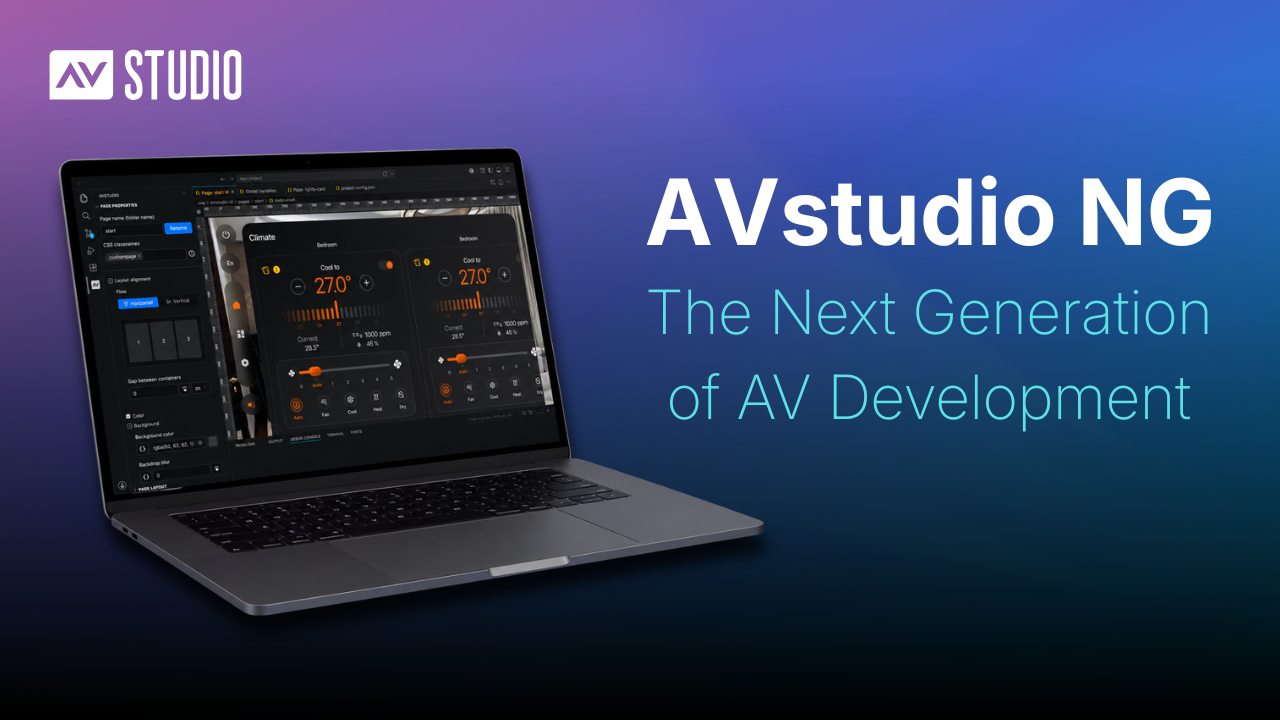
InfoComm 2026 featured the public reveal of AVstudio NG (Next Generation), a new Visual Studio Code-based development experience that represents a major evolution of the AVstudio platform.
Delivered as a Visual Studio Code extension, AVstudio NG allows developers to work directly within one of the world’s most popular development environments while continuing to use the tools, plugins, and workflows they already know. Because it is built on the Visual Studio Code ecosystem, AVstudio NG can also leverage compatible platforms such as Cursor, Antigravity, Trae, and other AI-powered development environments.
Projects are stored locally, enabling a true offline development experience while giving users complete access to their project files and assets. Built around an open project structure, AVstudio NG works naturally with Git, GitHub, AI-assisted development tools, and other modern software development practices.
AVstudio NG also introduces new opportunities for AI-assisted development. AI tools can help create pages, elements, variables, styling, actions, and application logic, as well as assist with custom CSS, JavaScript, and other project components. Combined with support for multi-window workflows and industry-standard tooling, AVstudio NG gives developers greater flexibility in how they design, manage, and maintain projects.
AVstudio NG reflects AVstudio’s continued commitment to openness, developer freedom, and modern development practices while laying the foundation for the next generation of AV application development.
AVstudio Runtime
InfoComm 2026 also marked the introduction of AVstudio Runtime, a new execution environment designed to power the next generation of AVstudio applications.
Runtime provides the software environment that allows modern web applications to run on AVstudio touch panels while supporting hardware integrations, platform services, and AV-focused functionality.
Unlike traditional touch panel platforms that are often tied to a specific control ecosystem, AVstudio Runtime embraces modern web technologies and open standards. Applications can communicate with a wide range of systems and devices using technologies such as MQTT, WebSockets, HTTP, and other modern protocols.
As AV projects continue to evolve, AVstudio Runtime provides a foundation for deploying modern applications across a growing ecosystem of devices while remaining independent of any single control platform or hardware manufacturer.
AVS-10 Touch Panel
Introducing the AVS-10 Touch Panel, AVstudio’s new hardware platform designed to deliver modern HTML5 applications through a purpose-built user experience.
Powered by AVstudio Runtime, the AVS-10 combines modern web technologies with dedicated AV hardware to create a platform designed for today’s interfaces and workflows. Built around open standards, the AVS-10 allows developers and integrators to deploy applications without being restricted to a single control ecosystem.
The AVS-10 represents an important step forward for AVstudio’s hardware offerings, providing a powerful foundation for modern AV applications while maintaining the openness and deployment flexibility that define the AVstudio ecosystem.
App Container Continues to Evolve
Continued advancements to App Container were also highlighted during InfoComm 2026.
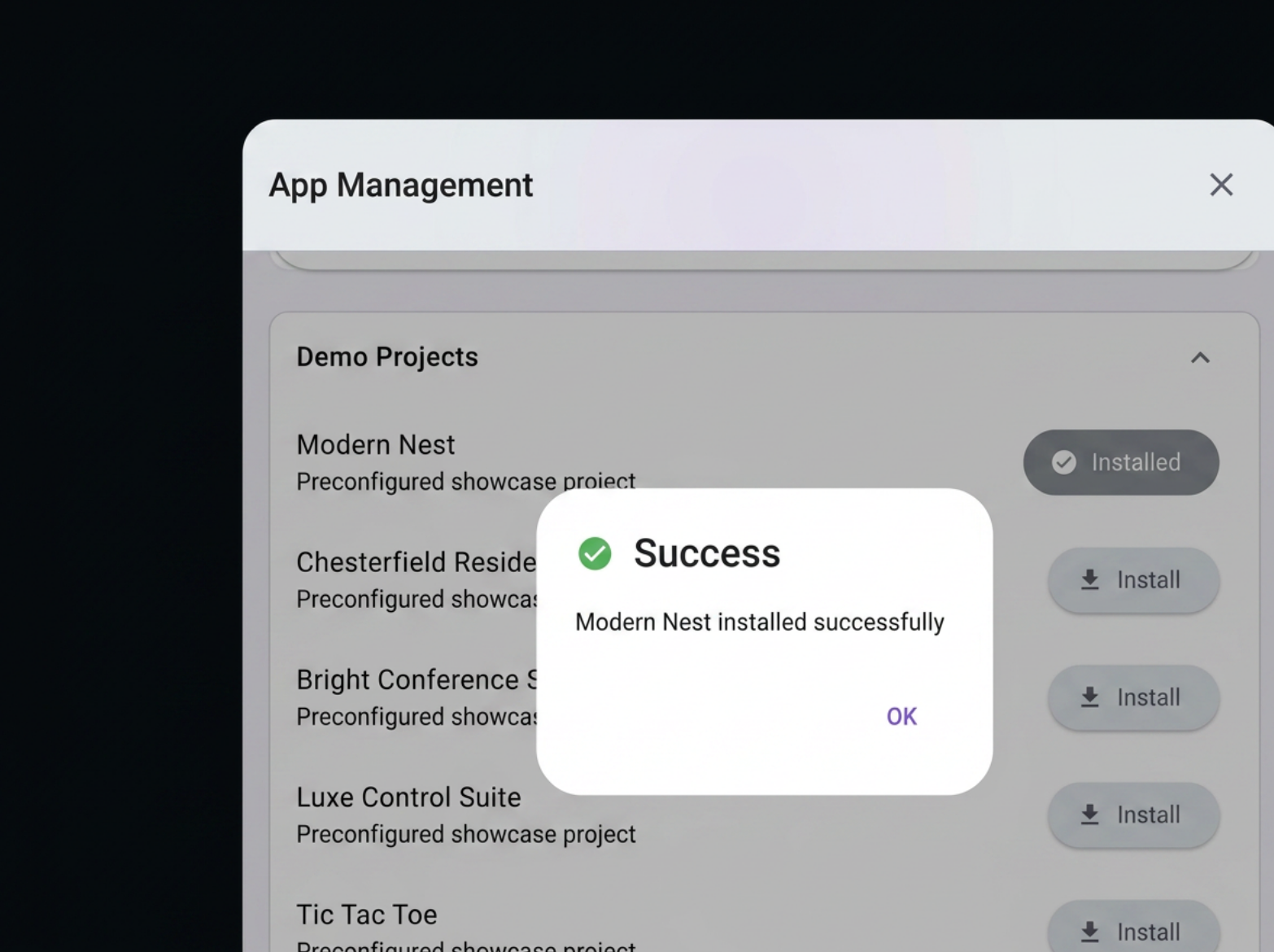
App Container allows users to run HTML5 applications across iOS and Android devices, creating a flexible deployment option for AV interfaces, dashboards, control systems, and other web-based applications. Throughout the past year, App Container has continued to evolve with new features, usability improvements, and expanded deployment capabilities.
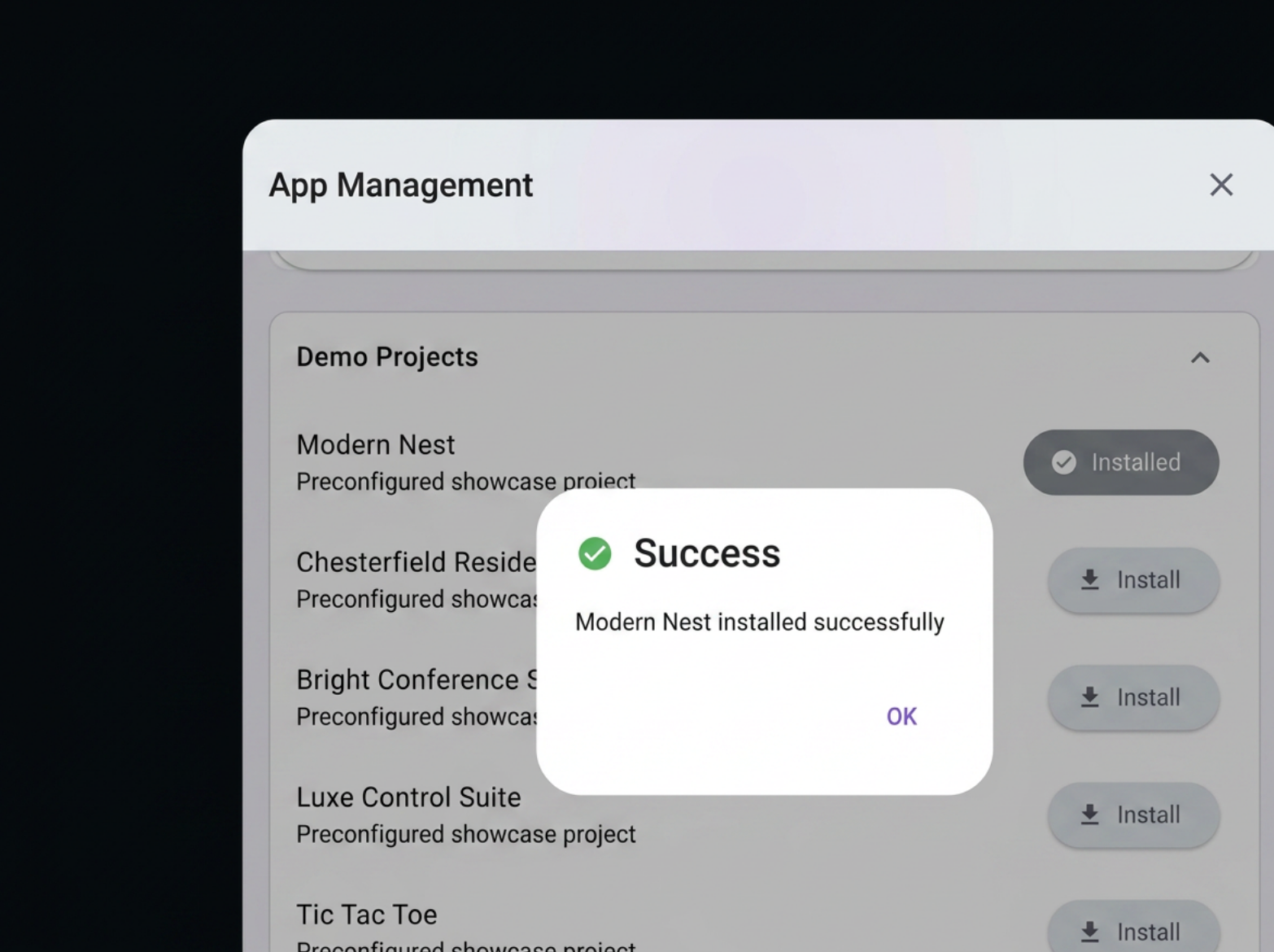
Recent enhancements have focused on making deployment and day-to-day use even simpler. From improved project management and device controls to greater flexibility in how applications are launched and displayed, App Container continues to make it easier to access, manage, test, and switch between projects on the devices users already have. Projects can be loaded and launched in seconds, making it easy to validate changes, test new interfaces, and move between deployments without the friction often associated with traditional deployment workflows. This allows developers and integrators to validate changes and test interfaces almost immediately.
As organizations look for more practical and cost-effective ways to deploy modern interfaces, App Container offers a straightforward solution that delivers powerful HTML5 applications to mobile devices without unnecessary complexity.
Join Us on July 16th for a Deeper Look
While InfoComm 2026 gave attendees an early look at the future of AVstudio, there is much more to explore.
On July 16th at 12:00 pm EST, we’ll be hosting a special webinar dedicated to the technologies unveiled at InfoComm, including AVstudio NG, AVstudio Runtime, the AVS-10 Touch Panel, and the latest advancements to App Container.
During the webinar, we’ll take a deeper look at AVstudio NG, Runtime, the AVS-10 Touch Panel, and App Container, including live demonstrations, workflows, and real-world deployment scenarios. Attendees will also have the opportunity to participate in a live Q&A session with the AVstudio team and get answers directly from the people building the platform.
InfoComm 2026 was an exciting milestone for AVstudio, but more importantly, it marked the beginning of a new chapter for the platform. Each announcement reflects our commitment to building modern tools that give developers and integrators greater freedom, flexibility, and control.
We are always eager to hear feedback from our users, partners, and the broader AV community. The conversations we had with our community over the years helped shape many of the ideas behind these announcements, and that feedback will continue to play an important role as the platform evolves.
Thank you to everyone who visited our booth, shared feedback, and helped make this year’s show such a success. We’re excited for what comes next and look forward to sharing more in the weeks ahead.
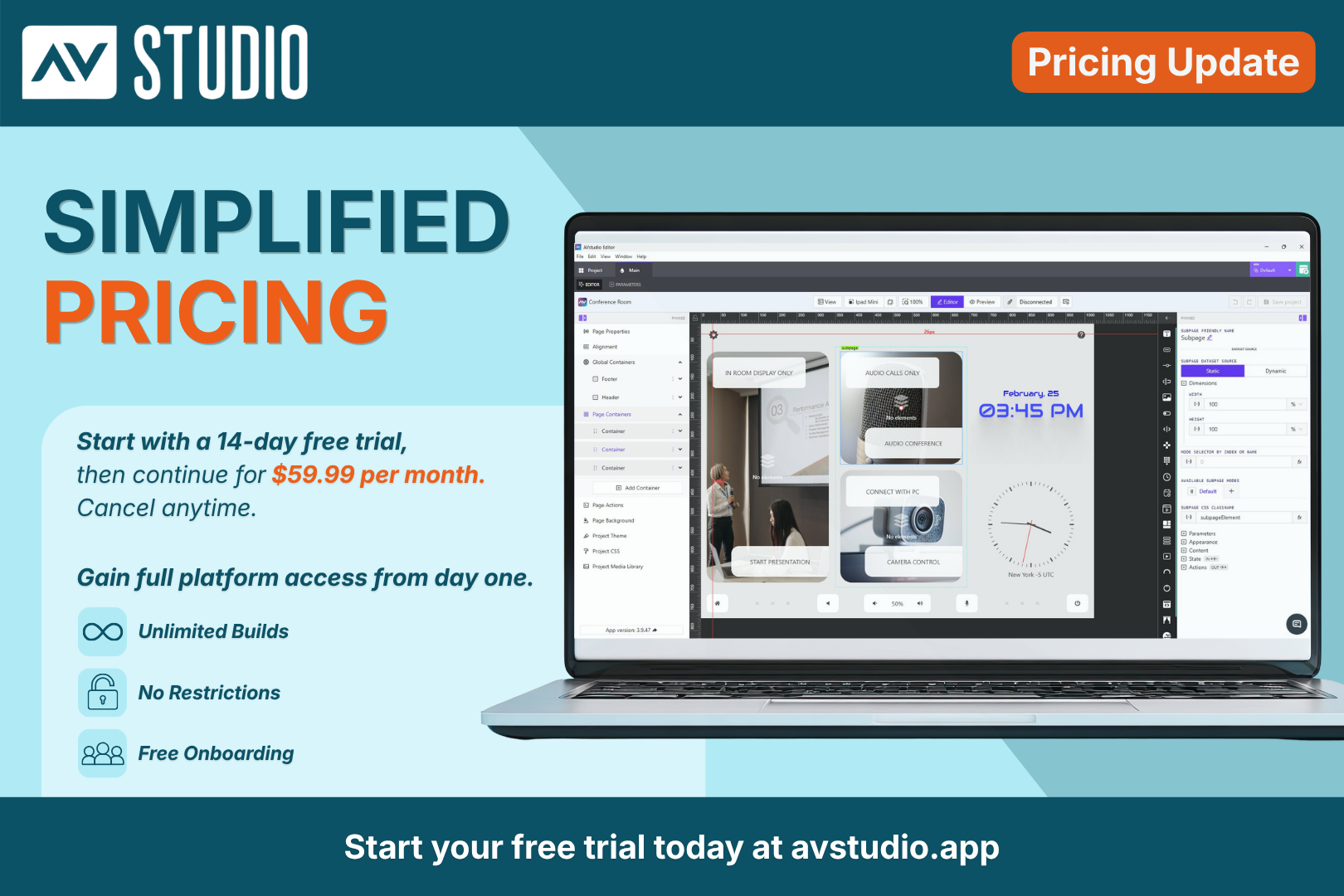
We’re excited to introduce a new, more accessible pricing model for AVstudio Editor.
To access the full platform, all new users now begin with afree 2-week trial of the Professional Plan. From day one, you’ll have unrestricted access to build, upload, test, and deploy real projects, giving you the opportunity to fully explore the platform before making a long-term commitment.
After your trial ends, your subscription continues at $59/month with the Professional Plan. If the platform is not the right fit for your needs, you can cancel anytime.
Full Access, More Features, and Unlimited Builds
Your free trial includes full access to the entire platform, including unlimited projects, builds, testing, debugging, and deployments. This means there are no per-build costs, hidden fees, or locked features.
The Professional Plan also includes access to advanced features such as the Autonomic Media Player Widget and Compact Shades Control, along with built-in connectors for AMX and other control systems, simplifying integration.
With the Professional Plan, users can build and deploy CH5z files ready to upload directly to touch panels or control systems, giving you everything you need to deliver professional interfaces under one single subscription.
Why Try AVstudio Editor?
AVstudio Editor provides developers with a modern environment for creating professional HTML5 control interfaces while simplifying many aspects of development.
You are free to build without being tied to a single hardware ecosystem, certification program, or manufacturer. That means your projects stay under your control, giving you the flexibility to work across different systems, support a wider range of clients, and adapt as technology evolves.
Here are a few reasons developers are making the switch:
True WYSIWYG – Build in Real Time: Design and test simultaneously with Live Preview. Make changes instantly without compile-and-deploy cycles. Stay connected to a real control processor to send commands and receive live feedback.
Work Across Multiple Systems: Build across multiple control systems and protocols without being locked into a single ecosystem.
Handle Logic Inside the UI: Manage variables, events, and advanced interactions directly inside the interface.
Build Independently: No control system required. Run interfaces independently and connect directly through WebSocket, MQTT, HTTP, REST API, and more.
Scale Faster with Reuse: Reuse UI components, layouts, and logic across projects to speed up development and maintain consistency.
For professionals seeking greater flexibility and fewer constraints, AVstudio Editor offers a modern approach to traditional, industry-standard UI development.
Get Started Faster with Free Onboarding Sessions
We highly encourage all new users to schedule a free onboarding session at the start of their trial.
During this session, our team will walk you through the platform, answer questions, share best practices, and help you get up and running faster so you can make the most of your trial.
And if you need support beyond onboarding, we offer multiple ways to receive additional help.