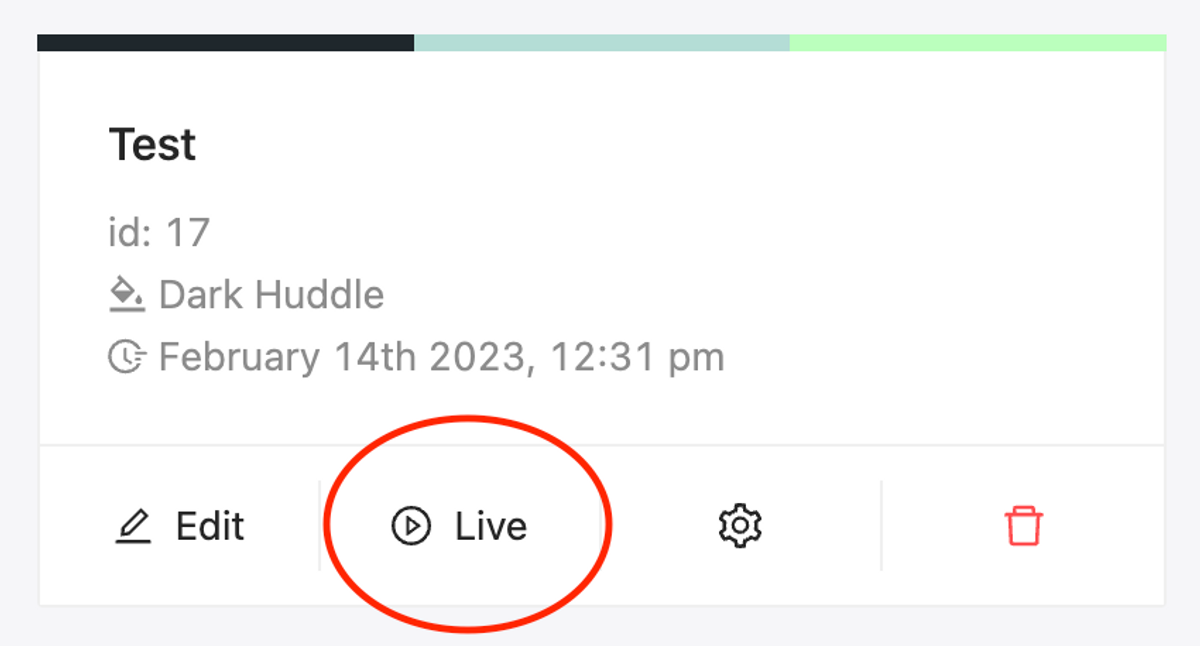
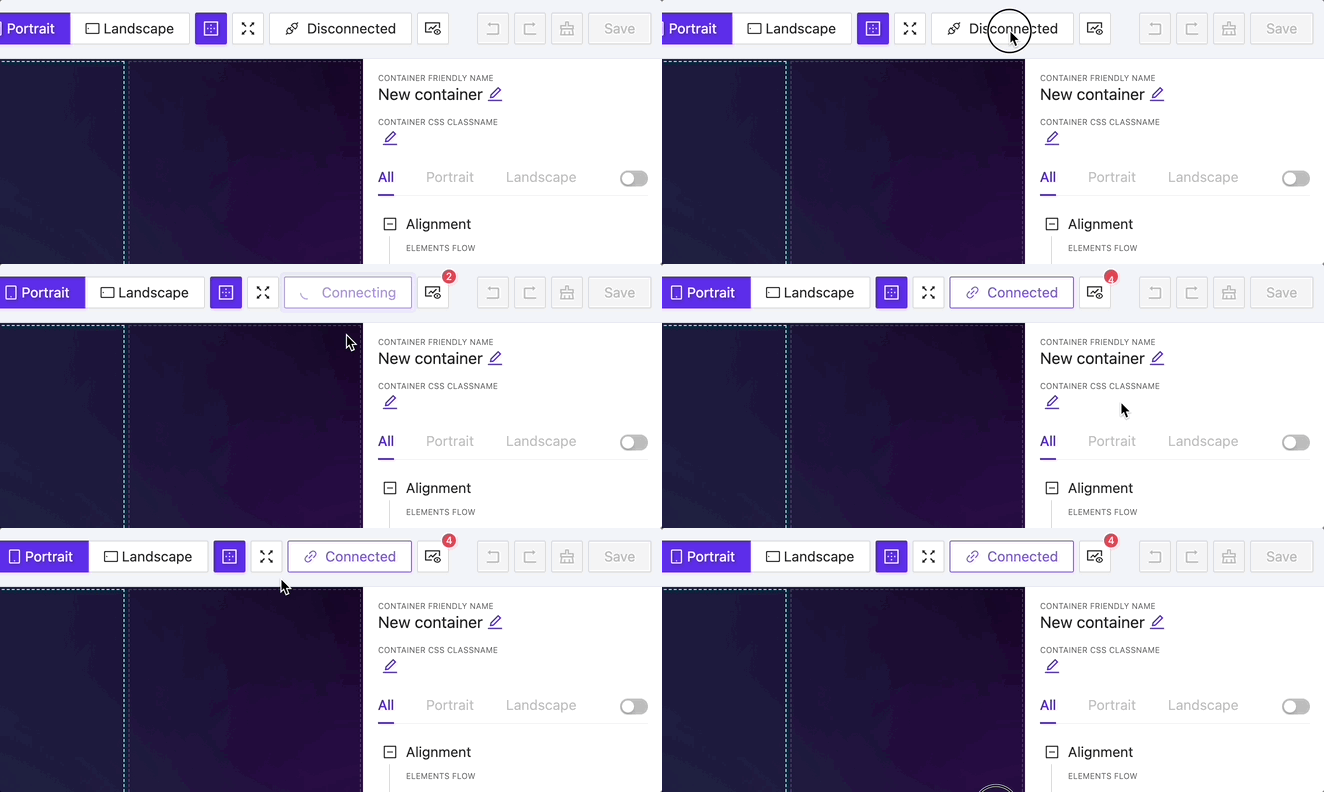
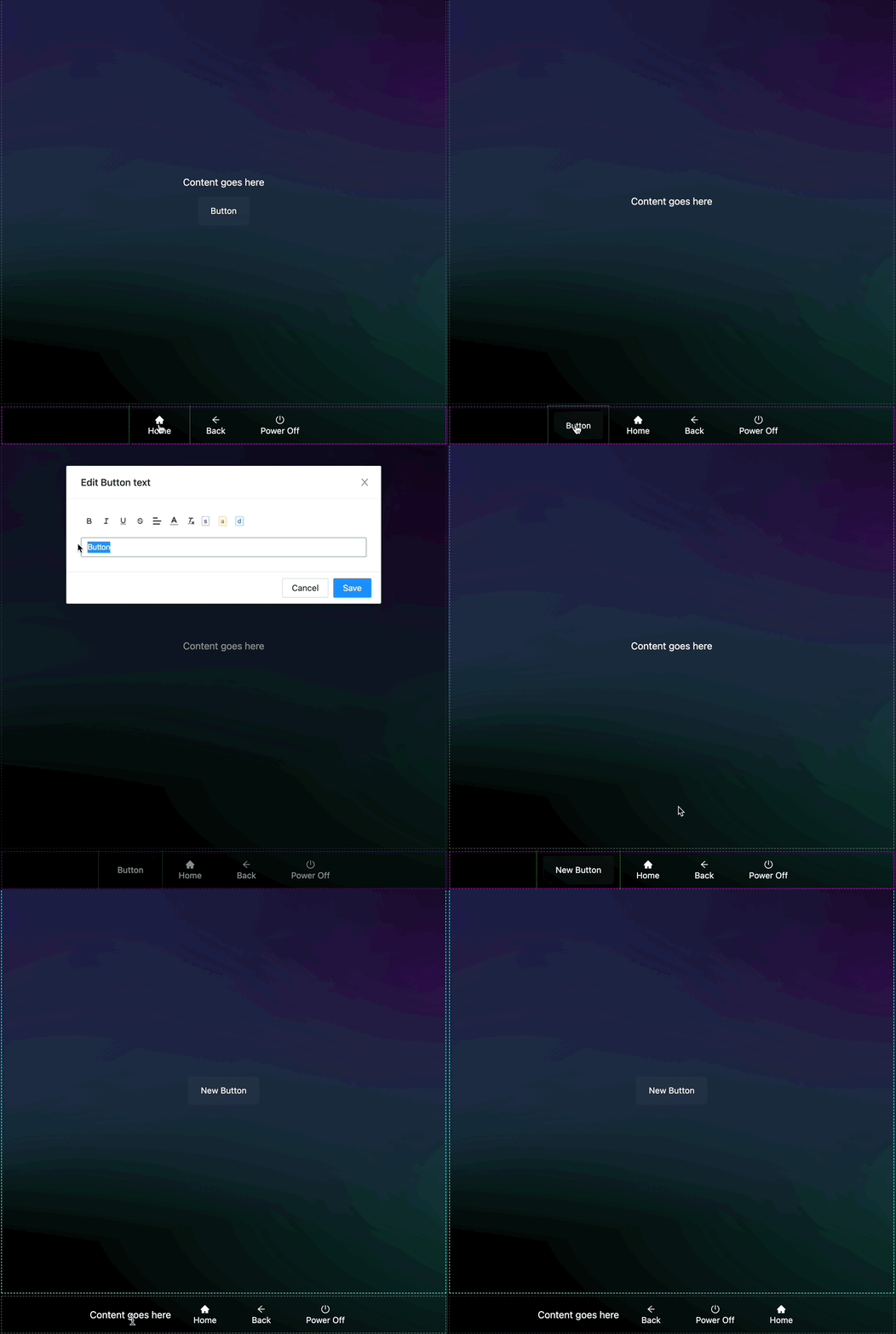
With a live project preview, you can fully explore a project, including all its actions, page flips, and designed logic.
If the correct connection configuration is provided, the preview will automatically connect to the processor, allowing you to experience the full functionality of the project.
New Element: Subpage
NEW
Now you can achieve page encapsulation by inserting one page into another. This new feature makes the design process much more flexible and allows you to reuse layout parts, simplifying your work.
New Element: Switch
NEW
New Element: Spacer
NEW
The Spacer feature enables you to add free space between elements.
New Element: Slider
NEW
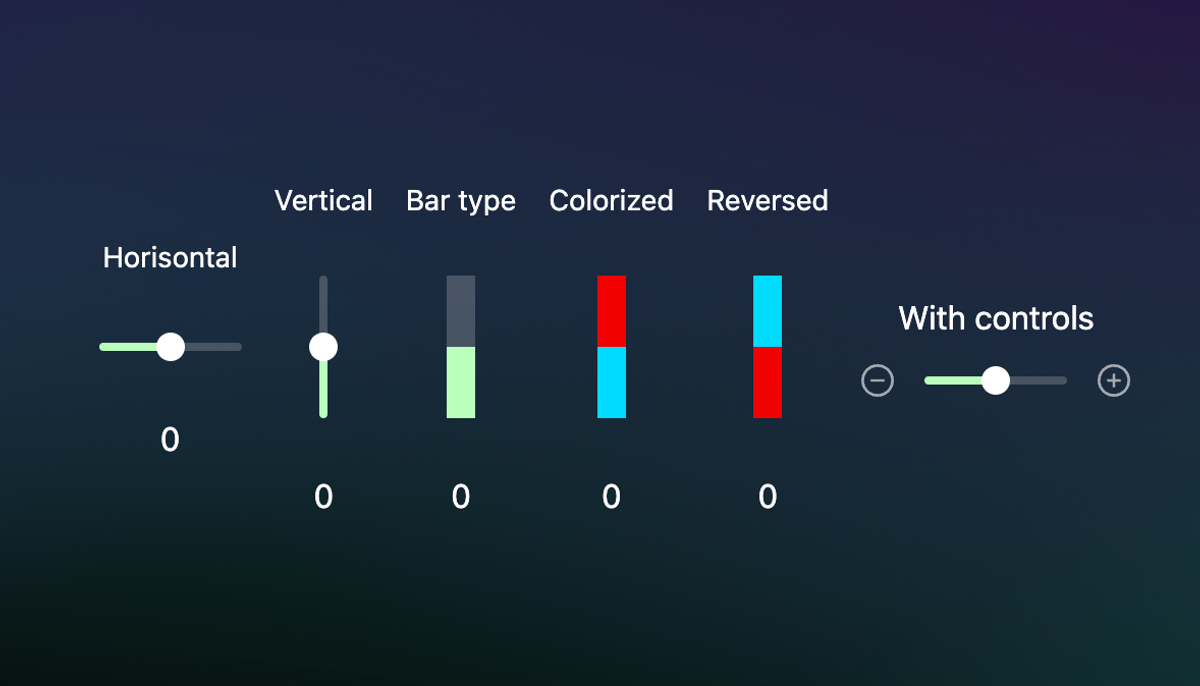
Experience an amazing level of customization and create stunning sliders, bars, and more.
Additionally, sliders have a feature called ‘Dynamic Background’ that can change the page background when the slider’s value is adjusted.
6,000+ new icons
UPDATE
All icons are licensed for personal and commercial use.
Better size control
UPDATE
Almost all element parts can now be controlled, including text size, icon size, and more.
Predefined routes
UPDATE
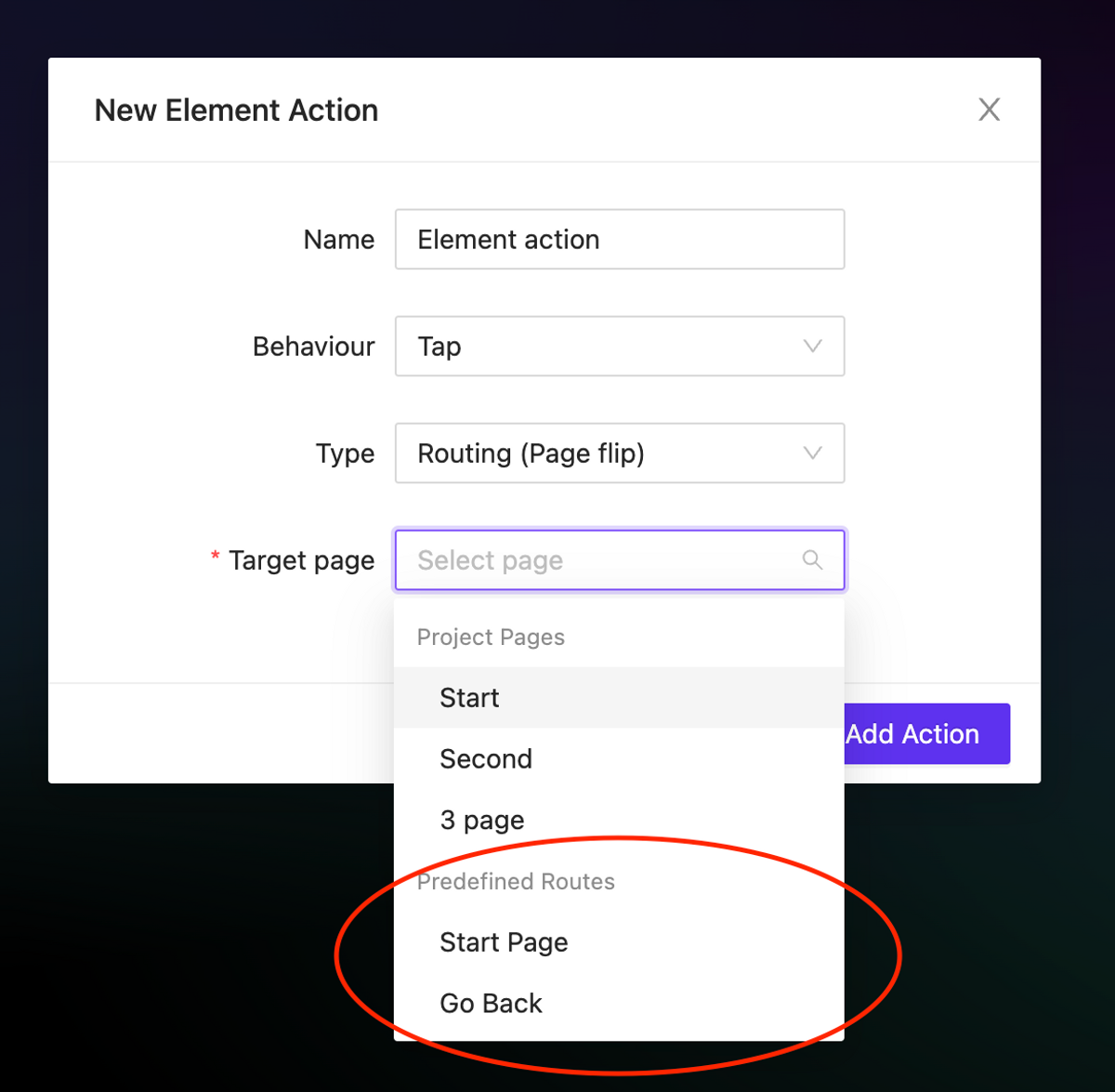
We have added static routes in page flip actions, which include the ability to go back to the start page and return to the previous page – Go Back.
Interactive elements preview behavior
NEW
We have updated the interactive elements (such as switches and text inputs) so that they now work in the preview mode. This means that you can put text into these elements and see the visual feedback, even if the processor is not connected.
Editor context menu
NEW
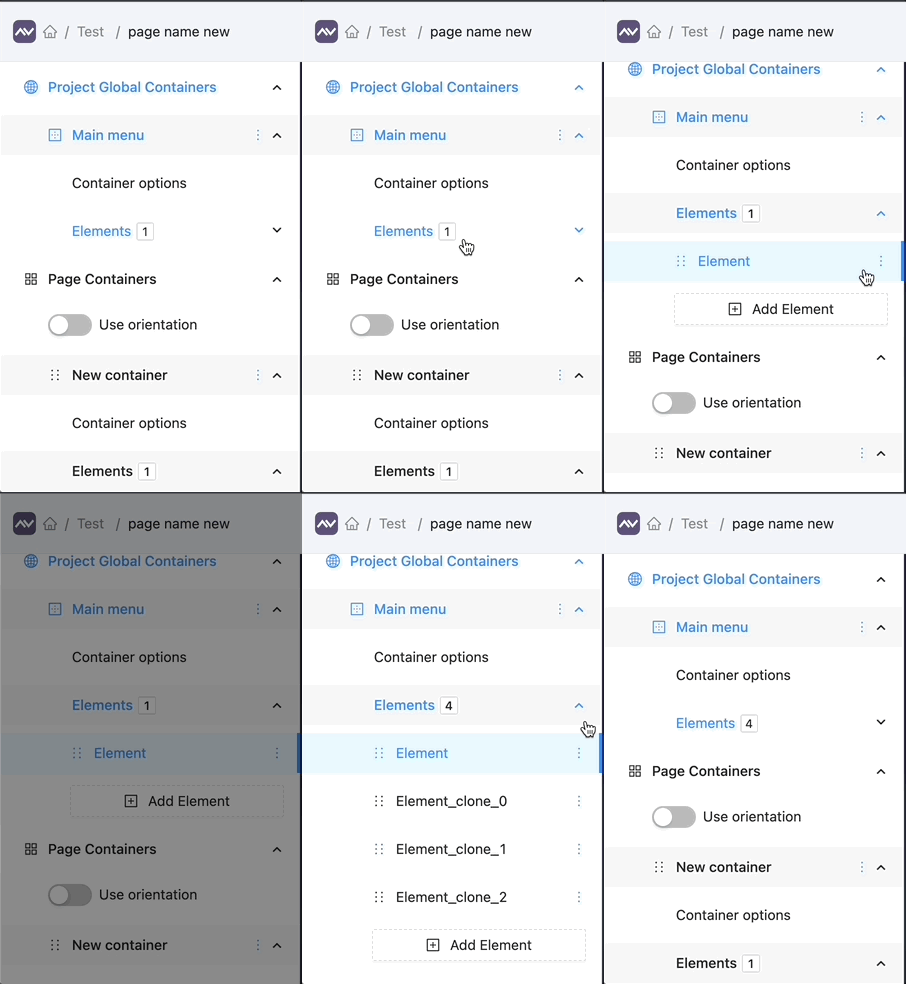
In editor mode, you can create, delete, or clone elements by using the context menu.
Gap property
NEW
Containers (and certain elements) now support the gap property, allowing for easy control of the space between content parts.
Border property
NEW
We have added the ability to add borders with custom colors and types to certain elements and containers.
Preview mode
UPDATE
In preview mode, the sidebars with options are faded to draw more focus to the page content.
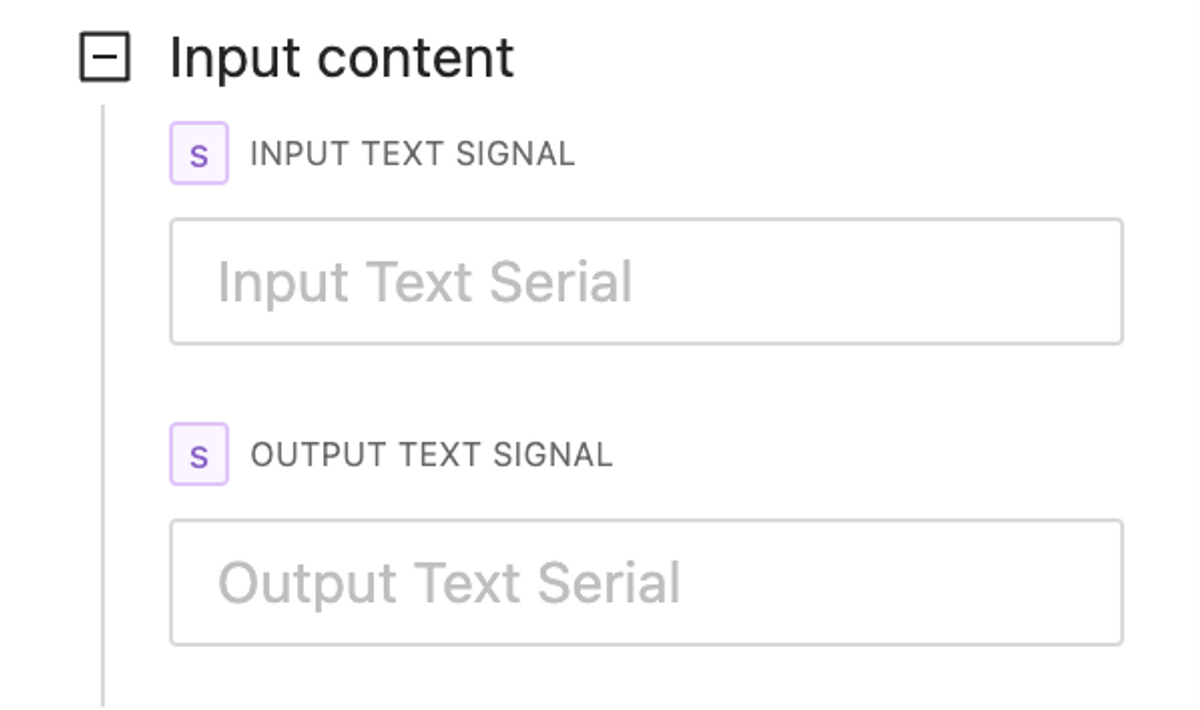
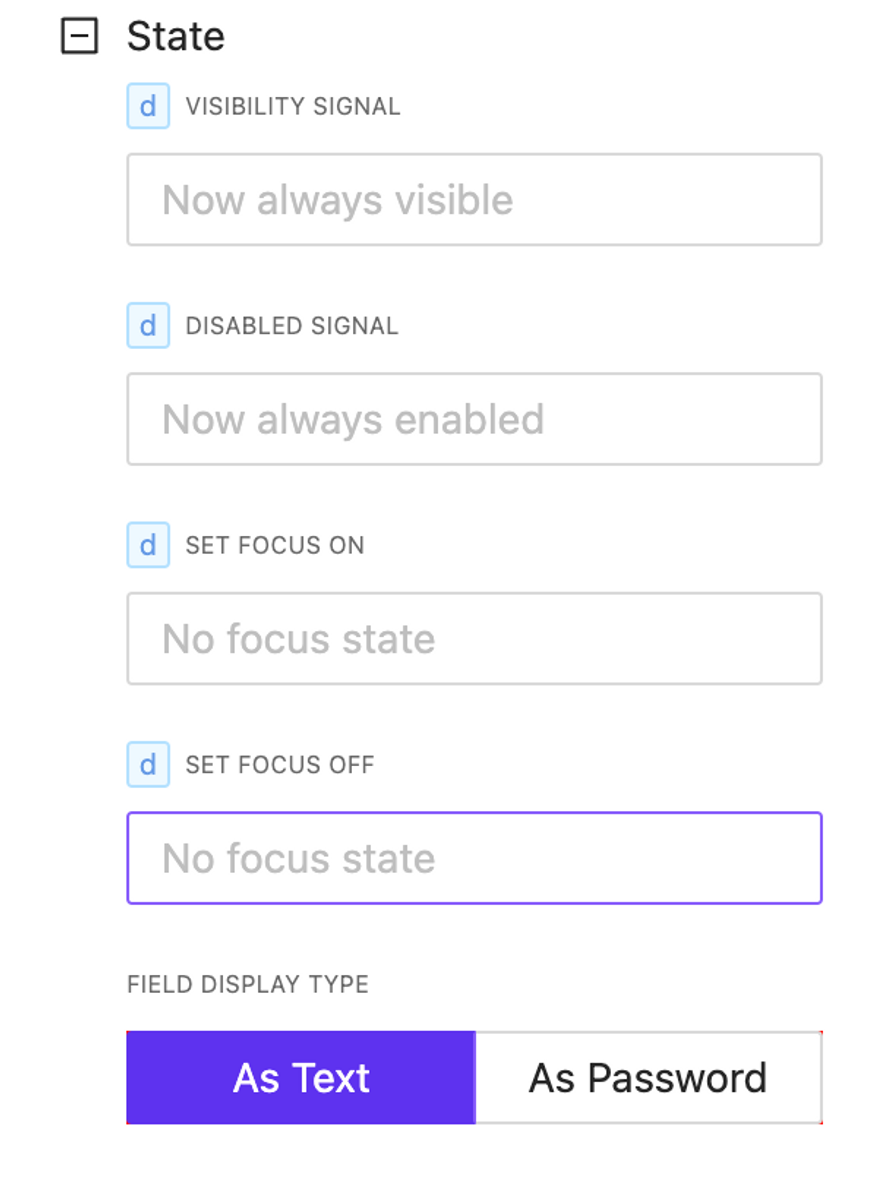
This feature includes the ability to manage input and output serial signals, control statements with focus management, and adjust size options.
Elements state and behavior control
NEW
Now all elements have at least visibility and enabled state control. Depending on the element type, other controls are available.
State control options for Text Input Element
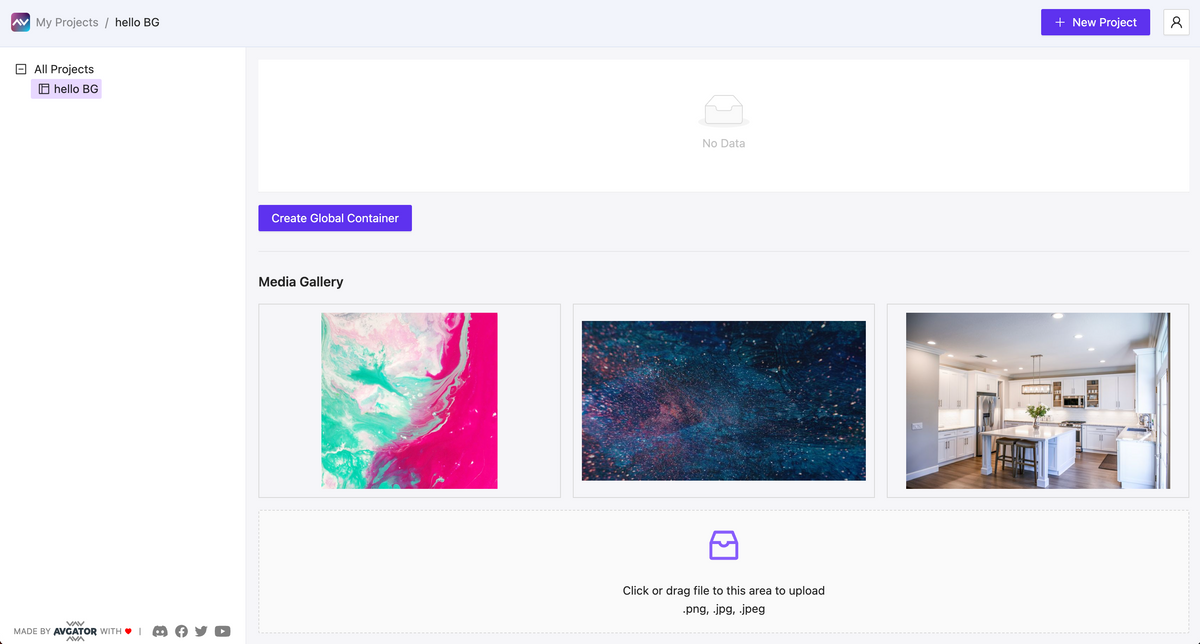
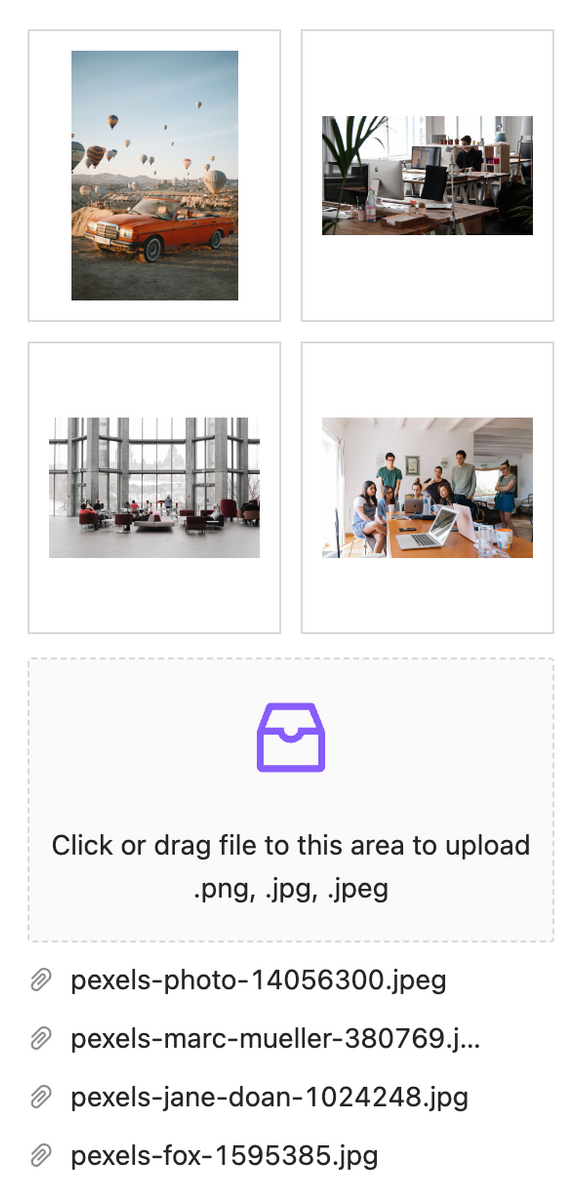
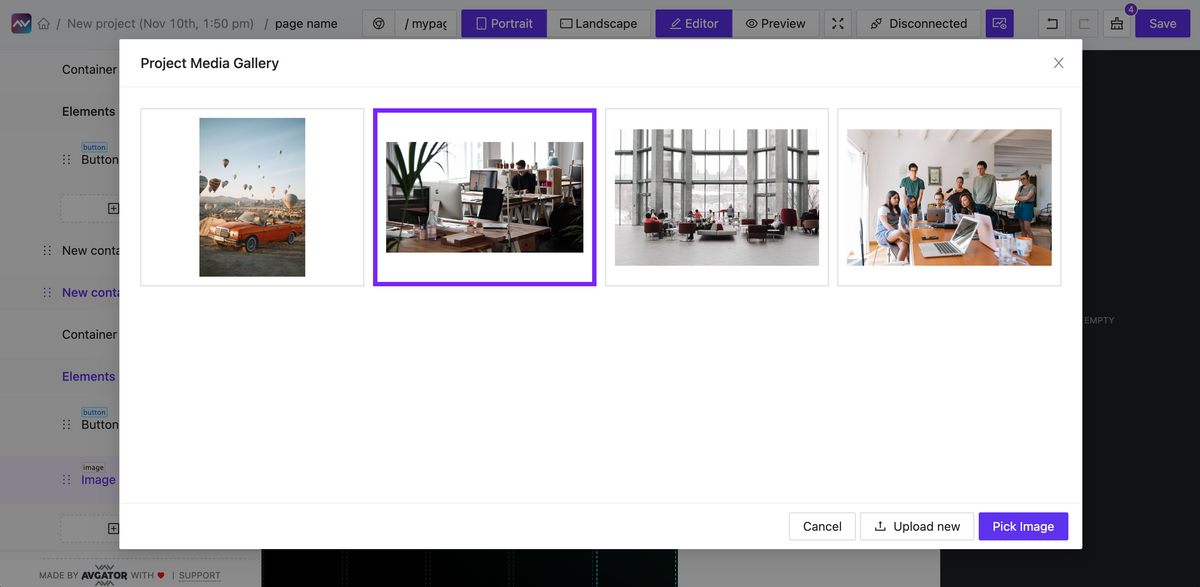
Project Media Library added
NEW
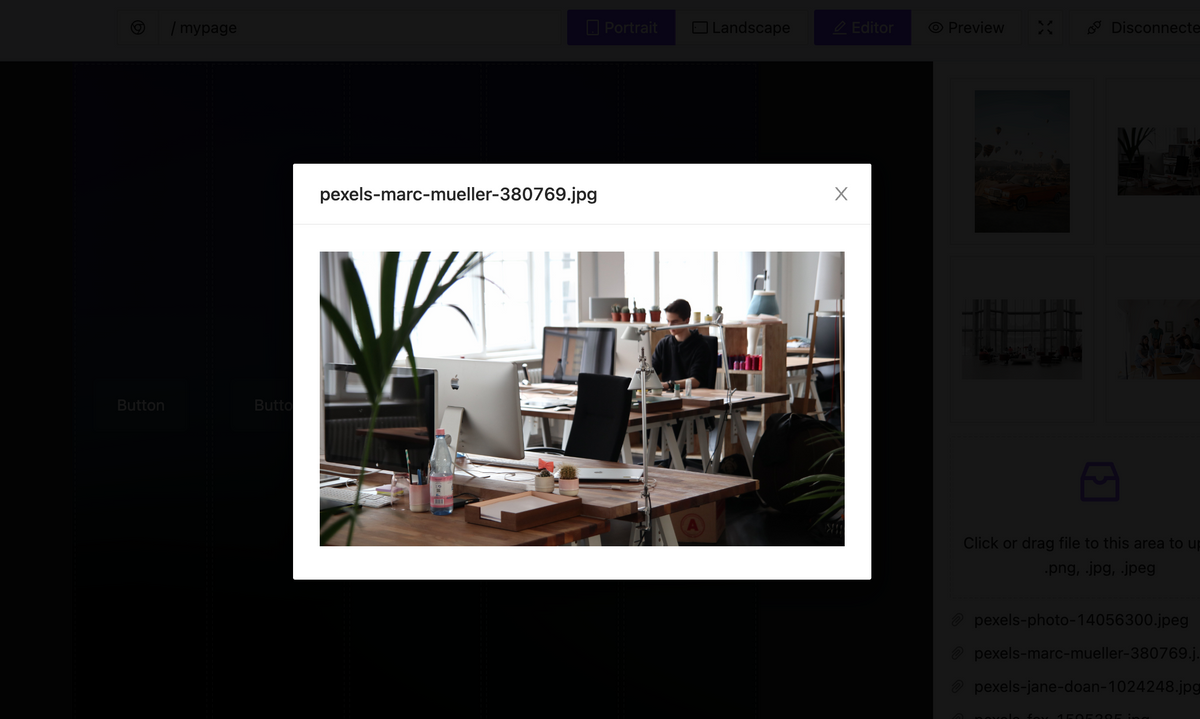
Upload your media file and use it as an Image element or background image. Now we allow file formats: .jpg, .png. New updates allow attaching more media formats: .svg, .webm, .mp3, .mp4, and more to create a video background, animated & interactive SVG objects, and other effects.
New Element added – Image
NEW
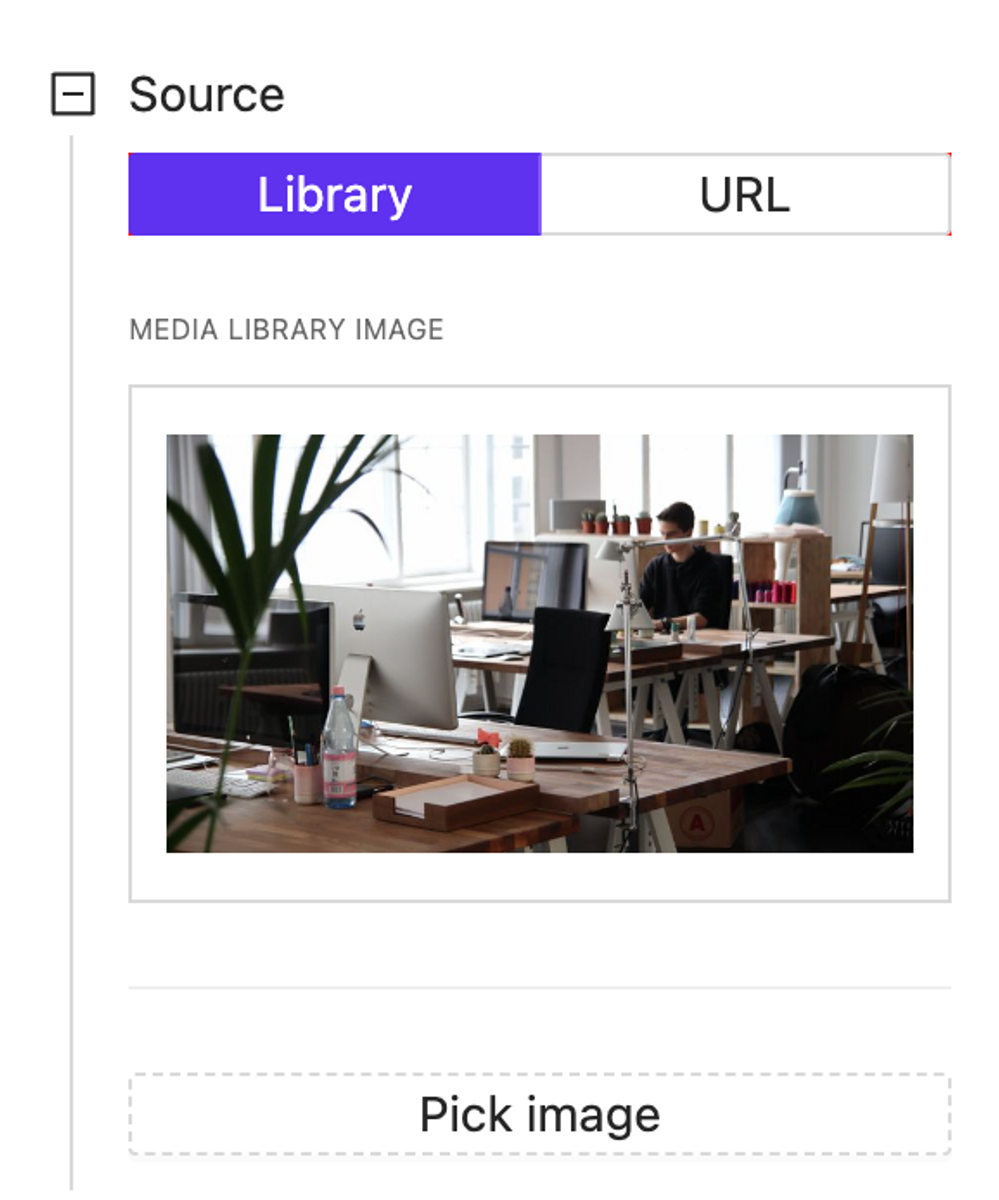
Image elements allow rendering images from the project media library or external URL.
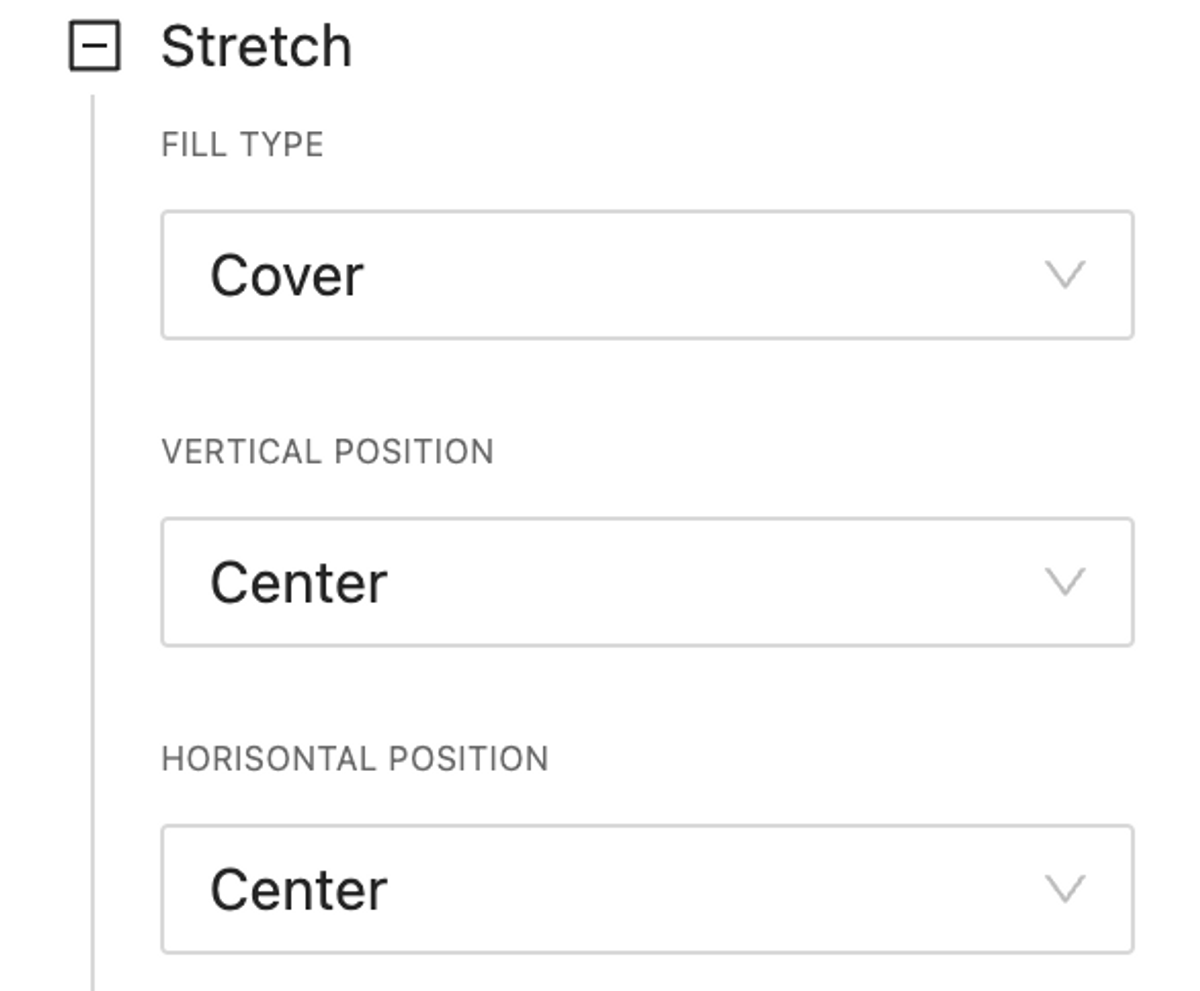
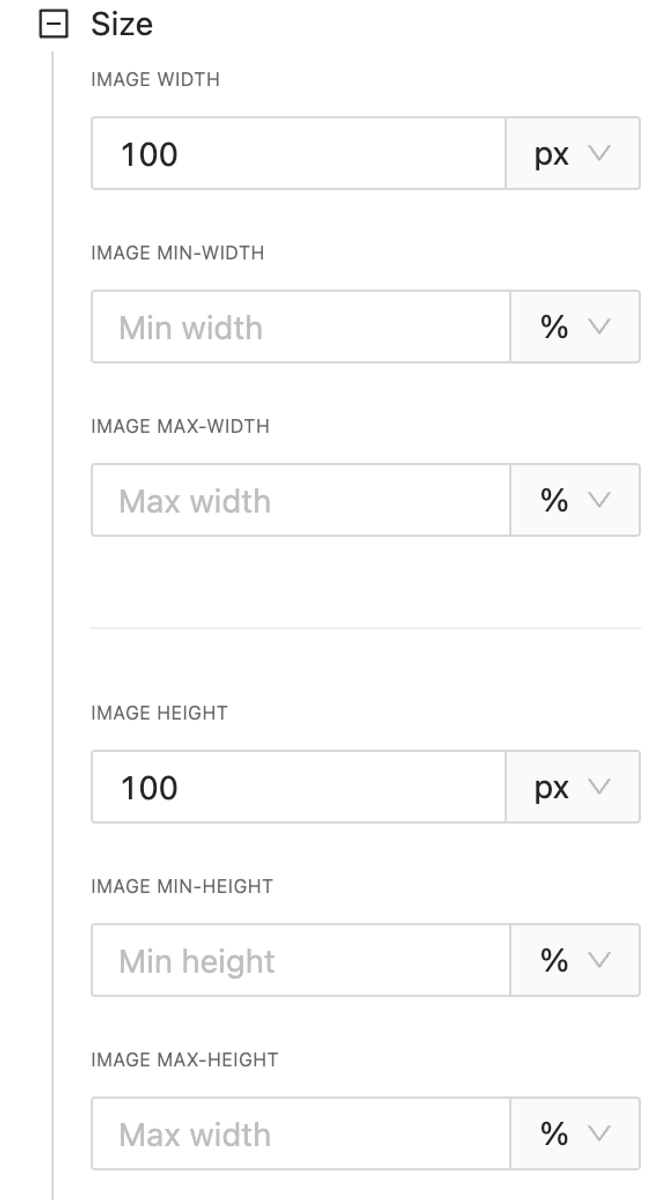
Has rich stretching and size options.
Background Color for containers
NEW
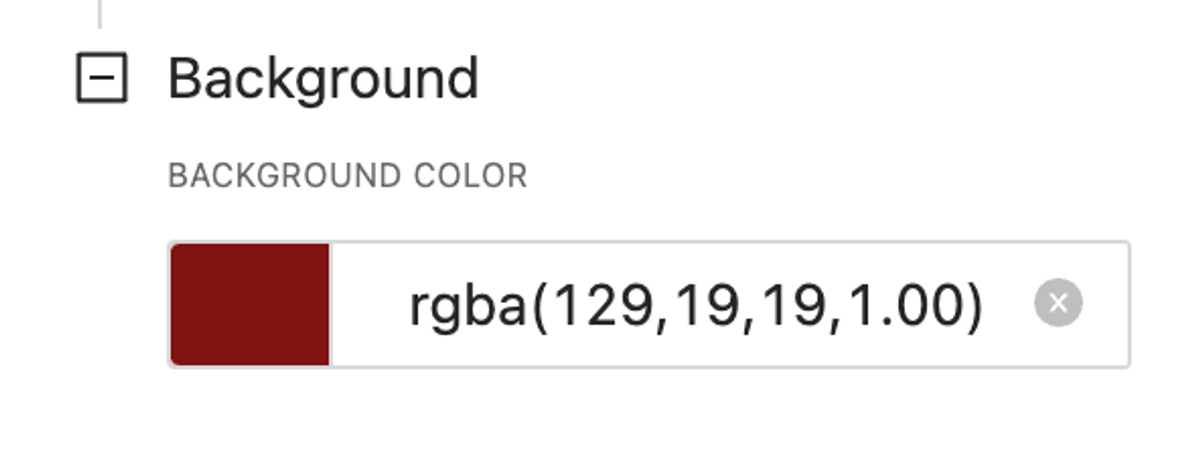
Now containers support background-color property.
Accept any kind of color format.
Editor/Preview mode UI changed
UPDATE
More clear implementation of changing development mode in the header from icon to Editor/Preview buttons.
Real time communication between your AVstudio project and Crestron processor!
Push to processor any type of signal: analog, digital or serial
Execute push on tap, on hold, on double tap
Subscribe to signal feedback and print it
Current Version Limitation Only button elements has been implemented in the current release. In the following updates we will implement for all types of elements and pages actions too.
Smart Console Events
UPDATE
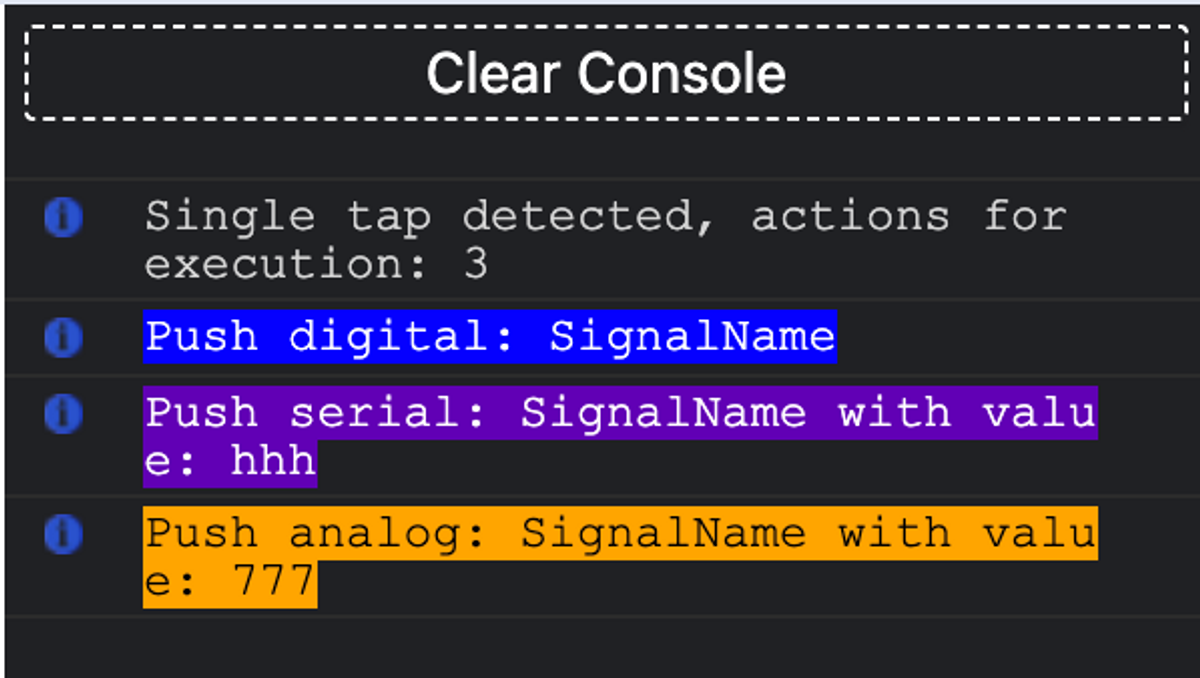
Now when some action is triggered it will be printed in console with additional information:
Additional information printed in the console includes what type of event trigger was fired, such as onEnter, OnExit, OnTap, OnHold, or OnDoubleClick.
How many actions should be executed
Listed all fired actions colored by its type with signal name (or join number) and value pushed.
Auth
BUGFIX
Sometimes project data can’t be fetched due to auth issues. Now redirecting to login.
Just in a few clicks, connect your AVStudio project to the actual Crestron Processor and start testing and debugging your GUI in real time! Send any Signal and work with the true feedback as usual.
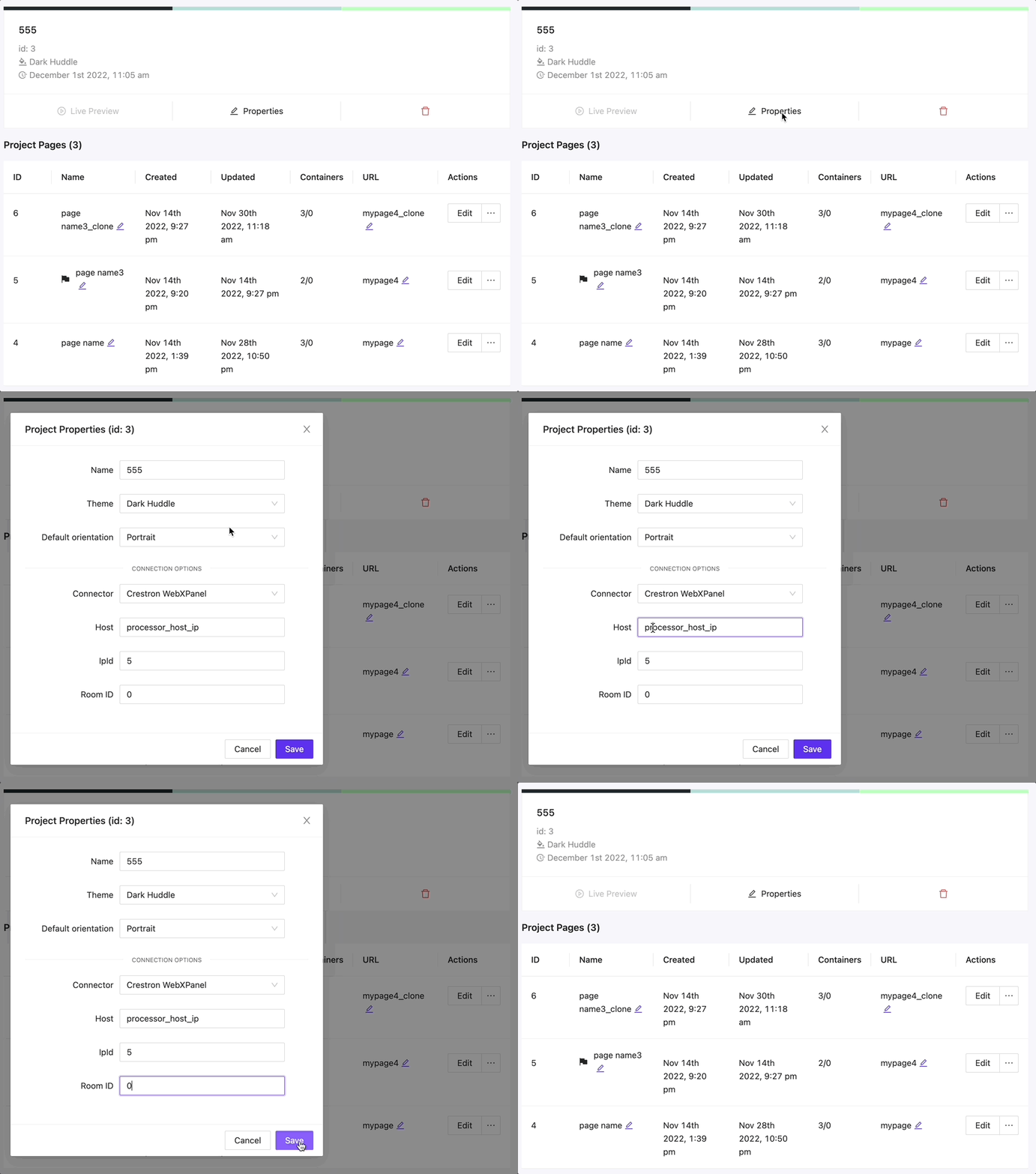
Connection options should be set in project settings:
To make a successful connection processor certificate must be trusted by the browser where AVStudio opened. You can make the cert valid manually or install the CA cert on the processor. Follow Crestron Docs.
Auto Sync Crestron Connection
NEW
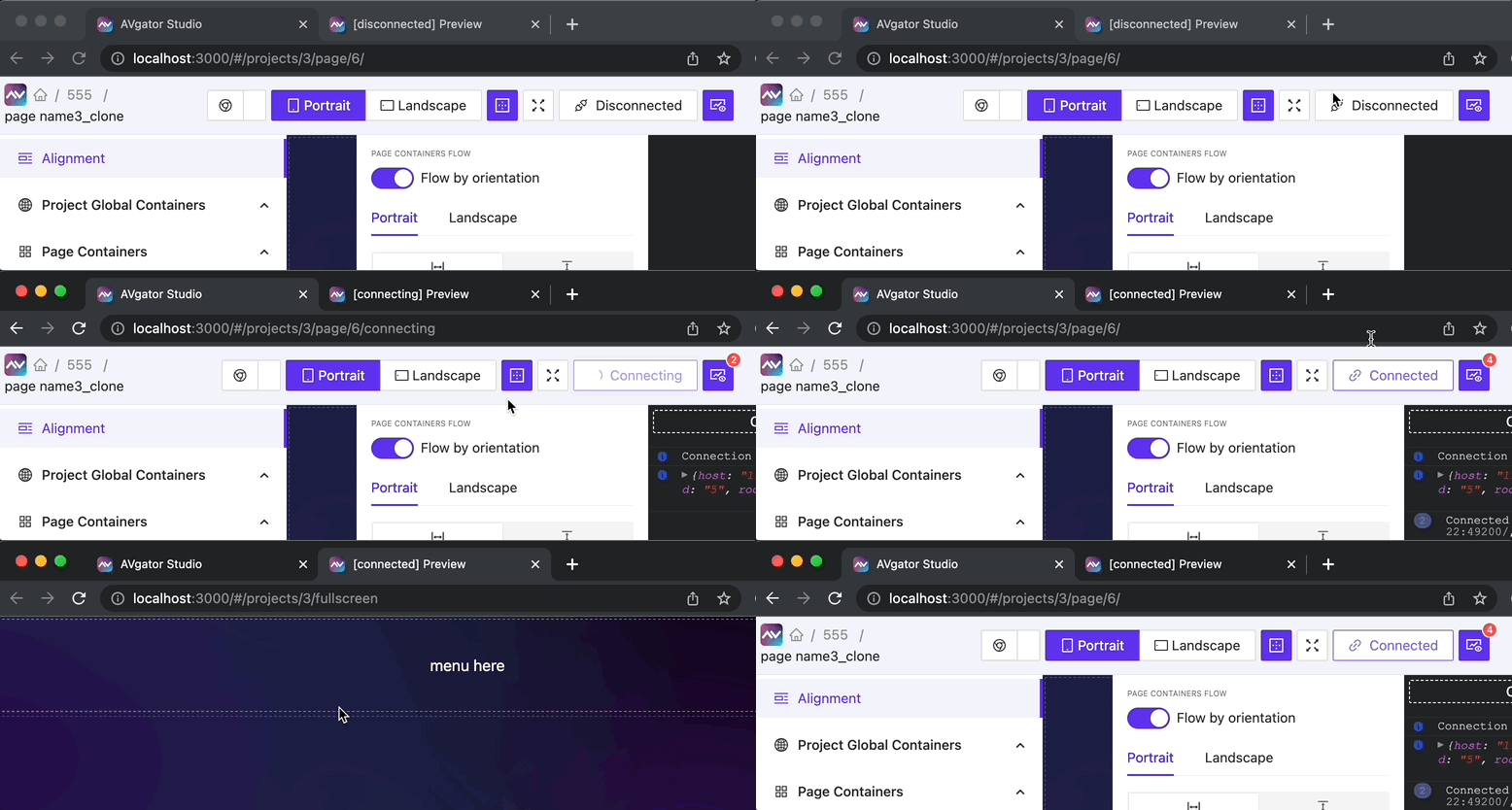
Auto sync Crestron connection between editor and page fullscreen preview!
Avstudio Console
NEW
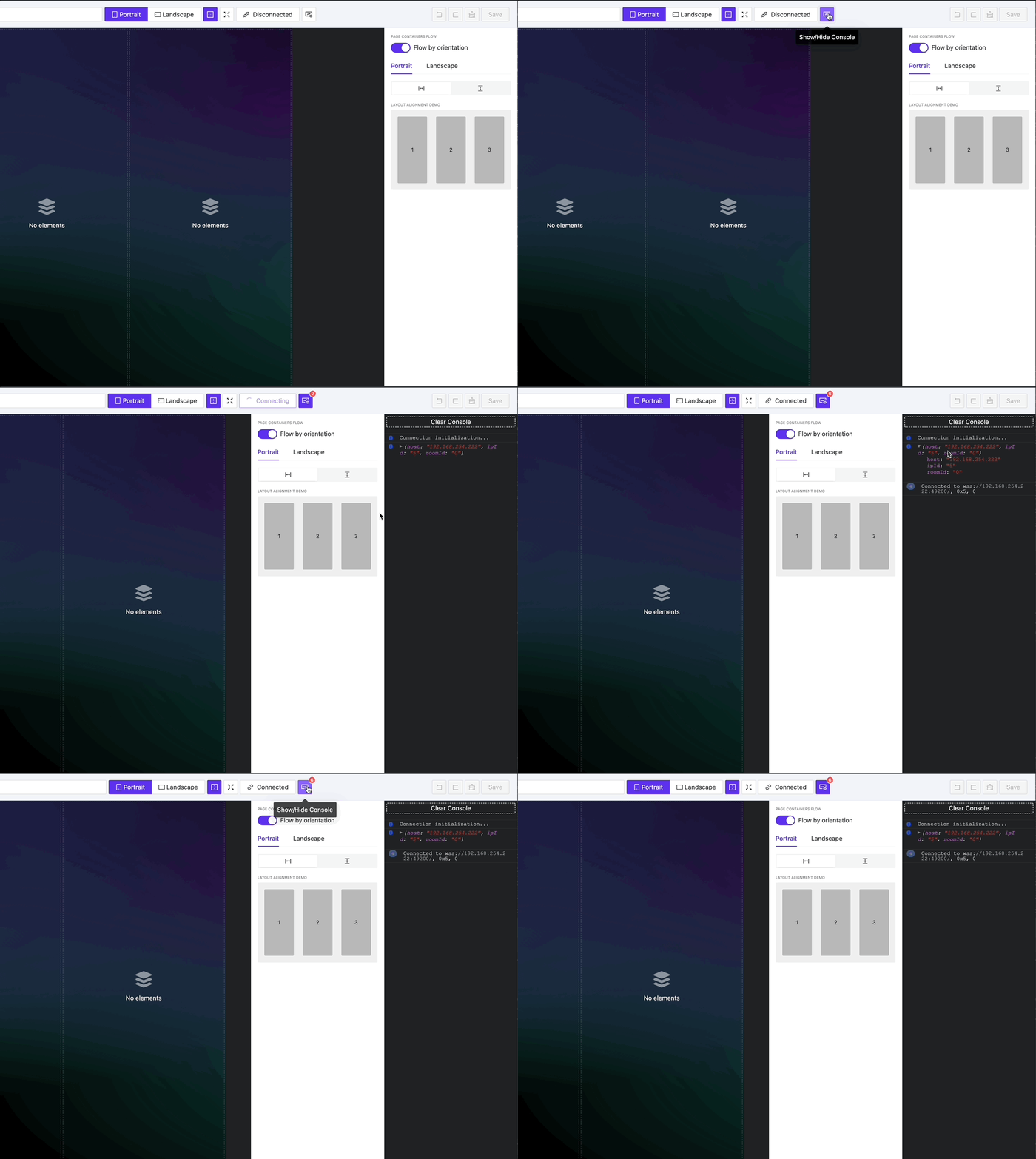
Control the connection status and choose what, when, and what type of signals to push to the connected processor, and see the feedback received.
Better Element Layout
UPDATE
The element type is now printed directly on its name in the main menu, making it easy to understand what type of element is being used.
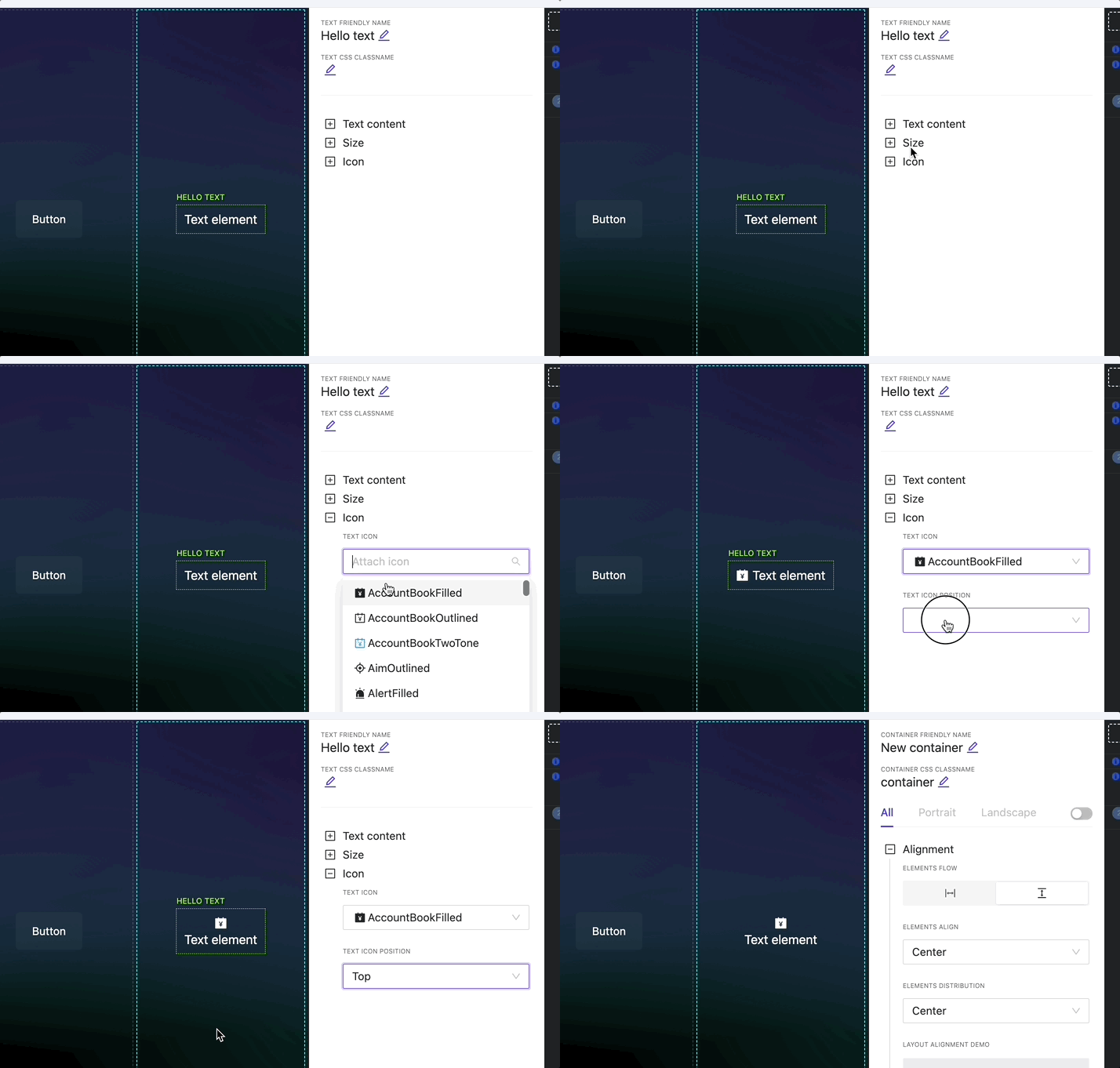
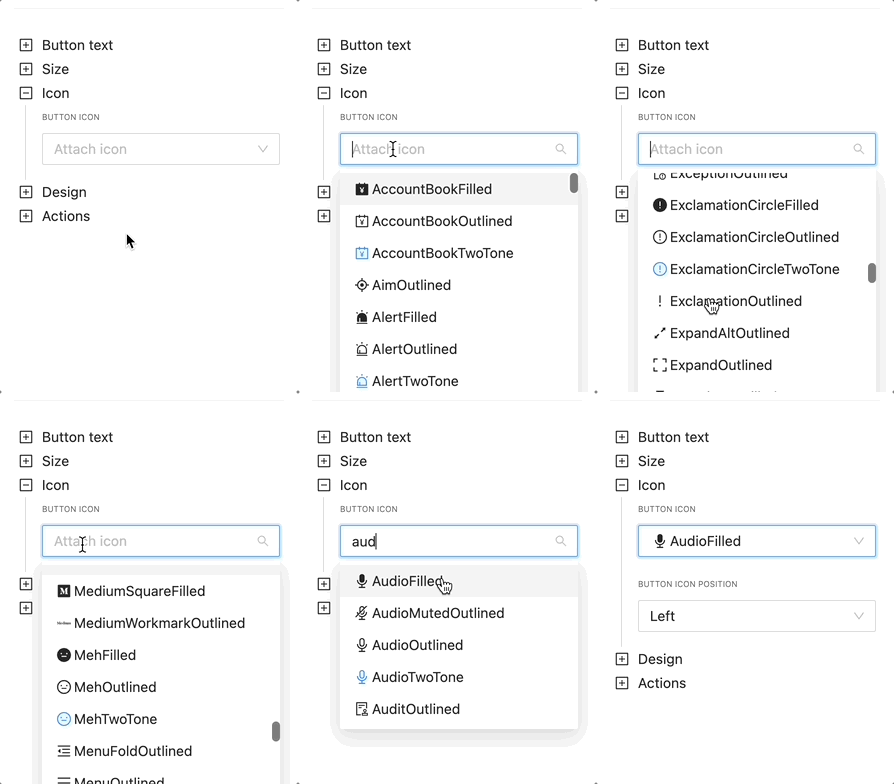
Text Element Icon Support
UPDATE
Now you can attach an icon to any Text element on the page.
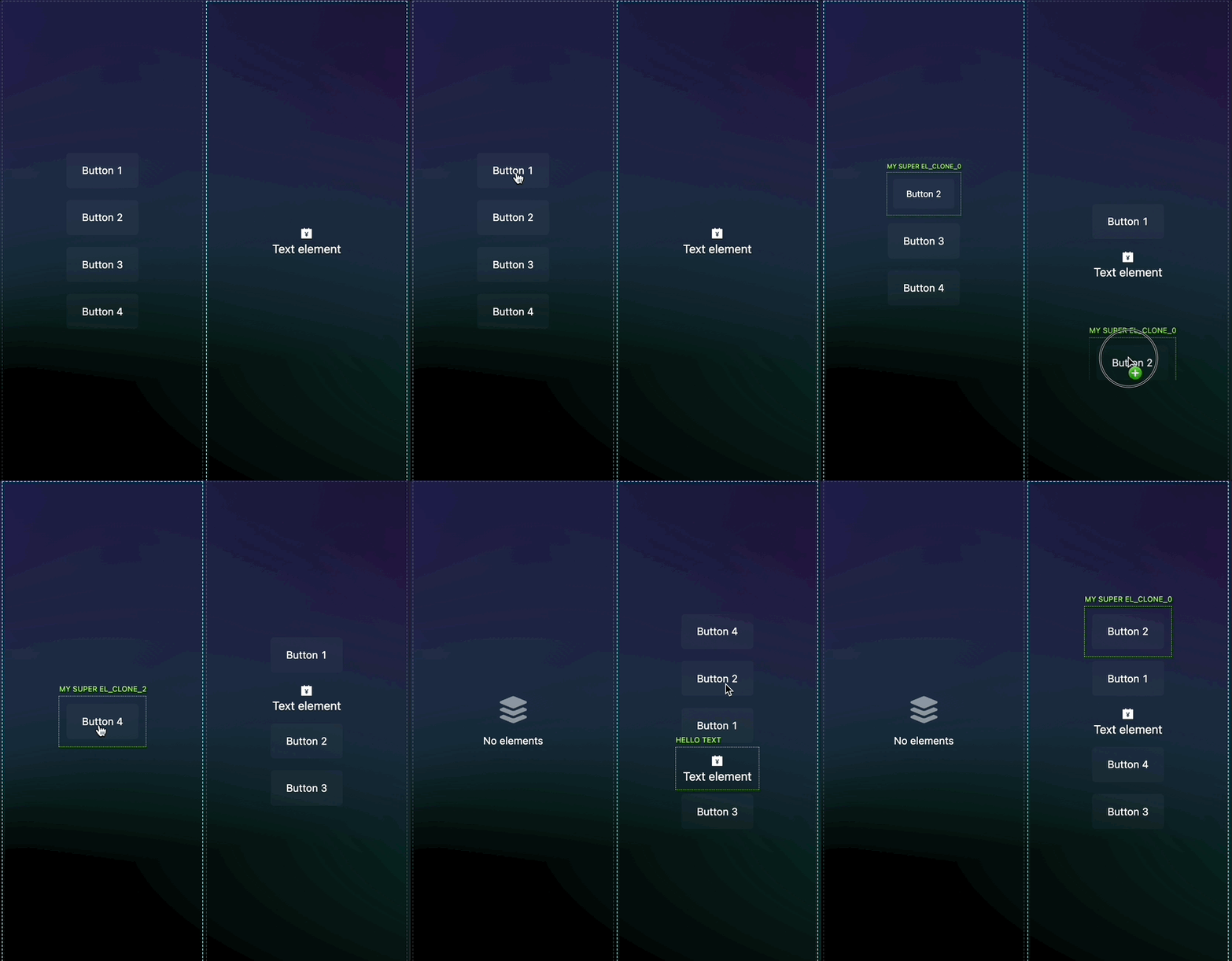
Smart Drag Ordering for Elements
UPDATE
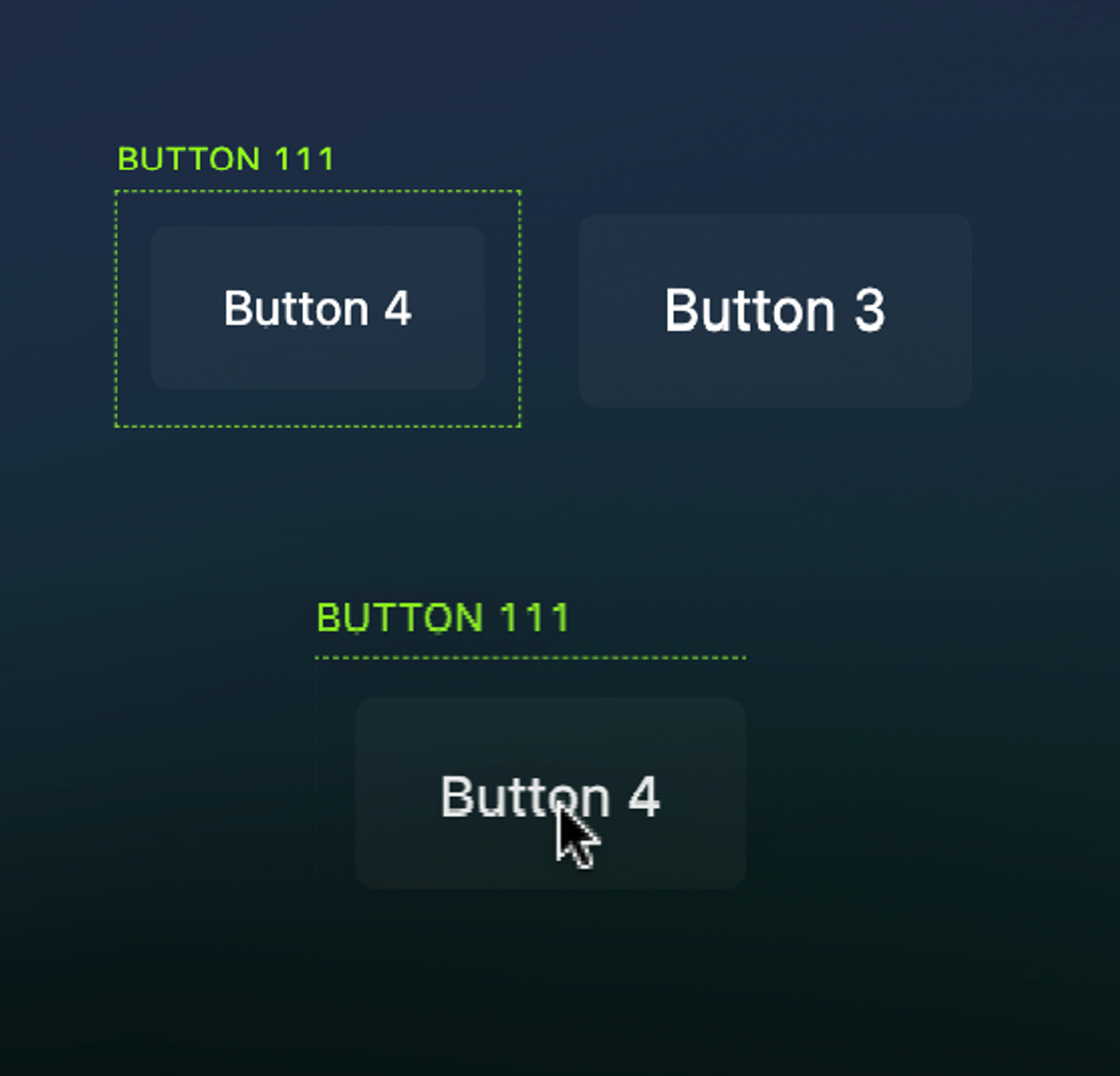
When elements are dragged from one container to another, the place where they are dropped makes sense based on the start or end of the elements list, taking into account the element’s current flow (row/column)
Error Editor Page Loading
BUGFIX
Sometimes when a project contains zero global containers, the Editor crashes – fixed.
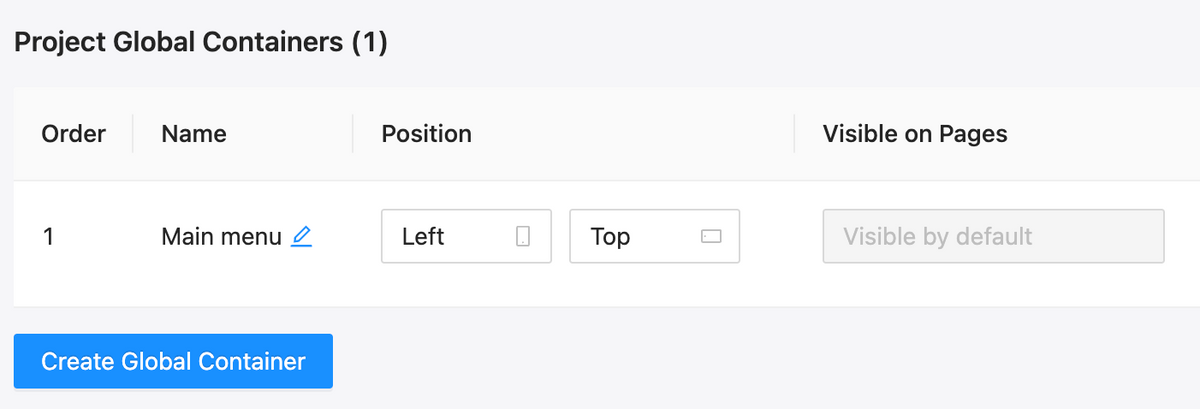
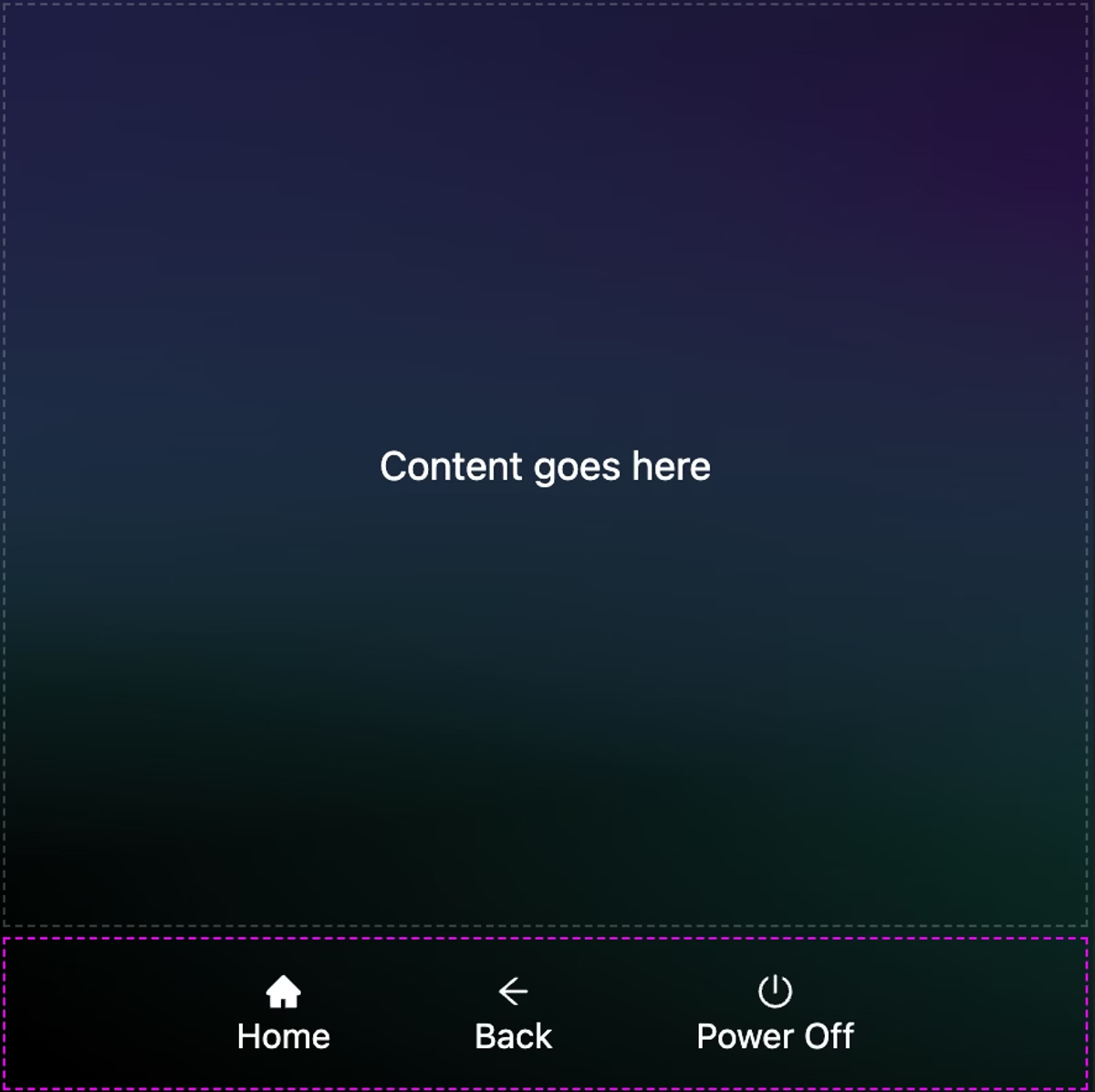
This feature allows you to easily create global layout containers: menus, headers, footers, and any global data you want.
Create containers that automatically attach to all project pages;
It easily manages visibility, position, inner content, and view options depending on display orientation and pages;
Drag&drop elements between global and regular containers; from the sidebar menu or inside the editor’s preview!
Icons added: +793
NEW
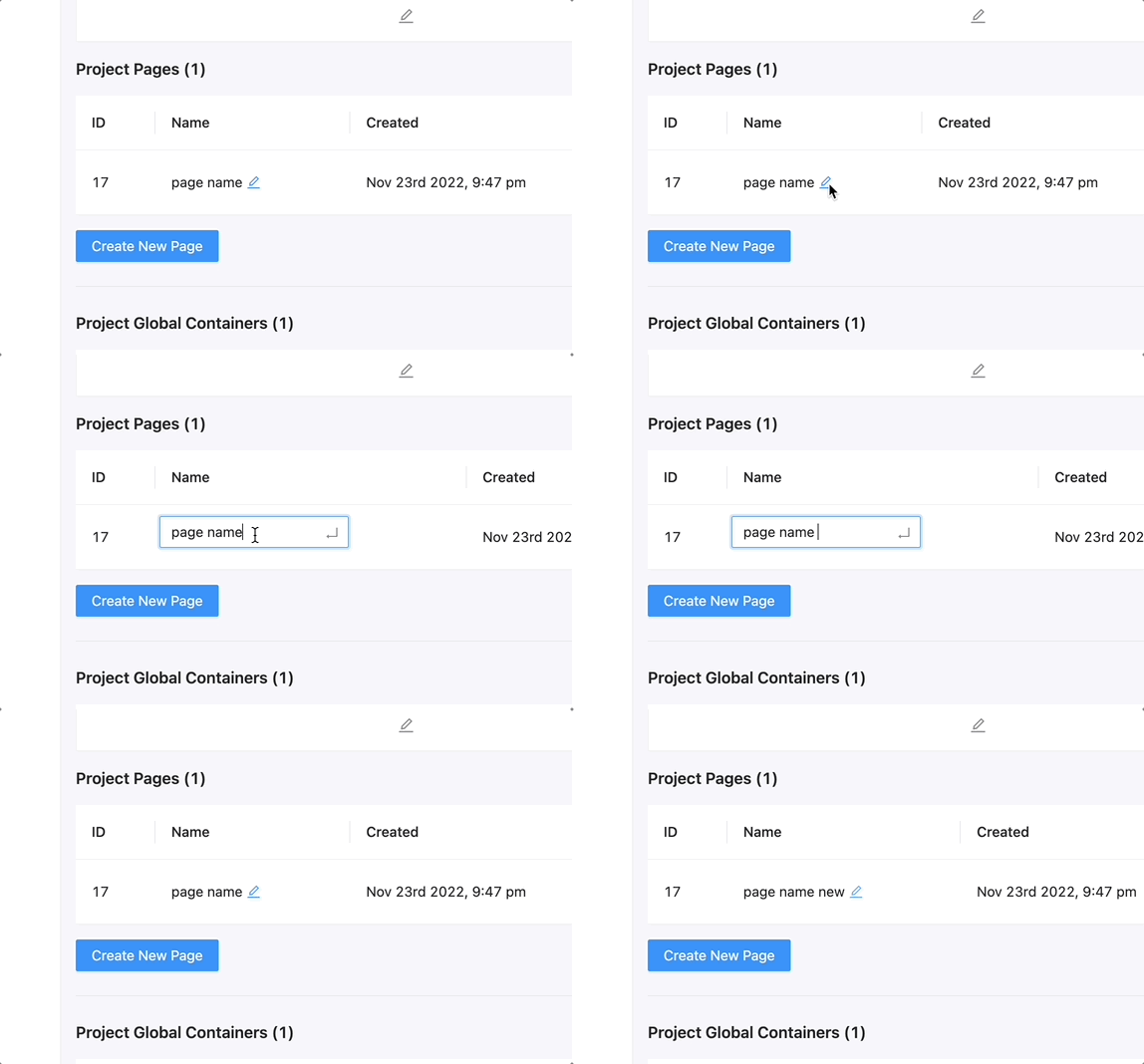
Edit page name and URL directly from list
NEW
Main menu elements group layout
UPDATE
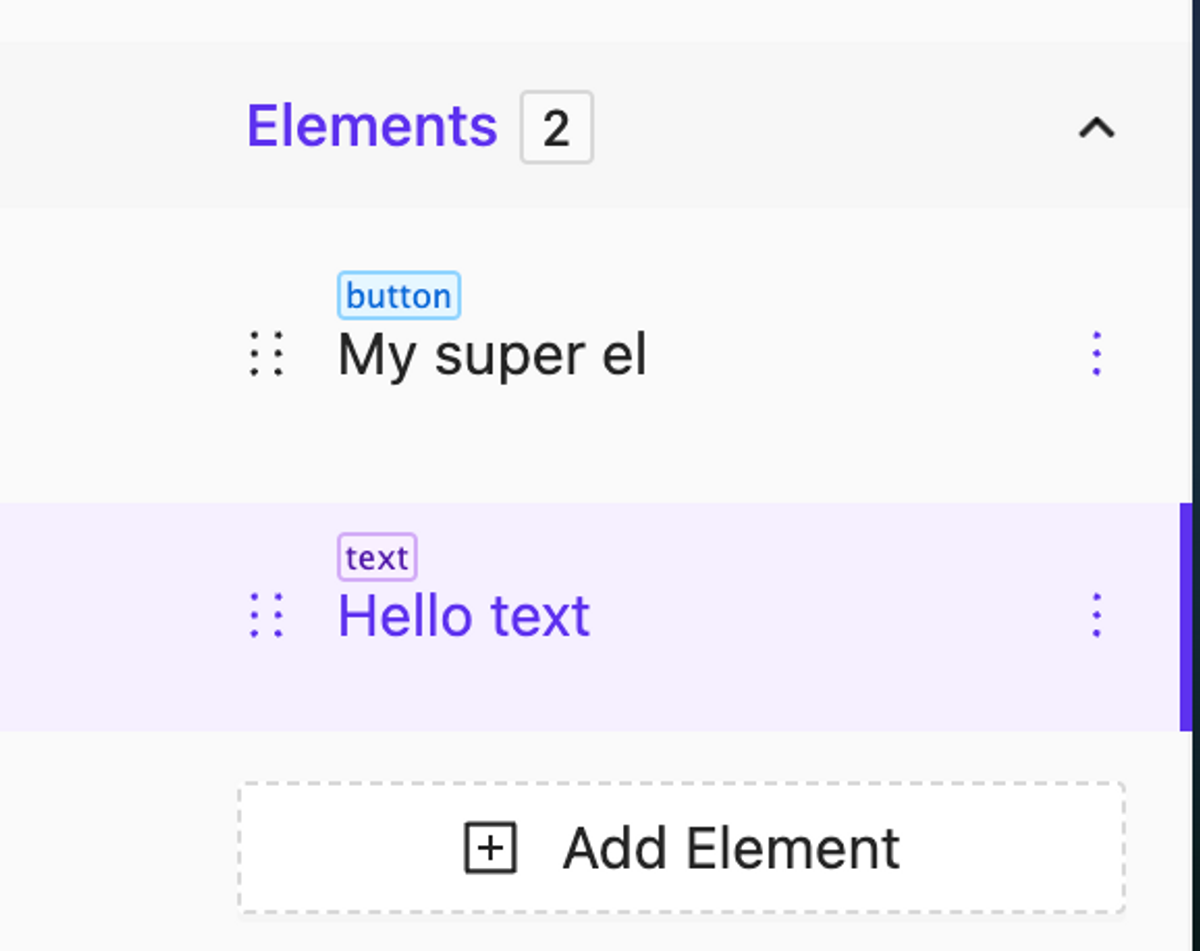
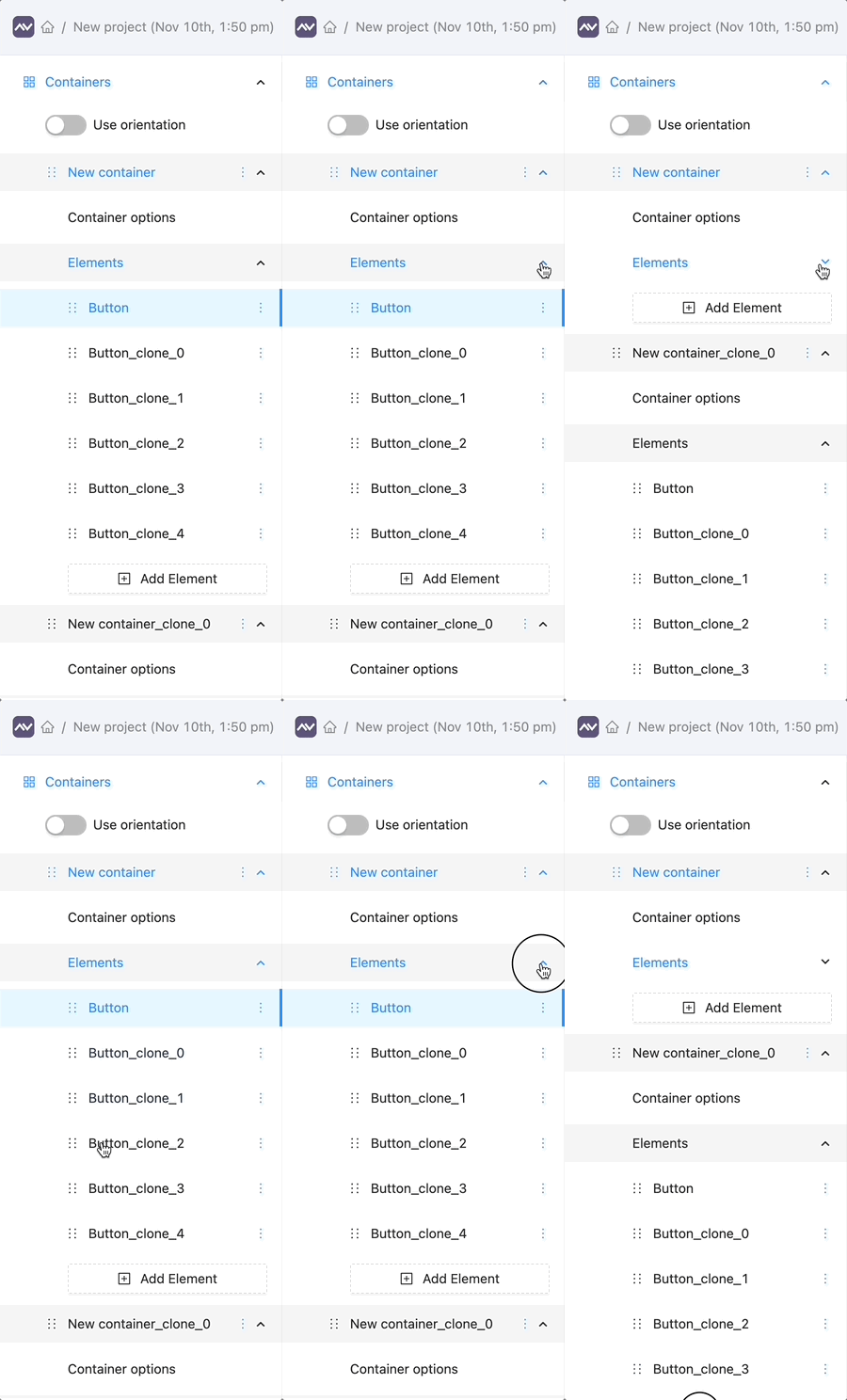
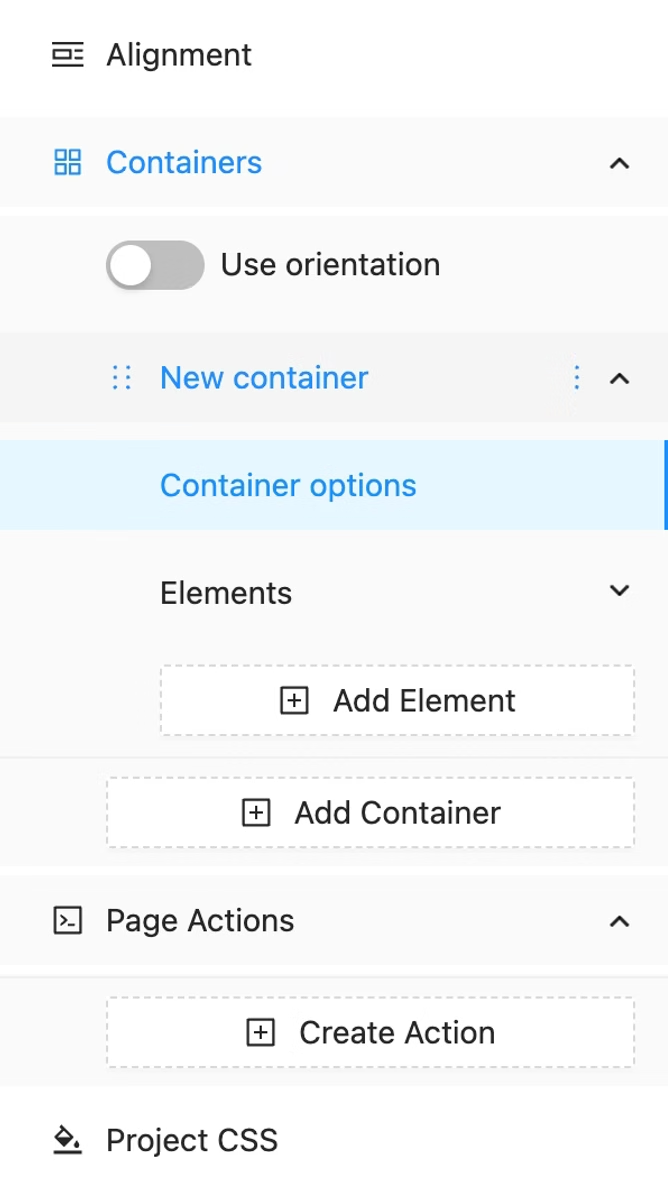
The ‘Create new element’ button is now located inside the ‘Elements’ collapsible group, and a simple element counter has been added to display the number of elements inside each container.
Editor layout Highlighting
NEW
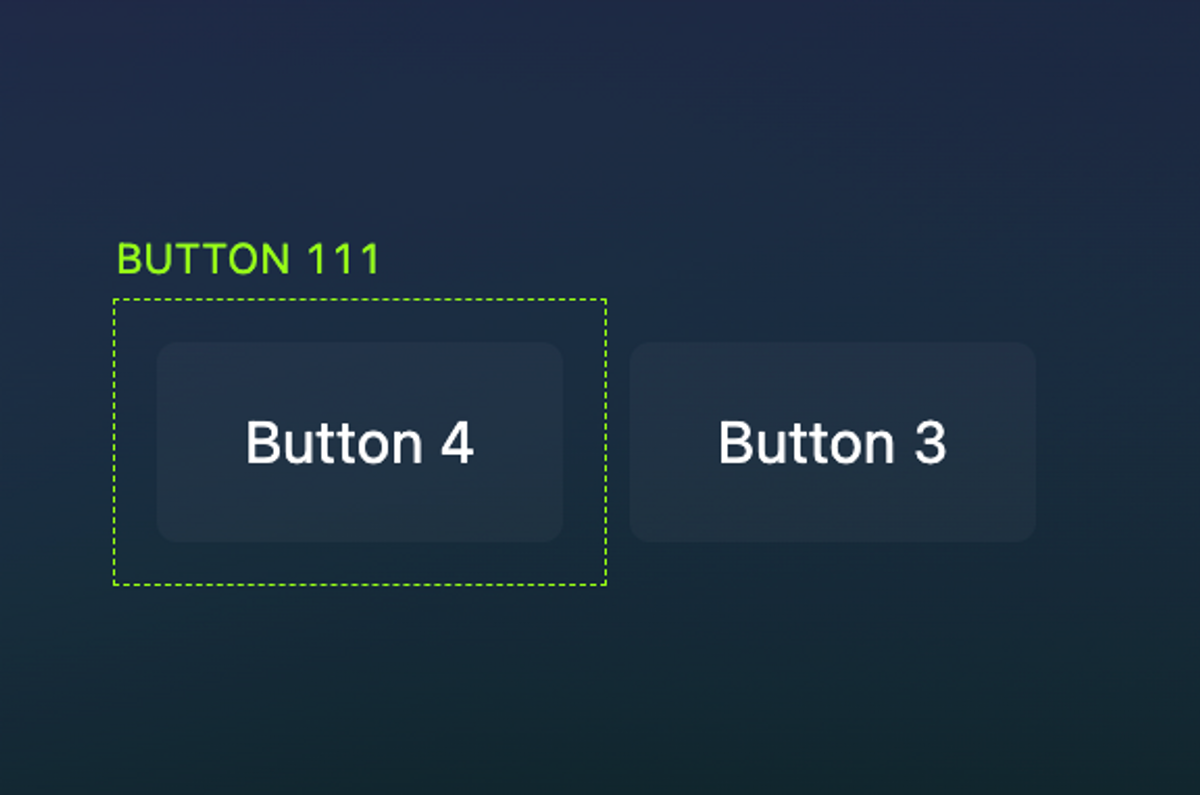
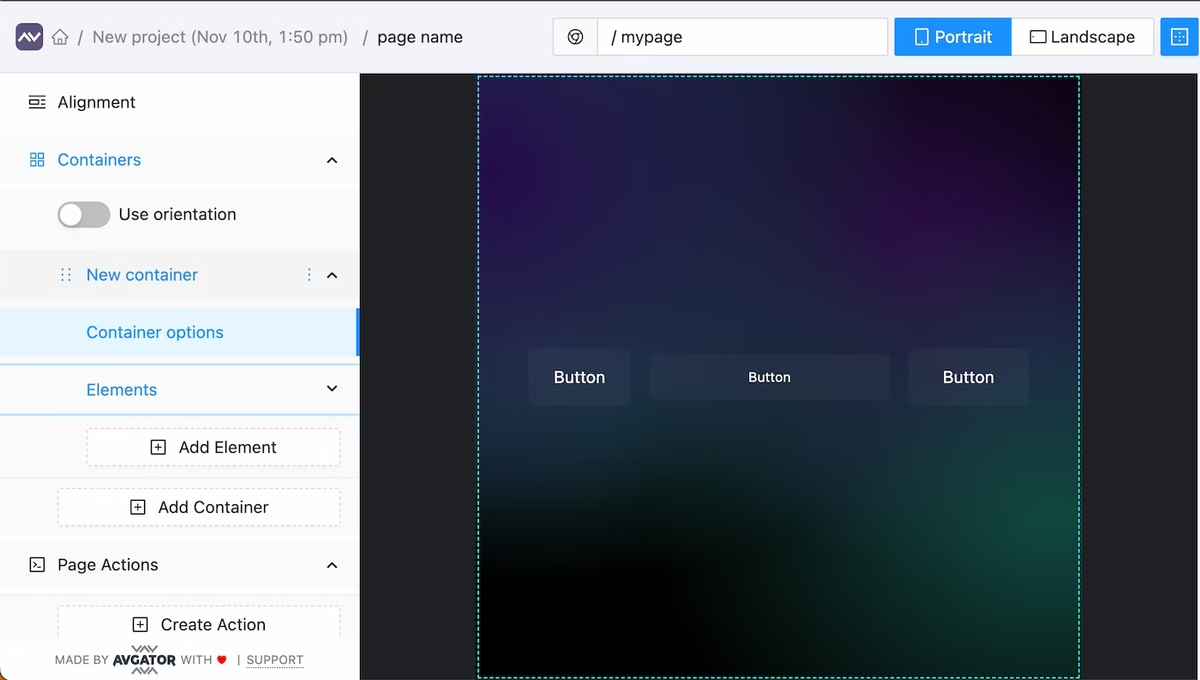
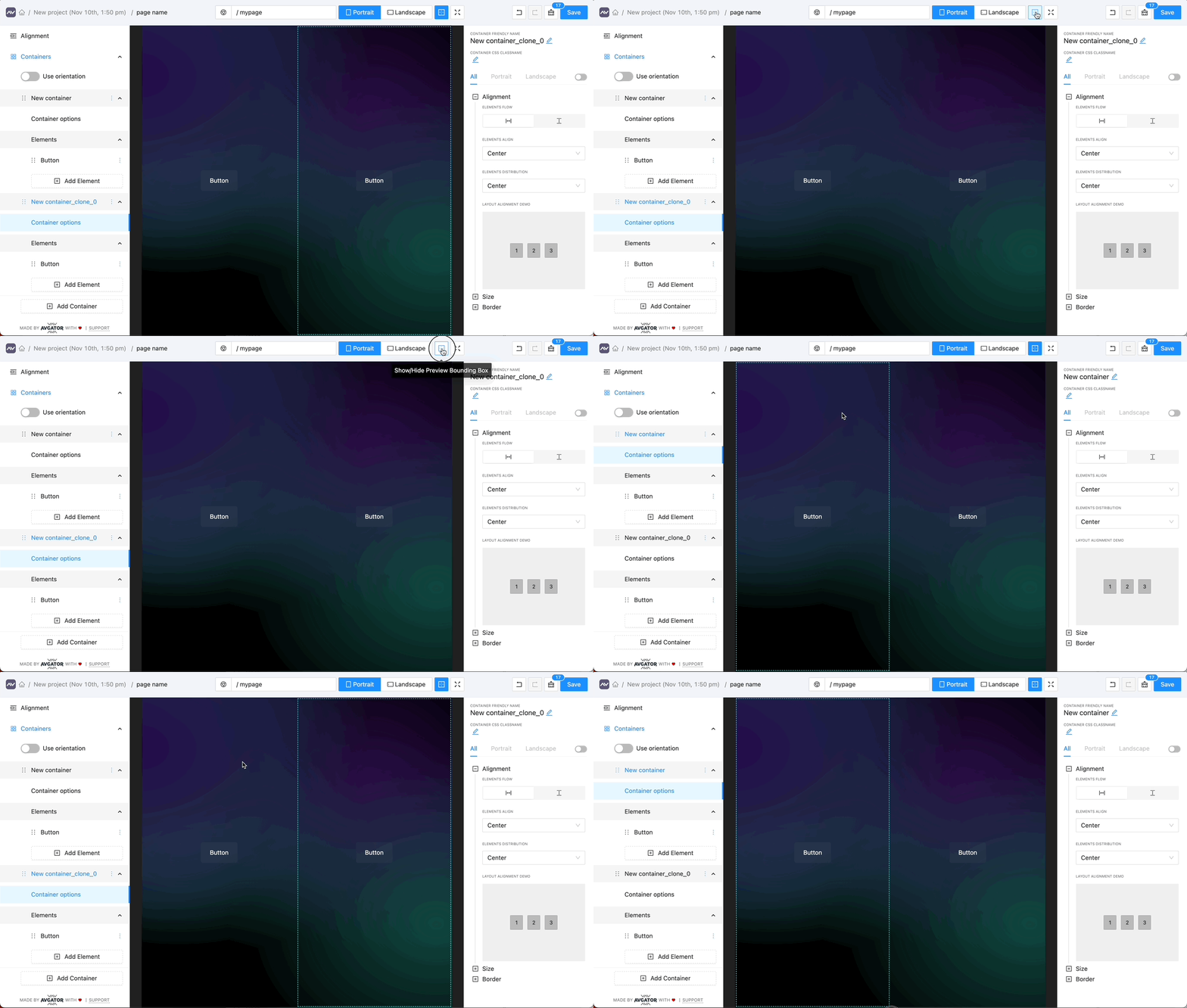
Now all containers presented on the page when bounding box is ON have a border: page layout looks more simple and understandable.
“Save” button fix
BUGFIX
Sometimes after the page was saved to the server, the button state was ‘active,’ but this issue has now been fixed
Project css
BUGFIX
The issue where project CSS wasn’t affecting the preview has been fixed
Redo hotkey
BUGFIX
The issue where the REDO hotkey (CTRL/CMD + SHIFT + Z) wasn’t working sometimes has been fixed
Project listing vertical scroll page
BUGFIX
The issue of a buggy layout when having a lot of projects has been fixed
Preview orientation
BUGFIX
The issue of buggy orientation detection while the preview renders has been fixed
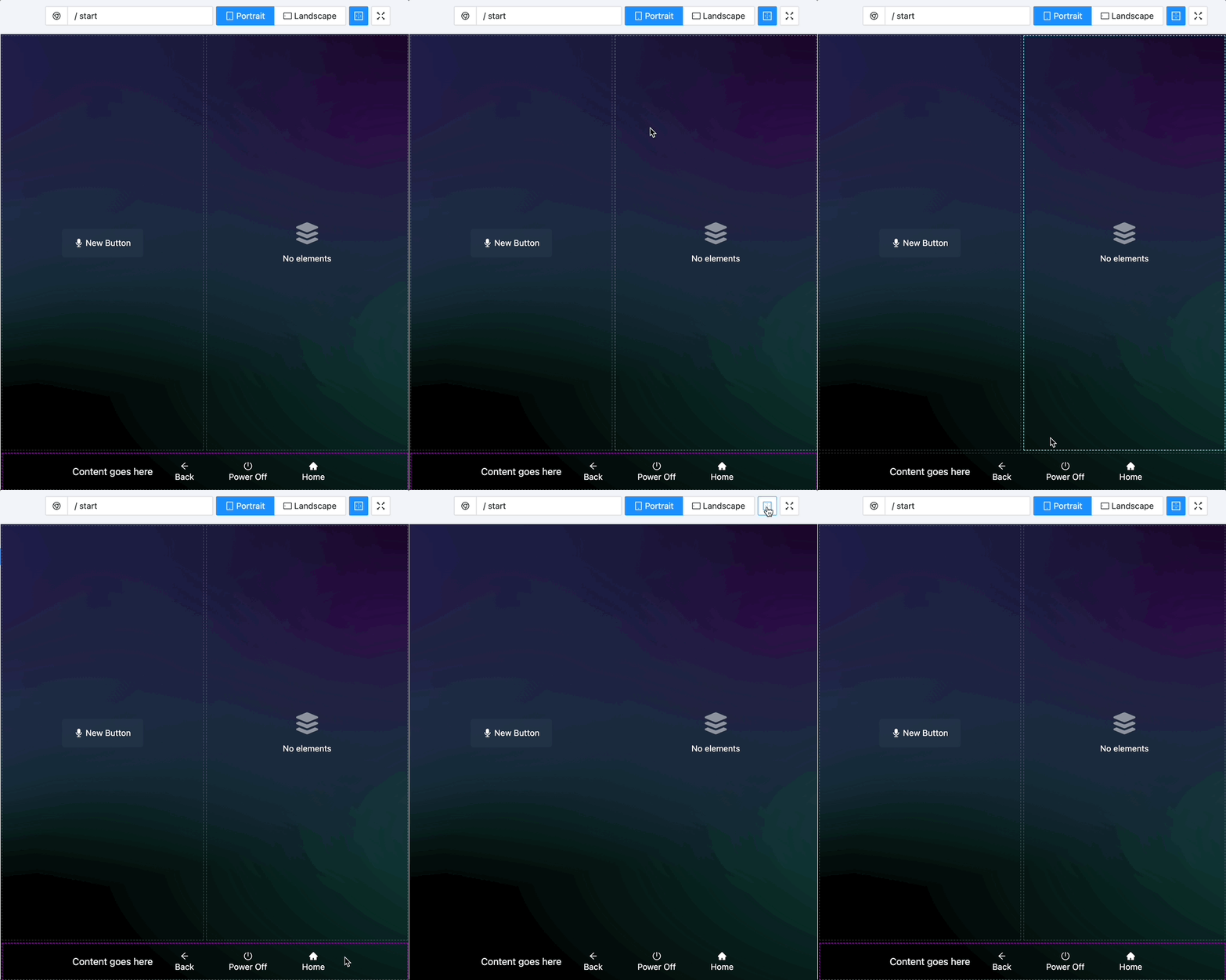
Smart selection and drag&drop actions inside preview for containers and elements: easy switch between containers to see options, dragging elements to reorder and/or changing its parent.
Smart Selection works only when bounding box is ON. Now supported in fullscreen preview too.
Selection helpers
NEW
Print selected element name.
Editor hotkeys
NEW
Ctrl/Cmd + S tosave
Ctrl/Cmd + Z toundo
Ctrl/Cmd + Shift + Z toredo
More stable previews
UPDATE
The preview is now more stable with super fast initial loading and some bugs fixed.
Mass actions for the entire element group will be added in the future.
Bounding box
BUG
Bouncing box view now works more stably
Main menu saved state
NEW
Main menu saves its own state after page reload
Preview window
UPDATE
Preview updates 2.5x faster now. Instant display of all your changes.
Preview interactive features
NEW
Now you can select any visible layout container by clicking on it inside the preview window!
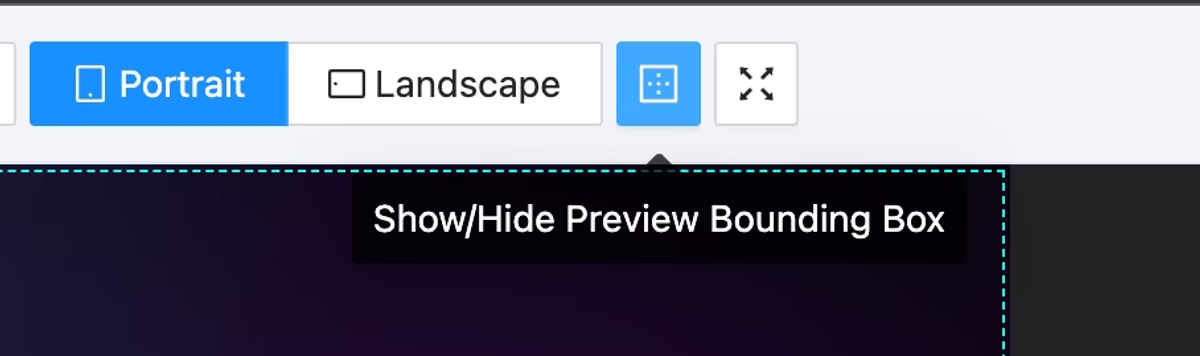
To make this feature workShow Bounding Boxmust beON!
Interactive communication inside preview window will be significantly expanded in future updates.
Element and Container details layout
NEW
Is a more clear, simple, and compact view
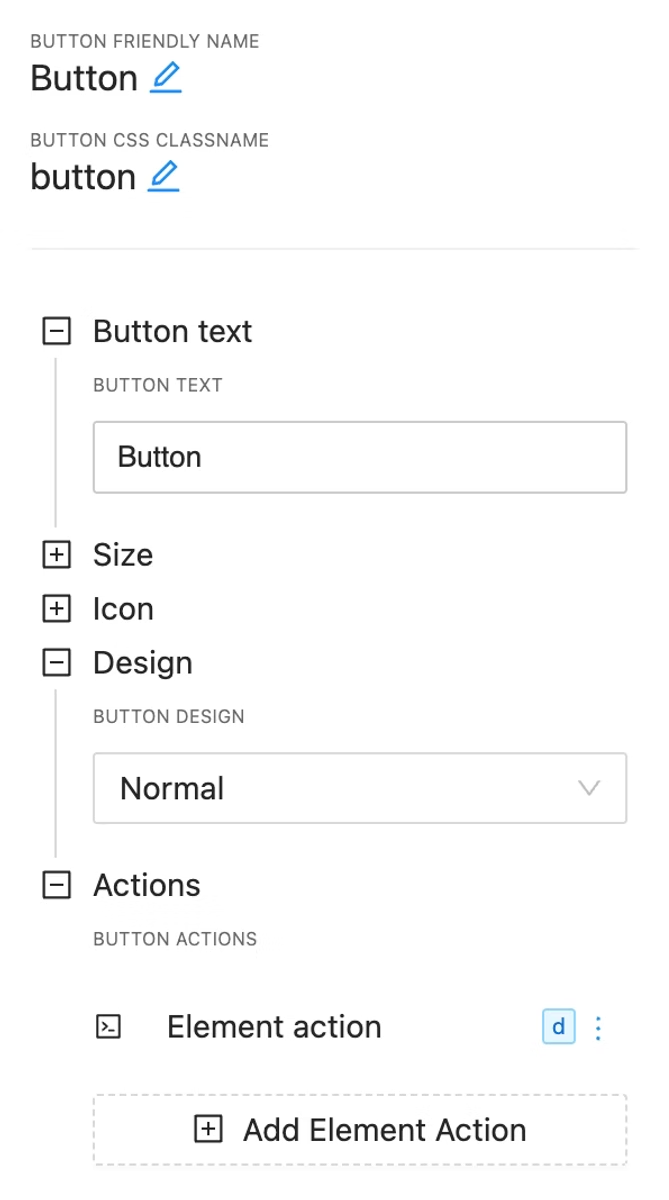
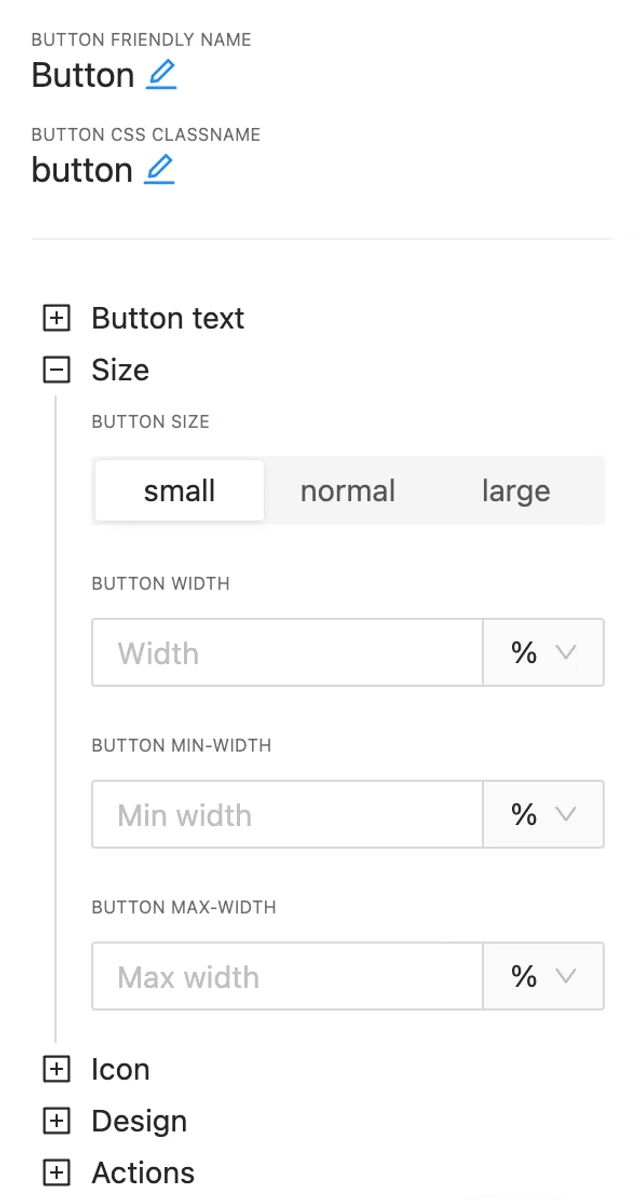
Element width option
NEW
Now you can set width, max width and min width for your Button Element.
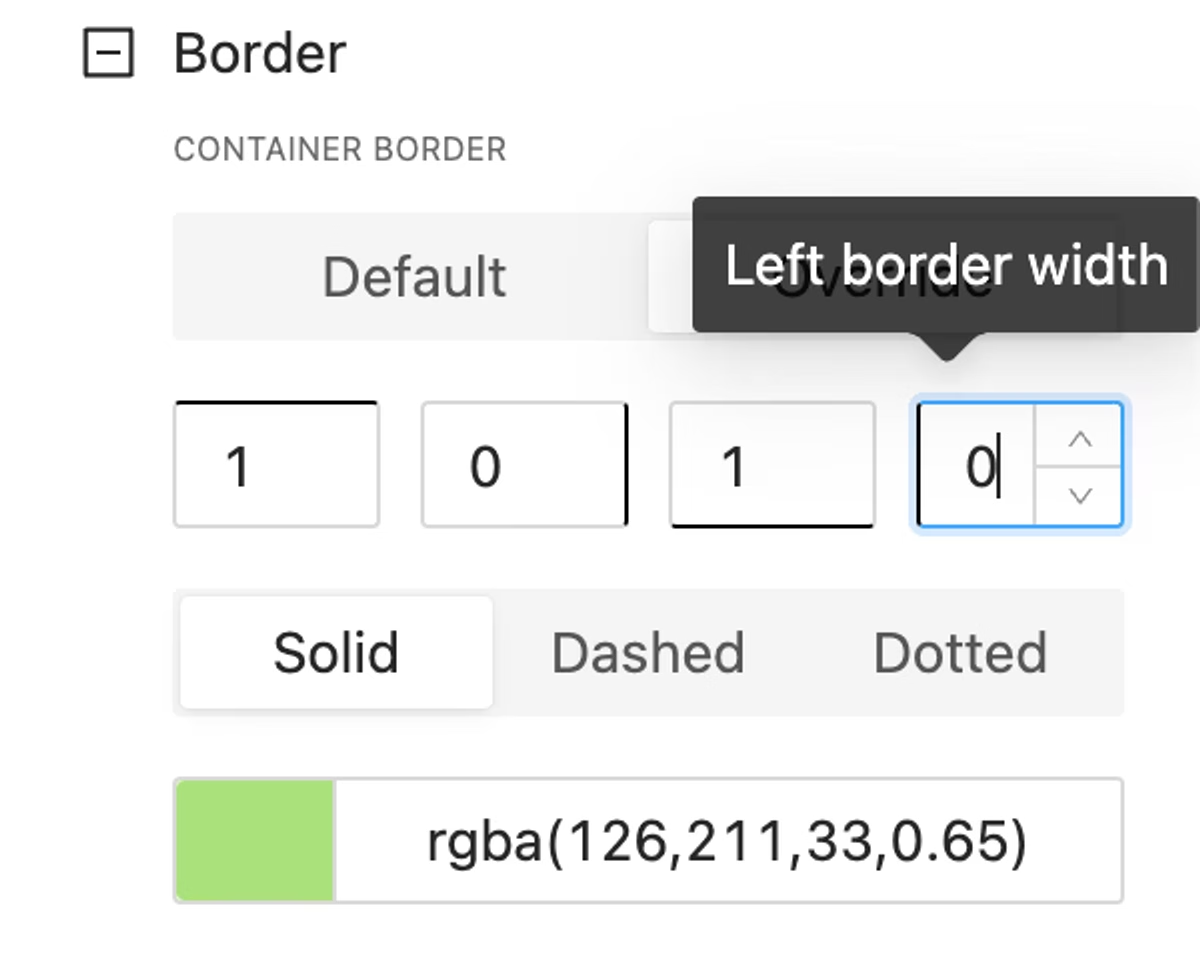
Container border options
NEW
Set any border width for any container side. Pick any colour with possible transparency or enter colour string manually in any format (RBG, RBGA, HSL and more)