Blog

  • AVstudio Inc. – New Name, Same Passion for Perfect Interfaces

    AVstudio Inc. – New Name, Same Passion for Perfect Interfaces

    Welcome to AVstudio Inc. — the spin-off from AVgator Studio, built to push boundaries and set new standards in UI design for AV control systems.

    Our mission stays the same: give AV integrators, designers, and programmers a tool that cuts development time by up to 80% and helps deliver world-class interfaces without complex coding or compromise.

    What this move means for you:

    • Product-first focus – AVstudio development is now our only priority.
    • More resources – growing our team, attracting investment, scaling faster.
    • Innovation ahead – AI-powered features, advanced design tools, and faster updates.

    If you’ve been with us as an AVgator Studio user — you’re already home. Just visit the new site, log in, and keep creating.

    💡 This is only the beginning. Stay tuned for what’s next!

    🌐 https://avstudio.app

  • Websocket

    Websocket

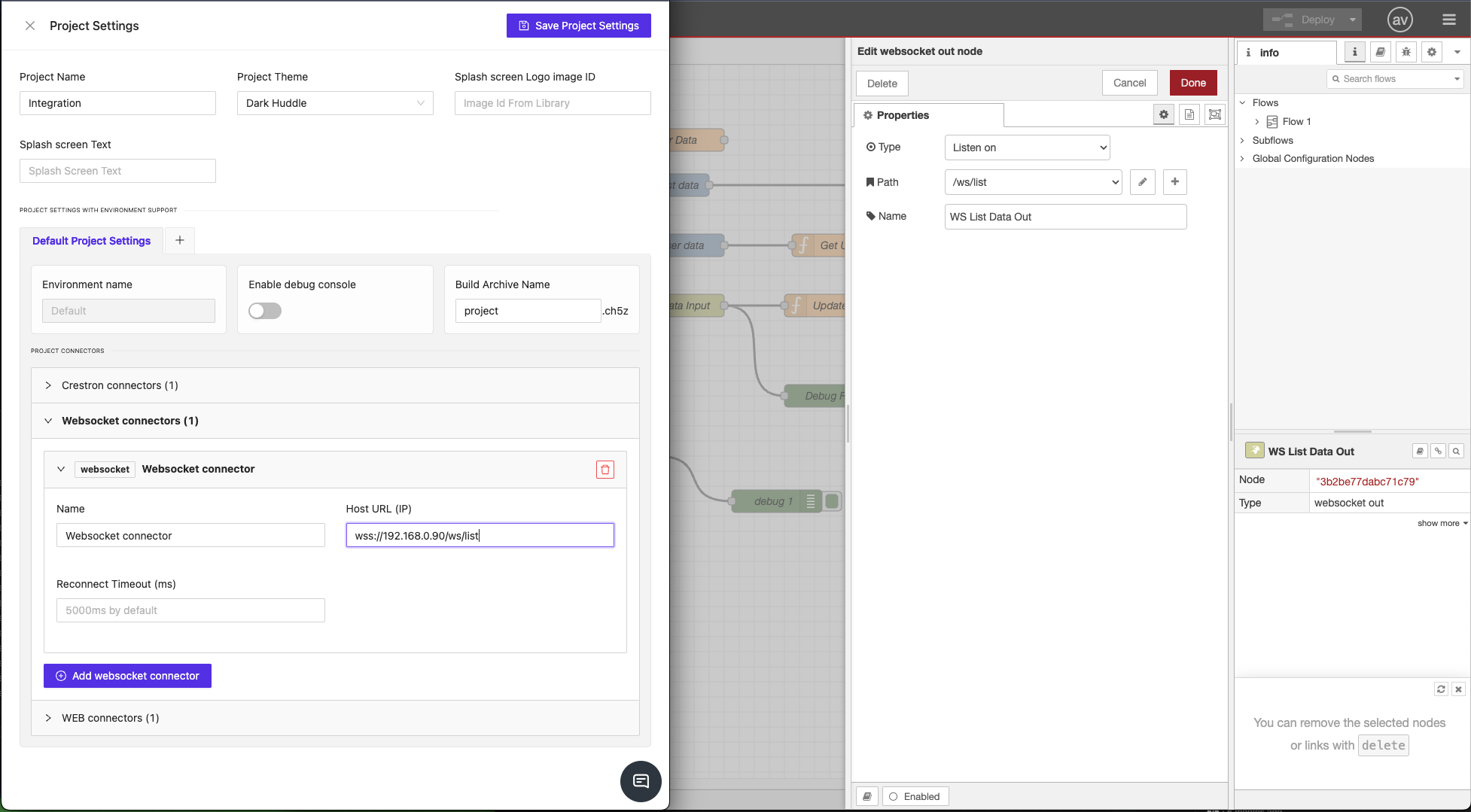
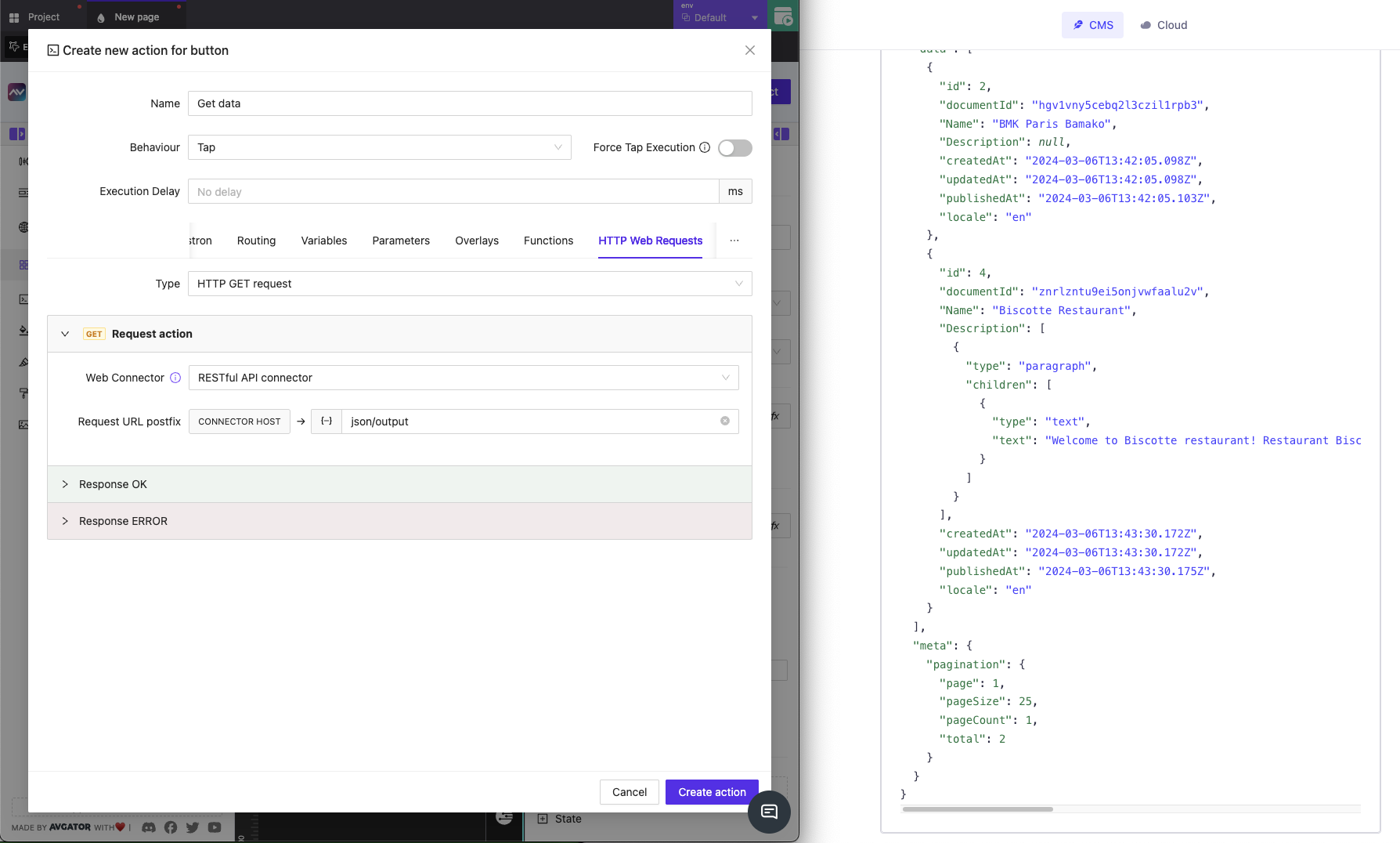
    Support for WebSocket connections allows us to establish persistent, bidirectional communication channels with external systems such as Node-RED and other automation platforms.

  • HTTP feature

    HTTP feature

    Built-in HTTP request capabilities let AVstudio projects send and receive data via RESTful APIs, enabling seamless integration with cloud services, IoT devices, and custom back-end endpoints

  • GUI Sample Multi-Language

    GUI Sample Multi-Language

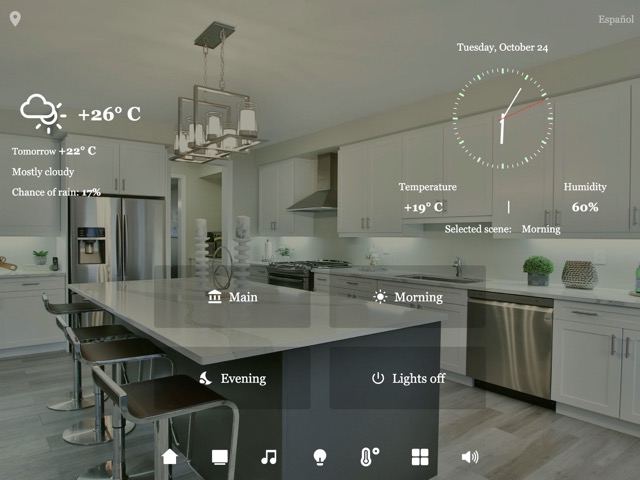
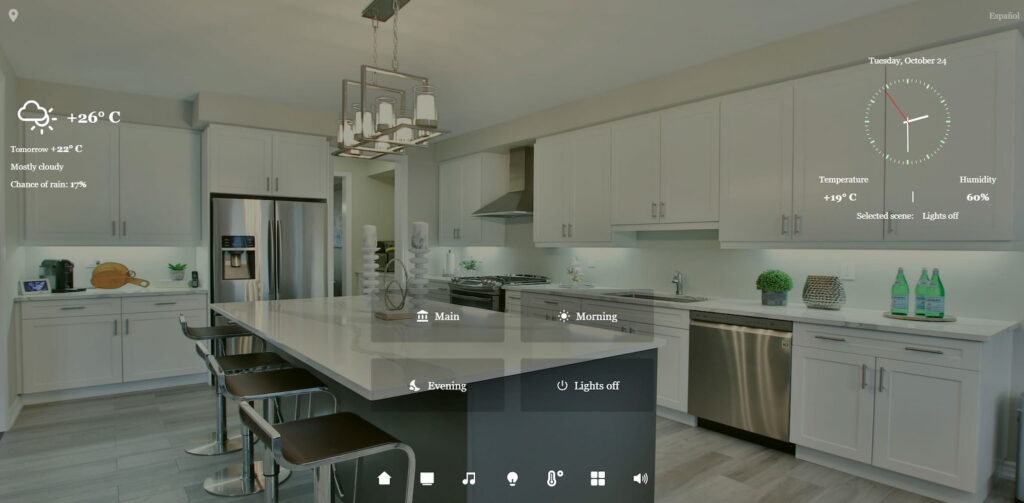
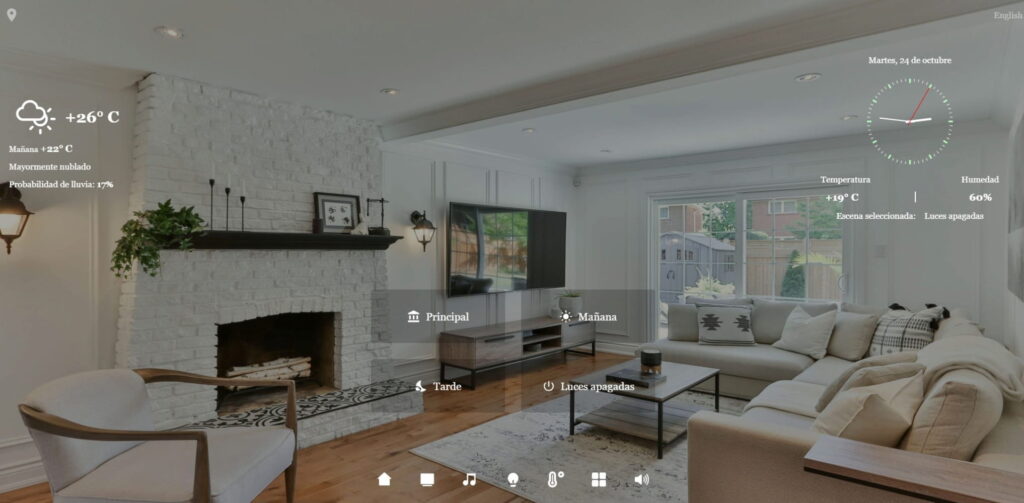
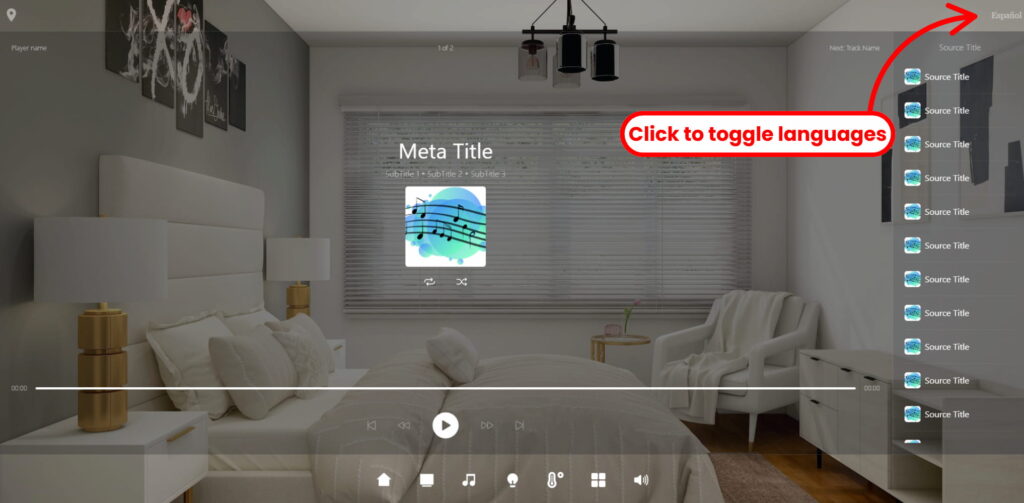
    The GUI Sample Multi-Language HTML5 demo demonstrates how easily an interface can be created through the AVstudio Editor that toggles between languages with the click of a button.

    Why Choose Avstudio For Multilingual Interfaces?

    Developing a smart home interface that offers the personalization customers deserve is a challenging process in itself, especially when each feature needs to adapt to multiple languages with the click of a button. Luckily, AVstudio has solved this issue. AVstudio Editor simplifies a process that’d typically demand complex coding, numerous redesigns, and extensive localization.

    This makes interfaces easily adaptable across languages, time zones, currencies, cultures, and more. The AVstudio Editor’s simple drag-and-drop function alleviates developers from countless hours of work reconstructing designs.

    The GUI Sample Multi-Language demo showcases how integrators are now enabled to:

    • Easily toggle between multiple languages without additional coding
    • Reduce costs by eliminating the need for any external tools, plug-ins
    • Maintain a consistent and fluid design across every language and device
    • Empower developers, both experienced and beginner, to create globally accessible solutions

    With AVstudio Editor, designing a multi-language home management interface has never been more efficient, removing the barriers of localization and substantial development time.

    Key Features In Action

    The GUI Sample Multi-Language demo highlights how core smart home features can be built into a versatile, multilingual interface.

    Features include, but are not limited to:

    • Lighting Systems – adjust brightness manually to specific fixtures or through presets
    • Audio Controls – manage sources, music queue, volume, and audio selection
    • Climate Management – set temperatures, monitor air quality, establish presets, and set A/C or heating schedules
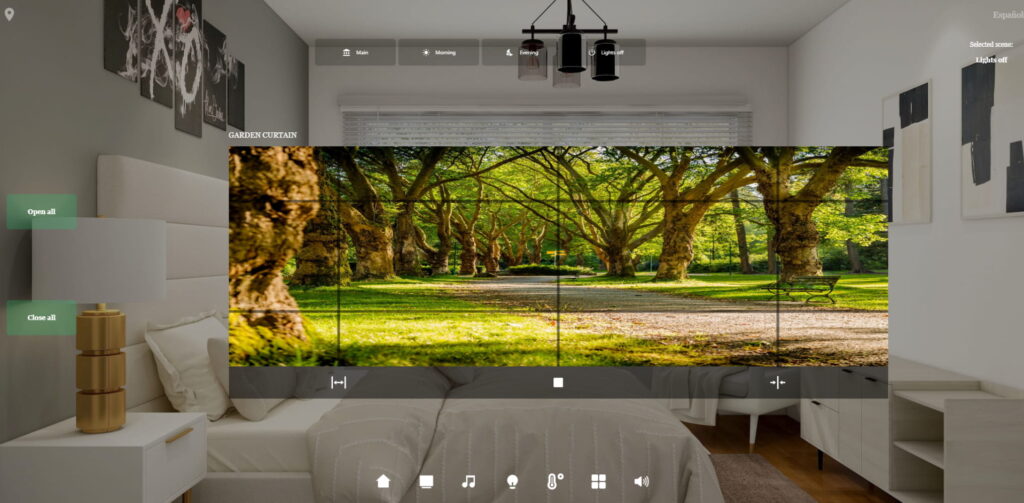
    • Automated Window Shades – raise and lower shades manually or program to align with daylight cycles
    • Time and Weather Monitors – view weather updates and monitor time

    What sets this demo apart is how every feature can smoothly transition between languages and be adapted to meet localization needs.

    Global by Design, Local in Experience

    The main advantage of AVstudio Editor, showcased in this demo, is its ability to create interfaces that seamlessly adapt to users worldwide. This isn’t a fixed showcase, but a framework built to adjust to customer needs and personalization.

    The benefits are clear. AVstudio Editor makes it simple to configure interfaces between different languages, time zones, and other geographical characteristics, eliminating the need for complicated coding for such a massive overhaul. Developers can use this flexibility to deliver interfaces that adapt effortlessly to every region. The AVstudio Editor also supports seamless integration with third-party smart home products such as Alexa or Google Home, while still giving full autonomy over the interface’s branding, design, and capabilities.

    The AVstudio Editor ensures that a smart home management system is not only future-proof but also globally accessible. Developers can quickly adapt to the needs of customers from diverse backgrounds, cultures, and regions. Features can be easily extended across pre-existing builds, while still maintaining a polished and consistent experience.

    A Smarter Way to Build Interfaces

    The GUI Sample Multi-Language demo was built entirely through AVstudio Editor’s standard, built-in tools. No extra coding or plug-ins were required. This provides developers with an efficiency they can’t find with any other platform, and users with the functional design they’re seeking.

    All the features showcased are responsive across various device layouts, including phones and tablets (in portrait or landscape orientation), and possess the ability to switch instantly between different languages.

    But the value goes beyond this demo. The GUI Sample Multi-Language template proves what’s possible when interface development tools are flexible, efficient, and built for easy future adjustments.

    Start creating with the AVstudio Editor today!

    GUI Sample Multi-Language Showcase

  • Luxe Control Suite

    Luxe Control Suite

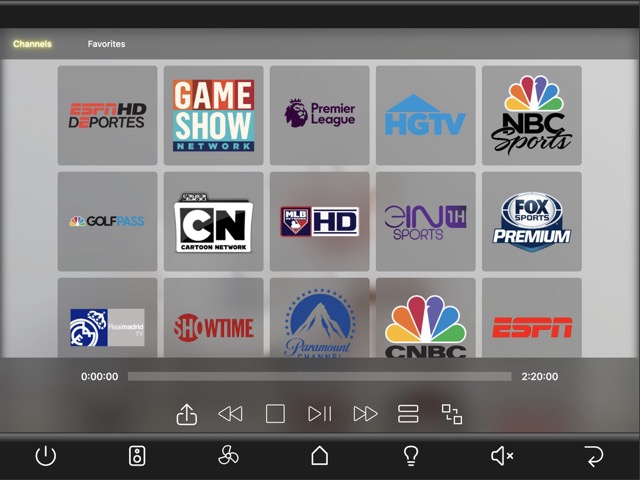
    Introducing the HTML5 Luxe Control Suite DEMO Projects, a standout template for AVstudio that combines elegance functionality.

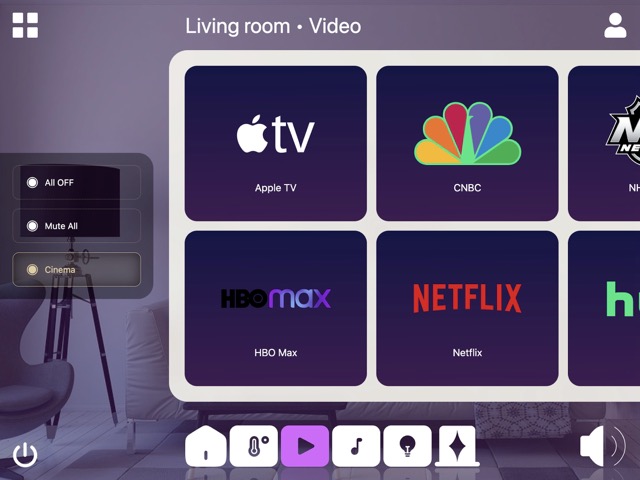
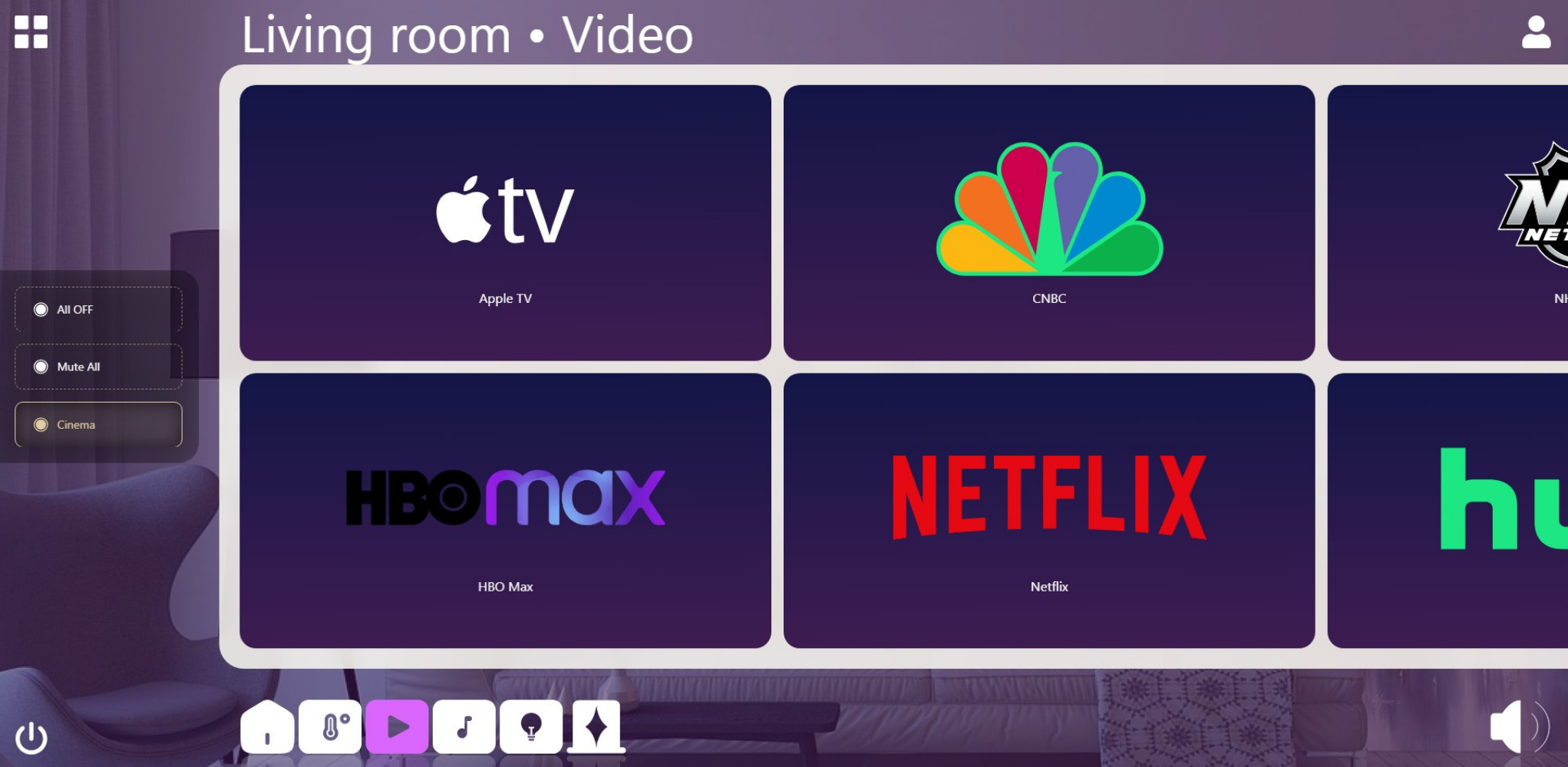
    Experience seamless playback, adjustable lighting, and customizable shades, all designed for effortless use. Transition smoothly between rooms while exploring dynamic lists that allow you to swipe through various video/audio sources, lighting options, presets, climate controls, and shades.

    This demo highlights how small design modifications can create significant enhancements, ensuring an unforgettable user experience.

    Start creating with the AVstudio Editor today!

    GUI Luxe Control Suite

  • Bright Conference Space

    Bright Conference Space

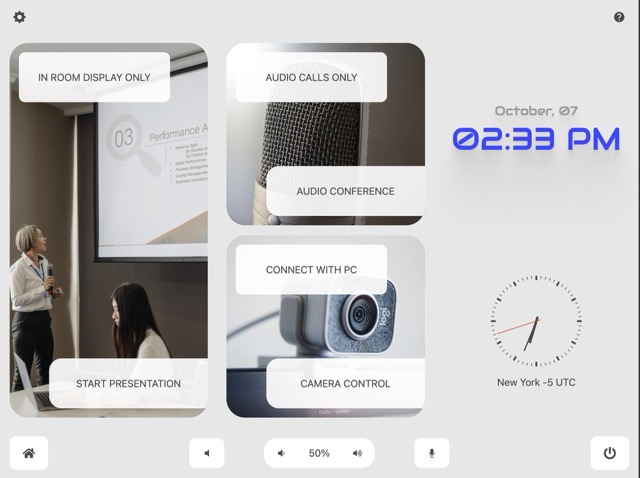
    Bright Conference Space, a cutting-edge HTML5 demo project designed for modern meeting and huddle rooms.

    This template, available in AVstudio, offers a sleek and contemporary design that enhances any collaborative environment.

    With features that allow you to select activities such as presentations, video conferences, or audio conferences, you can easily control cameras, presets, and sources to create the perfect meeting experience. Elevate your collaboration with Bright Conference Space, where innovation meets functionality.

    Start creating with the AVstudio Editor today!

    GUI Bright Conference Space

  • Chesterfield Residence

    Chesterfield Residence

    This Demo Project is a simple yet dynamic showcase of modern design. Its responsive interface adapts to various touch panel sizes, ensuring a smooth user experience across all devices.

    Enjoy effortless navigation and an engaging layout that highlights the project’s unique features. Experience the perfect blend of simplicity and functionality.

    Start creating with the AVstudio Editor today!

    GUI Chesterfield Residence

  • Home Cinema

    Home Cinema

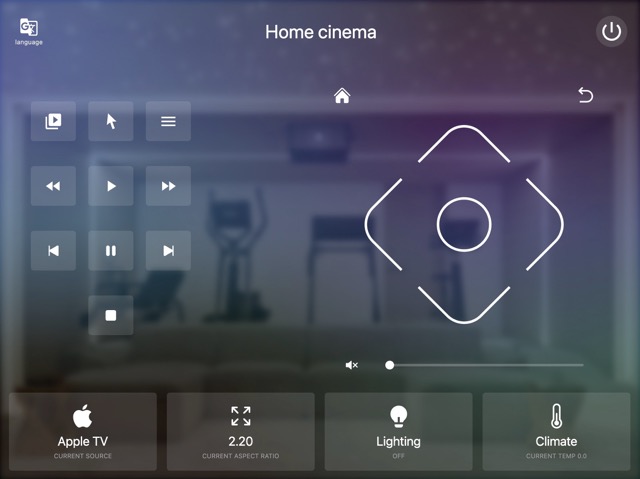
    Introducing a simple yet powerful HTML5 interface designed specifically for cinema environments.

    This intuitive UI allows users to effortlessly select sources, control lighting, and manage climate settings all in one place. With its user-friendly design, you can enhance the cinematic experience while ensuring optimal comfort and functionality. Experience seamless control and elevate your cinema operations with this innovative solution.

    Start creating with the AVstudio Editor today!

    GUI Home Cinema

  • 🔧 Visual WYSIWYG Editor

    🔧 Visual WYSIWYG Editor


    AVstudio offers an intuitive, drag-and-drop editor built for AV professionals who want speed and flexibility – without the need to write code.

    You can build beautiful, responsive HTML5 interfaces with ease: add elements, rearrange layouts, apply styles, and define actions visually. AVstudio takes care of the code behind the scenes so you can focus on design and user experience.

  • Dynamic Pages & Responsive Layouts

    Dynamic Pages & Responsive Layouts

    AVstudio goes beyond static design. Create dynamic pages that automatically adapt to different screen sizes and devices – from iPads to touch panels and mobile phones – using modern layout tools like CSS Grid and Flexbox.