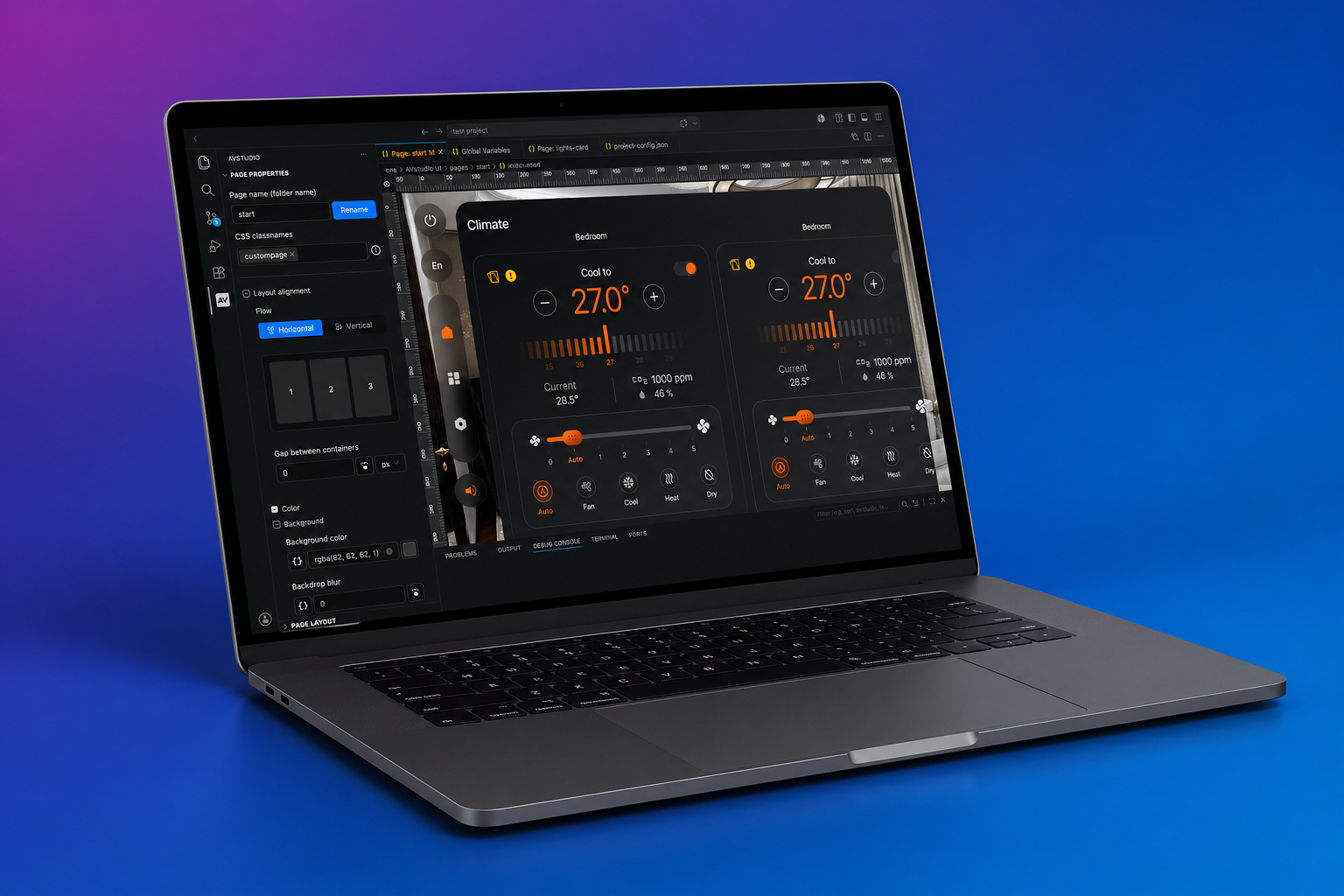
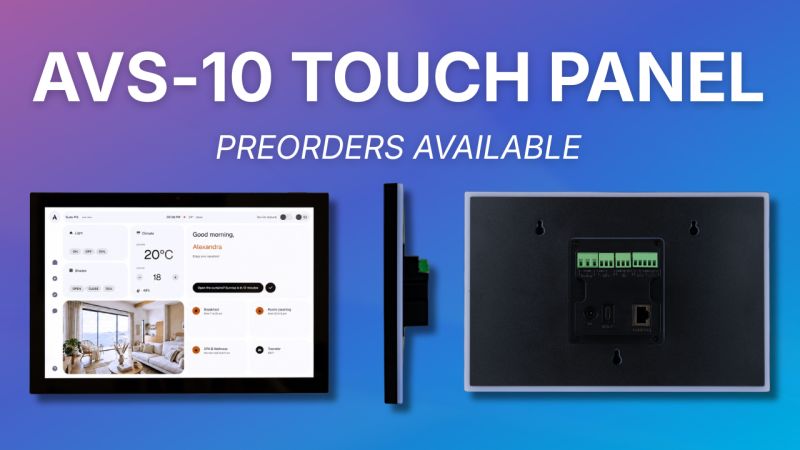
App Container continues to evolve, with new features and functionality improvements arriving in the newest update. With the latest release, users can expect smoother performance, greater control over display behavior, and expanded capabilities for professional environments.
New Features and Improvements
Advanced Display Controls
Users can now configure the top and bottom safe areas independently in the App Settings. This enables more precise control over how content is positioned on the screen.
New Top Bar Display Modes
New display modes have been introduced for the top bar. Users can now choose to:
Hide the top bar completely
Display it within the safe area
Extend content behind a translucent top bar
These options provide greater flexibility and visibility when viewing projects.
Screen Orientation Lock
Users can now lock their device orientation to Portrait or Landscape, or leave it on Auto. This is especially useful for fixed installations such as wall-mounted control panels, where a consistent orientation is required.
Kiosk Mode
Kiosk Mode allows users to lock a device to App Container for dedicated use cases.
This includes several automation features designed to support reliable, long-term installations, including automatic app launch on device boot, automatic return to full screen after a restart, and automatic screen wake when the device is in standby.
These capabilities make it simple to configure and deploy App Container in environments such as showrooms, control systems, and client demos. To enable auto-restart functionality, users must grant the “Display over other apps” permission when prompted after enabling Kiosk Mode in Settings.
RTSPS Support
Secure RTSP streaming over TLS is now supported, enabling reliable playback from sources such as UniFi Protect cameras and other secure video streams.
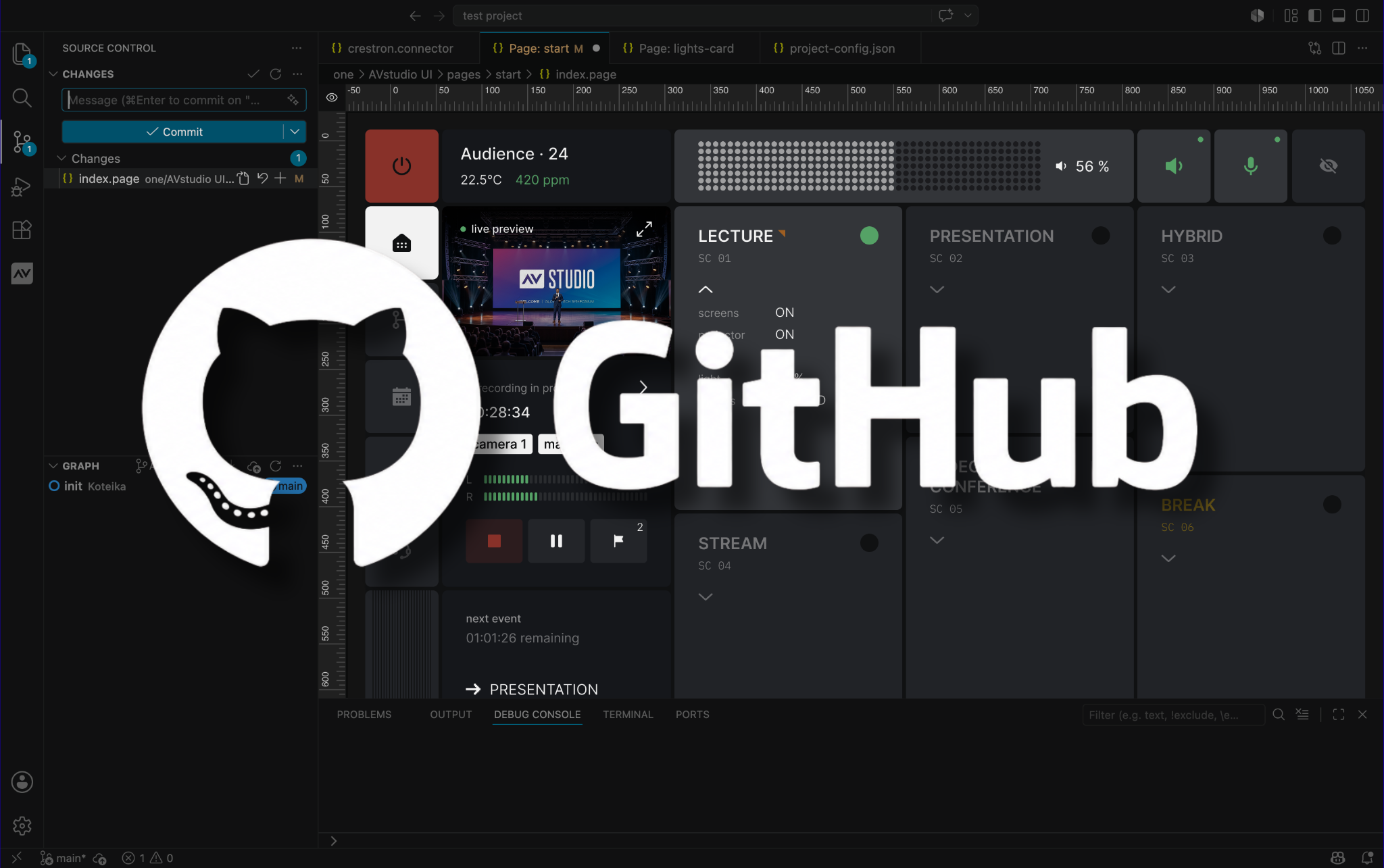
To help users get started, documentation is available in the public App Container GitHub repository. This includes guidance for using secure streams directly within App Container, as well as alongside AVstudio Studio.
You can explore the available resources here: [Click Link]
Get Started with App Container
Ready to take advantage of these new features? Download the latest version of App Container.
We’re excited to introduce a new, more accessible pricing model for AVstudio Editor.
To access the full platform, all new users now begin with afree 2-week trial of the Professional Plan. From day one, you’ll have unrestricted access to build, upload, test, and deploy real projects, giving you the opportunity to fully explore the platform before making a long-term commitment.
After your trial ends, your subscription continues at $59/month with the Professional Plan. If the platform is not the right fit for your needs, you can cancel anytime.
Full Access, More Features, and Unlimited Builds
Your free trial includes full access to the entire platform, including unlimited projects, builds, testing, debugging, and deployments. This means there are no per-build costs, hidden fees, or locked features.
The Professional Plan also includes access to advanced features such as the Autonomic Media Player Widget and Compact Shades Control, along with built-in connectors for AMX and other control systems, simplifying integration.
With the Professional Plan, users can build and deploy CH5z files ready to upload directly to touch panels or control systems, giving you everything you need to deliver professional interfaces under one single subscription.
Why Try AVstudio Editor?
AVstudio Editor provides developers with a modern environment for creating professional HTML5 control interfaces while simplifying many aspects of development.
You are free to build without being tied to a single hardware ecosystem, certification program, or manufacturer. That means your projects stay under your control, giving you the flexibility to work across different systems, support a wider range of clients, and adapt as technology evolves.
Here are a few reasons developers are making the switch:
True WYSIWYG – Build in Real Time: Design and test simultaneously with Live Preview. Make changes instantly without compile-and-deploy cycles. Stay connected to a real control processor to send commands and receive live feedback.
Work Across Multiple Systems: Build across multiple control systems and protocols without being locked into a single ecosystem.
Handle Logic Inside the UI: Manage variables, events, and advanced interactions directly inside the interface.
Build Independently: No control system required. Run interfaces independently and connect directly through WebSocket, MQTT, HTTP, REST API, and more.
Scale Faster with Reuse: Reuse UI components, layouts, and logic across projects to speed up development and maintain consistency.
For professionals seeking greater flexibility and fewer constraints, AVstudio Editor offers a modern approach to traditional, industry-standard UI development.
Get Started Faster with Free Onboarding Sessions
We highly encourage all new users to schedule a free onboarding session at the start of their trial.
During this session, our team will walk you through the platform, answer questions, share best practices, and help you get up and running faster so you can make the most of your trial.
And if you need support beyond onboarding, we offer multiple ways to receive additional help.
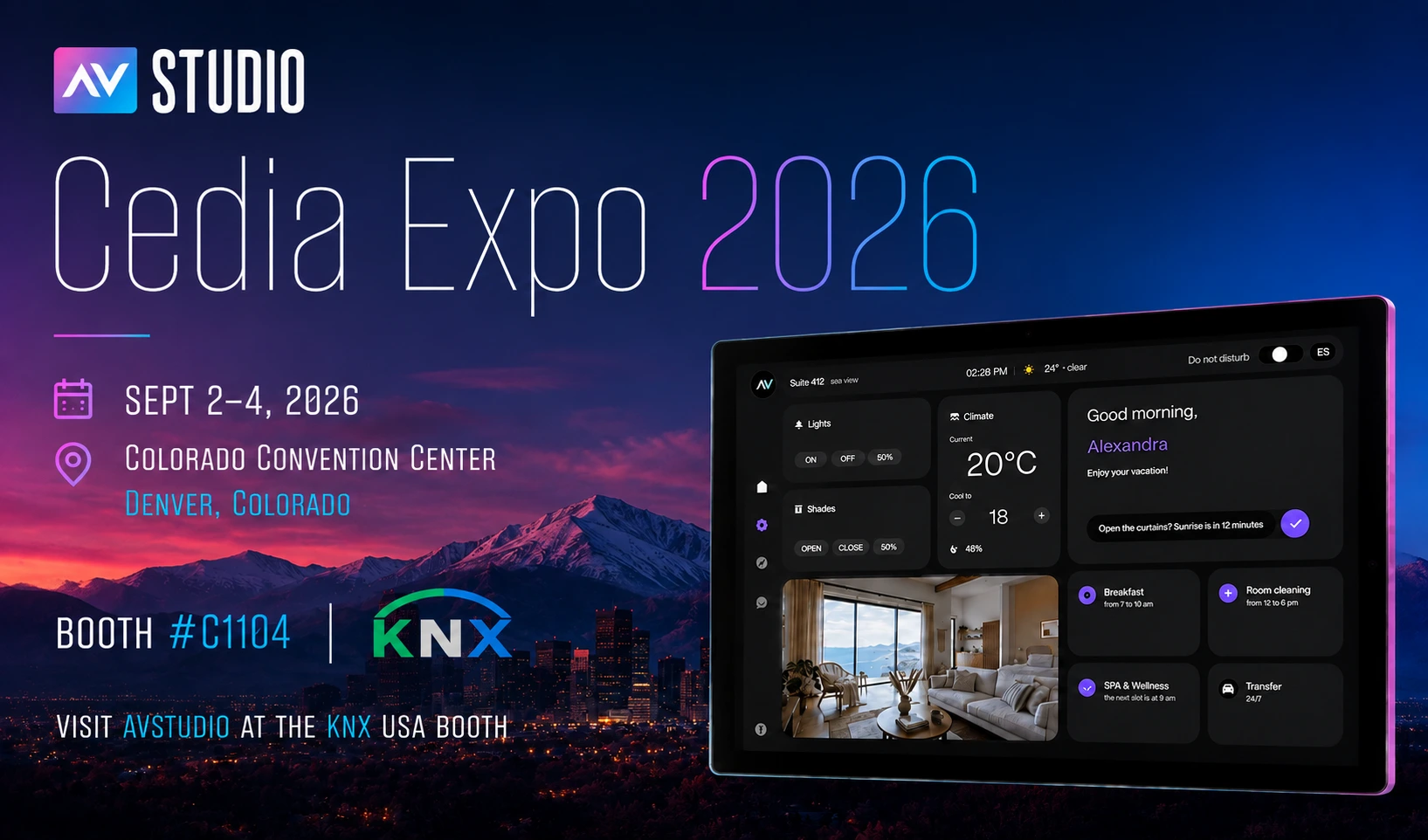
AVstudio is heading to InfoComm 2026, taking place June 17–19 at the Las Vegas Convention Center.
Visit us at Booth C5715 to meet the team behind AVstudio Editor and explore the latest improvements, new features, and upcoming products.
AVstudio Editor is a modern HTML5 visual UI builder designed to solve common frustrations that have slowed down interface development for years. Traditional UI builders can be repetitive, restrictive, and time-consuming. AVstudio was built to simplify that process by making it faster and easier to design, test, and deploy modern control interfaces.
At our booth, we’ll be showcasing how AVstudio helps developers save time, reduce repetitive work, and build more flexible interfaces with:
Real-Time Development Build and test simultaneously with Live Preview. Make changes instantly without compile-and-deploy cycles.
Multi-System Compatibility Connect and build across multiple control systems and protocols without being locked into a single ecosystem.
Built-in UI Logic Handle variables, events, and advanced interactions directly within the interface rather than pushing logic into external systems.
Control System Independence Build and run interfaces independently with direct device communication through WebSocket, MQTT, HTTP, and more.
Scalability and Reuse Reuse components, layouts, and logic across projects to speed up development and maintain consistency.
We’ll also be sharing our latest updates, including our new simplified pricing model, free onboarding sessions to help users get started faster, and previews of upcoming features and products.
If you’re attending InfoComm 2026, be sure to add AVstudio to your planner and stop by Booth C5715. We’d love to connect and show you what AVstudio can do.
We are happy to introduce two new elements to AVstudio Editor: the Compact Shades Control widget and the State Control element.
Compact Shades Control
The Compact Shades Control widget is a more compact and efficient way to control shades in interfaces with limited space.
Despite its smaller form, this new widget maintains the core function of the original Shades Control element. It supports vertical, horizontal, and dual-shade control modes, allowing developers to choose the configuration that best fits their project. Shades Control can now be fit into tighter spaces on the UI, allowing even more customization in design layout and flow.
State Control
The State Control element consolidates multiple true/false state controls into a single configurable component. Users can easily change its display to a checkbox, switch, or toggle, depending on preference.
The element is also highly customizable, allowing developers to adjust its styling, colors, borders, and other visual properties to match their interface’s design.
Together, these new elements expand the range of tools available in AVstudio Editor, helping developers create more efficient and unique interfaces.
Registration has officially opened for InfoComm 2026 in Las Vegas, and AVstudio invites you to experience our most ambitious showcase yet.
From June 13-19, AVstudio will be located in Central Hall at Booth C5715. Feel free to stop by and talk with the team behind AVstudio Editor. We’ll be highlighting the latest updates, showcasing new templates, and connecting with other AV professionals from around the world.
Over the past year, our team has focused heavily on listening to developers and the challenges they face. These insights have led to major functionality improvements, quality-of-life refinements, and the introduction of highly requested features.
See how these updates translate into real-world applications and help alleviate the pains of typical UI development. Our team will be there to answer questions and show exactly what AVstudio Editor can do.
With registration now open, it’s a great time to secure your spot and begin planning your visit. If you’re attending, be sure to add us to your schedule. We look forward to showing you what we have to offer and receiving your feedback.
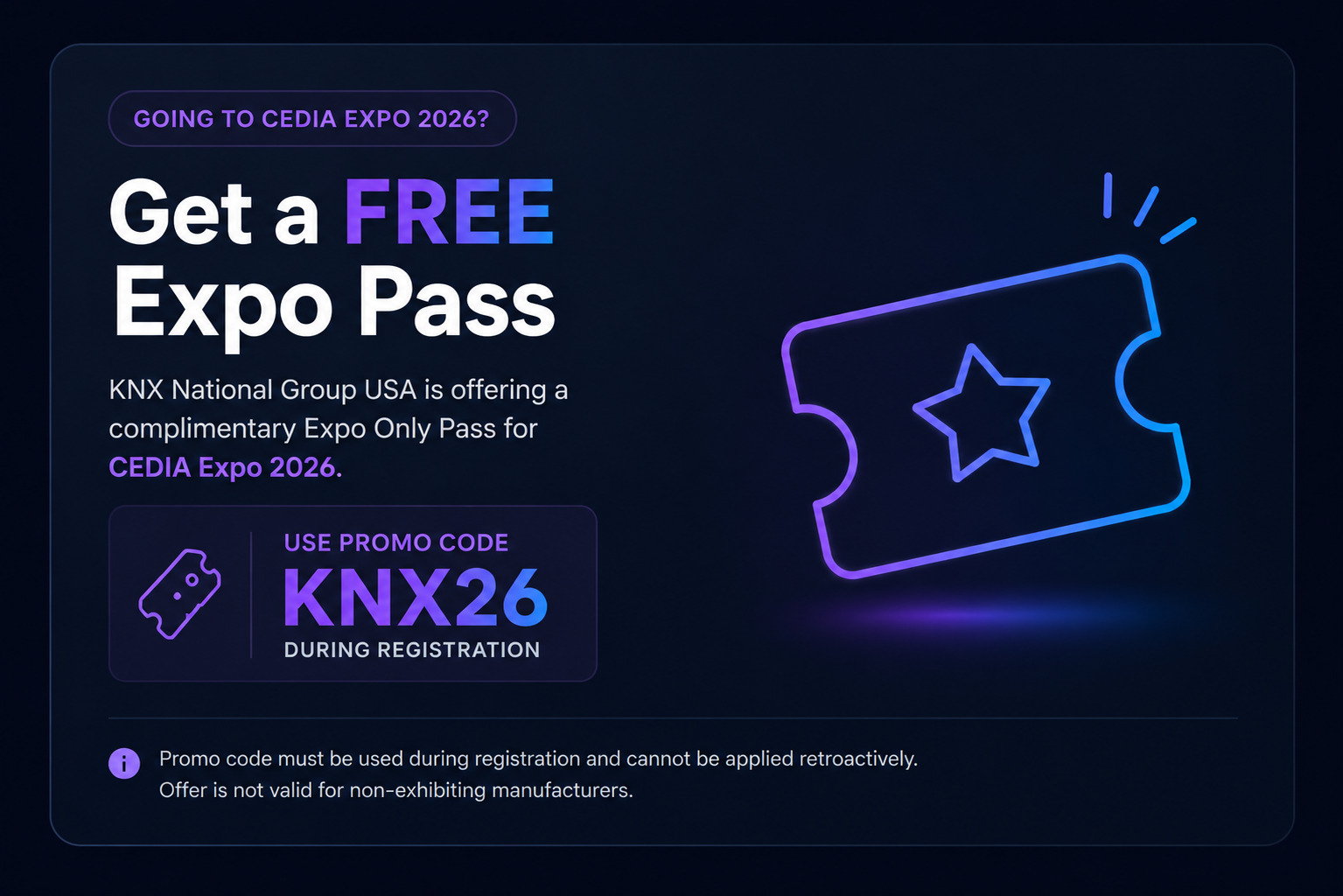
We’re offering a FREE exhibit hall pass for those wanting to attend. Upon registration, use promo code: OPEN
The AV and IoT UI industry has been evolving exponentially over the years. As new technologies are developed and refined, integrators and developers need tools that keep pace with changing expectations and increasingly complex system requirements. In the past, AV control interfaces were typically located in one place. Users may have a single touchscreen on a wall to interact with the system. Today, that scenario is becoming less common. More and more, we see cases where an AV system needs to be controlled from a wall-mounted panel, a tablet, a phone, or even a laptop’s browser. Each of these device types is obviously different in size and resolution, yet users expect the experience to feel the same, regardless of how they access it.
This shift in how AV systems are accessed has introduced new challenges for developers. Instead of creating a single design for a fixed device type, they are now expected to create multiple versions of the same HMI so that each component on the screen fits the specific resolution of the device being used.
The issue is that screen sizes change everything. One layout that feels perfectly intuitive for users, visually appealing, and functionally sound on a large touch panel may be completely unusable on something like a smartphone. When interfaces are scaled down or stretched to fit different resolutions, usability often suffers. This quickly degrades the end-user’s experience.
With many of the tools and platforms commonly used today to build user interfaces, the solution has been to create separate interfaces for each device. One might be for a wall panel, another for a phone, and another for a tablet. While this approach can work, it places additional strain on developers and increases development costs. It’s difficult to maintain this solution over time. Even small updates must be repeated across several layouts, increasing the chance that interfaces become out of sync. What starts as a reasonable workaround often turns into a long-term maintenance problem, and users feel the impact through inconsistent experiences.
The core challenge is not simply the number of screens involved, but how interfaces are designed in the first place. Many AV layouts are built as fixed designs, and adapting them to new screen resolutions almost always means starting over from scratch. A more sustainable approach is to design interfaces that can adapt to different screen sizes without requiring complete redesigns. This allows developers to focus on functionality and usability rather than constantly rebuilding layouts.
With AVstudio Editor, this is just one of many common challenges that we were intent on addressing. Our solution is to allow layouts to adapt to available space while keeping the core elements consistent.
From the very beginning, AVstudio Editor was designed with the assumption that any interface built on the platform will need to exist on more than one screen. This is where Adaptive and Responsive page design comes in. These options allow layouts to adapt naturally to screen sizes, but they do so in different ways.
Adaptive pages use an absolute positioning model, where elements are placed using exact coordinates. This gives you very precise control over placement, while still allowing elements to behave predictably across varying screen sizes.
Responsive pages, on the other hand, use layout rules to dynamically scale and reposition elements based on screen size. Instead of manually defining coordinates, you create a single layout and let the system handle how elements are distributed as the resolution changes. This approach significantly reduces layout effort and is often ideal for supporting multiple devices with one design.
Live preview is another key feature in AVstudio Editor that helps solve this problem. It allows developers to immediately see how an interface looks and behaves across different screen sizes during the design process, without any extra hassle. This makes it easier to make informed decisions early and helps reduce surprises later, such as when an interface is deployed on a device that was not originally considered.
These solutions are not only effective for deploying a UI across multiple devices, but are also incredibly helpful when a project needs to scale beyond its original scope. Adding new elements or pages is straightforward and doesn’t require an overhaul of the original design. Instead, you can simply build on what already exists, making AVstudio Editor ideal for scalability.
Designing HTML5 user interfaces for multiple screen sizes is no longer an exception in the industry. It’s a norm. As user expectations continue to evolve, developers and integrators need tools that offer the necessary flexibility. Traditional UI editors are increasingly struggling to keep up with these demands. AVstudio Editor was built by developers, for developers, to address these challenges directly. By reducing the need for repetitive page duplication and layout maintenance, teams can spend more time creating interfaces that are consistent, flexible, and ready to evolve alongside the industry.
AVstudio Editor is built to support secure and safe system interaction. This ensures a high level of consistency and reliability across all devices. If you’re looking to speed up the design process for HTML5 user interfaces that need to work across multiple screen sizes, AVstudio Editor is worth your time. Try it for free today!
ISE Expo 2026 is almost here, and we’ve partnered with NETIO to deliver something special.
At the event, the NETIO team will use an AVstudio template to demonstrate their products on the show floor. This collaboration showcases how efficient user interface design and reliable power control come together in a real-world environment, elevating the way power distribution devices are controlled and managed.
This showcase highlights several core capabilities, including:
Use any Android or iOS device as a full-featured NETIO control interface
Install cost-effective Android touch panels in racks, IDFs, or IT rooms with no proprietary hardware required
Create one-button custom operating scenarios to trigger power sequences, restarts, and service workflows
Instantly turn NETIO PDU outputs on, off, or restart them for reliable device control
Build fully custom AVstudio interfaces that match your workflow, branding, and project needs
If you’re attending ISE Expo 2026, keep an eye out for the NETIO team and see how AVstudio complements their hardware and brings their solutions to life.
AVstudio is excited to host our next Live Workshop on December 16th at 11:00 AM EST.
What To Expect
Our team will walk through helpful tips and tricks, best practices for building layouts efficiently, and a variety of simple interface examples to help you get started.
Along with these topics, you will have plenty of opportunities to ask questions and get answers from our team. We want this session to reflect what you need most, so your questions will guide much of the conversation. We’re open to anything. If you need help navigating the platform’s features, want to share ideas for improvements, or need advice on structuring a layout, we are ready to dive in and help you move forward with AVstudio Editor.
Upon registering, we encourage you to submit any questions or feedback you may have. This allows us to prepare targeted demonstrations that show precisely how to achieve the results you are looking for. If you do not have questions yet, that is completely fine. Our prepared topics will give you plenty of useful ideas and techniques you can apply right away.
Register Today
Join us for a session designed to help you build faster, design smarter, and get more out of AVstudio Editor.
The demand for modern, responsive and intuitive user interfaces has never been greater. For AV integrators and developers, delivering these experiences often involves navigating through a complex web of programming languages, proprietary ecosystems and time-consuming workflows. This challenge led to the creation of AVstudio Inc., a spinoff of integration firm AVgator Inc., as well as the development of its flagship product, AVstudio Editor.
During a recent conversation with Commercial Integrator, Vadim Chekirka, founder and CEO of AVstudio, provided context on why the company’s HTML5 visual editor emerged and described how it addresses longstanding industry demands.
The Launch of AVstudio Editor
The story of AVstudio Editor begins with a massive integration project completed by AVgator about five years ago. The job encompassed more than 100 rooms and 120 user interfaces, requiring extensive HTML5 coding in the process. This compelled AVgator to bring in web developers to support the AV programming team. The project was a success, but it came at a high cost, consuming about a thousand hours of labor. This led to a crucial realization: A better, more efficient tool was needed to handle the scale of the projects they were taking on, without expecting AV programmers to become web developers in the process.
That experience revealed a gap in the market for an efficient visual editor capable of producing high-quality HTML5 interfaces. AVstudio Editor emerged as the solution, created to streamline UI development for both AV and IoT environments. It’s a tool built by integrators for integrators.
Redefining Flexibility in Systems Integration
AVstudio Editor integrates seamlessly with numerous systems and programming tools. Rather than locking developers into a single ecosystem, the platform is designed to be control-system agnostic. AVstudio Editor supports a wide range of systems, including, but not limited to, AMX, Crestron, Q-SYS and Node-RED for IoT applications. This gives integrators the freedom to choose the hardware that best fits each project.
This approach enables teams to design a single interface and connect it to any control system they prefer, without requiring a redesign. As Chekirka states, “You develop one user interface…one design…and you just select what control system you prefer to have.” End users benefit most from this consistency, allowing a team’s focus to elevate from the underlying technology to the user experience, which is what truly matters.
AVstudio Editor further achieves this through open standards, using web sockets and the MQTT protocol. Ensuring seamless communication across a multitude of devices and platforms, AVstudio Editor is an ideal tool not just for traditional AV but also for the expanding world of industrial IoT.
Reducing Development Time and Costs
In the world of commercial integration, time is money; that’s why speed and efficiency were key focal points for AVstudio when developing their platform. The WYSIWYG [What You See is What You Get] interface and drag-and-drop functionality eliminate the need for tedious line-by-line coding of standard UI elements, significantly reducing development time. According to Chekirka, users can reduce interface-development time by up to 80% as compared to traditional HTML5 development.
This efficiency becomes particularly critical when dealing with last-minute client requests. Instead of rewriting sections of code, developers can adjust components visually, apply rules and see the updates immediately. This is nearly impossible to achieve when working with raw HTML5 code in traditional development environments.
The AVstudio Editor’s live preview feature further accelerates the workflow. Changes are visible in real time, even connecting directly to the control system during the design phase. “[If] you drag the button on the editor, you will see [it] in preview right [away],” Chekirka explains. “You don’t need to recompile [or] load to the touchpanel to see how it looks like.” This immediate feedback loop ensures a polished final product and avoids the frustrating cycle of compiling, deploying and testing. This is considered one of the platform’s most impressive and unique features, providing something that no other vendor on the market can quite match.
An Advanced User Experience
AVstudio Editor empowers integrators and their teams to produce sleek, fast, highly functional interfaces without requiring expert developers. These are the building blocks for premium user experiences and projects that look and feel custom-made. And this is a crucial differentiator for high-end clients who demand unique solutions. Although AVstudio Editor simplifies the design process, it does not limit the power available to advanced programmers. Developers can still inject custom JavaScript, use their own CSS [Cascading Style Sheets] and integrate with remote data sources. “We give advanced programmers the ability to do their own elements, code or scripts,” Chekirka notes.
Moreover, AVstudio is developing an intuitive theme editor that simplifies visual design and that is unlike anything currently on the market. Instead of managing dozens of color variables, users can create a consistent theme in just a few clicks. This feature aims to make professional styling far faster and easier for every skill level.
This balance of simplicity and power makes AVstudio Editor accessible to a wide range of skill levels, suiting everyone from AV technicians to seasoned web developers. The end result is a faster, higher-quality design cycle and clients that are more satisfied.
Introducing App Container: The Offline Deployment Solution
AVstudio is also expanding its ecosystem with App Container, a new mobile application for iOS, Android, Windows and macOS, currently in beta testing. App Container allows developers and end users to run projects in a self-contained, offline environment. This eliminates the need for online-controller hosting, providing a secure and reliable way to deploy and view interfaces on mobile devices.
App Container will include features such as push notifications and the ability to switch between projects, adding another layer of convenience for users. Those interested can download the beta version immediately.
The Future of UI Design and AVstudio Editor
With nearly 900 developers already using the platform, AVstudio Editor has quickly established itself as a leading tool for AV industry professionals. Moreover, AVstudio is itself now a standalone entity, having branched off from AVgator with more than $1 million of capital investment. And with ongoing community feedback, weekly documentation updates and hands-on workshops, the brand’s value proposition is growing even more compelling.
To explore the future of UI development, visit the AVstudio website. You can register for a free account to begin experimenting with AVstudio Editor. You can also subscribe to the newsletter to stay informed about product updates, new features, upcoming workshops and the official launch of App Container.
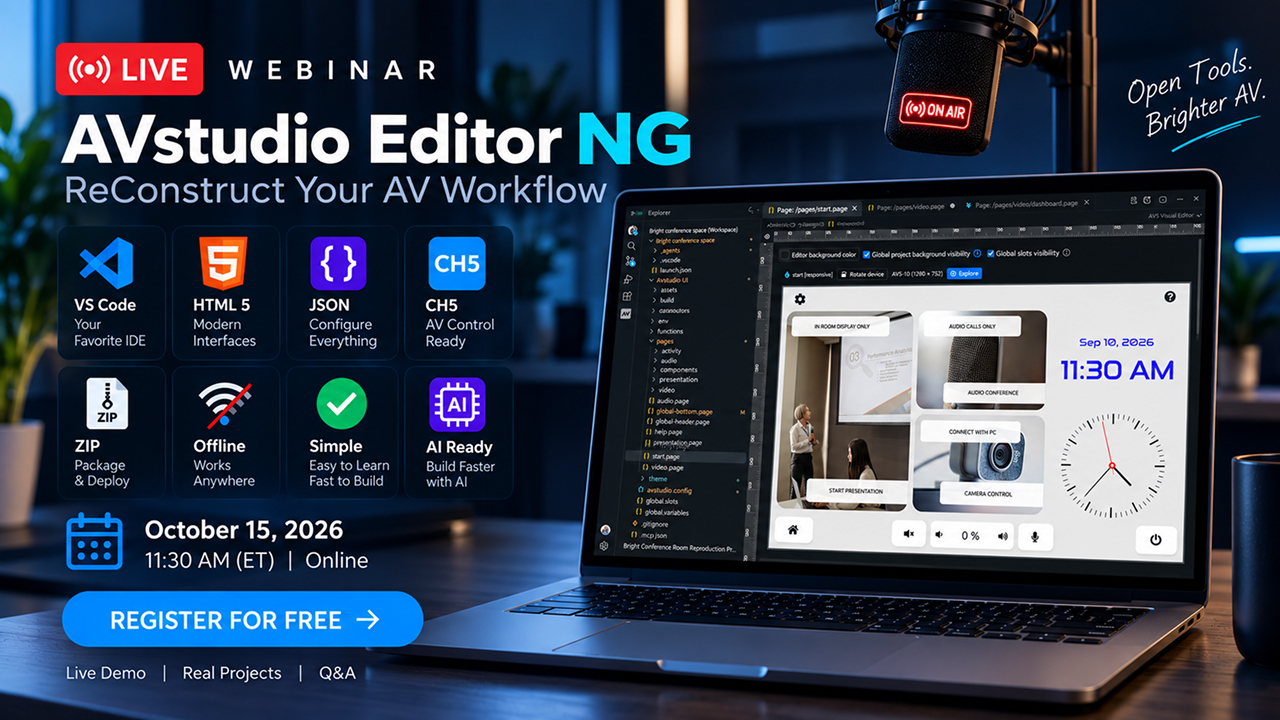
AVstudio is excited to announce our upcoming live webinar on November 25th at 11:00 AM (EST). This session is designed to give our users a deeper look into what AVstudio Editor can do, while also providing direct access to our team for a live Q&A.
What To Expect
During the webinar, our team will walk through the powerful tools built into AVstudio Editor and demonstrate how they can be used to create fast, flexible, and fully responsive interfaces. You’ll have the opportunity to speak with our developers directly, ask questions, gain clarity on features you’re using, share feedback, and explore ideas for your current or upcoming projects.
This is also a great chance to learn about recent improvements, upcoming updates, and best practices for getting the most out of the platform.
Throughout the session, you’ll gain insights into:
Building dynamic, responsive interfaces using AVstudio Editor
Using Data Sources, Variables, and Connectors in real-world scenarios
Integrations with MQTT, Node-RED, Home Assistant, and other tools
Best practices for ensuring smooth performance across devices
Tips to streamline your design and development workflow
Why You Should Join
As AV and IoT environments continue to evolve, developers need tools that keep pace with modern workflows. AVstudio Editor is built to support this growth, offering a fast, HTML5-driven environment that adapts to projects of any scale.
This webinar will show you why AVstudio Editor is the best platform on the market. If you’re new to AVstudio Editor, this is a great opportunity to learn the basics, ask questions to our team, and provide feedback on how we can better improve our product to fit your needs.
Save Your Spot
Register today to save your spot. You don’t want to miss it. Once registered, we encourage you to let us know which topics you’d most like to discuss so we can tailor the session to your needs.